


Olin > Blog > How to find your mobile IMEI
How to find your mobile IMEI
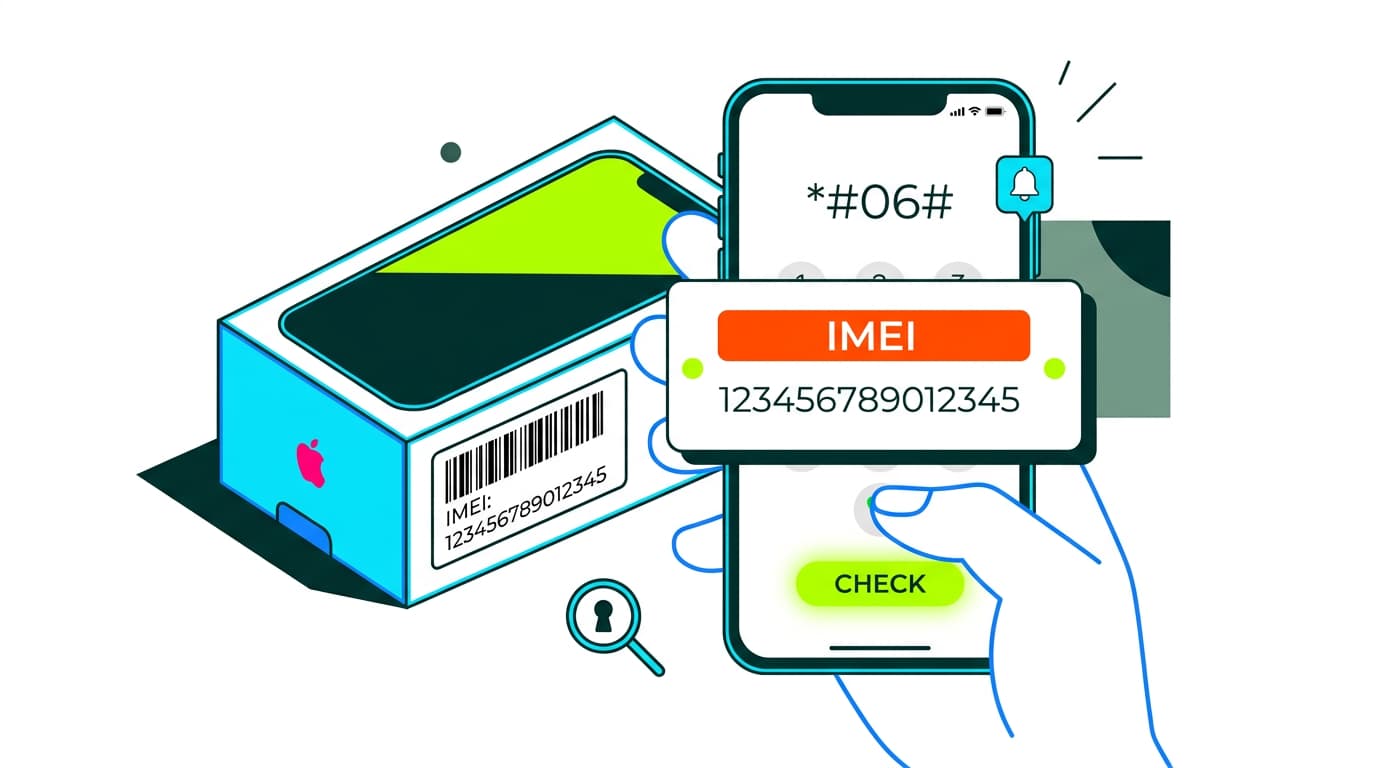
Need to find your mobile IMEI? Discover all the ways to locate this unique device identifier and why it matters. Take note.
Have you ever wondered how to find your mobile IMEI? This unique number is like your device’s DNA, and knowing it can be useful in many situations—from blocking a stolen phone to checking its authenticity. In this guide, we’ll explain everything you need to know about the IMEI, what it’s for and, most importantly, how to find it.
What is a mobile IMEI?
The IMEI (International Mobile Equipment Identity) is a unique 15-digit code that identifies every mobile device worldwide. Think of it as your phone’s number plate. It’s assigned by the manufacturer and cannot be changed, which makes it essential for tracking or blocking a device if it’s lost or stolen.
The IMEI isn’t just useful for users—it also helps mobile operators. With this number, they can check whether a device is blocked or reported stolen. It’s also key when activating services such as 5G or ensuring your phone is compatible with the latest network technologies.
What is the IMEI number used for?
The IMEI has several important functions. First, it allows you to block a phone if it’s stolen. By reporting the IMEI to your provider, the device becomes unusable on any network, which discourages theft. It’s also helpful when unlocking a phone if you decide to switch providers, such as during a mobile number port.
Another key use is checking a device’s authenticity before buying it. If the IMEI doesn’t match the manufacturer’s records, the phone could be counterfeit.
Finally, it plays a role in accessing advanced services such as IoT connections or setting up a smart home.
How to find your mobile IMEI
Now that you know what it is and what it’s for, let’s get practical. Here are all the ways to find the IMEI on your mobile.
On the phone box
If you still have your phone’s box, finding the IMEI is straightforward. Look for a label on the outside or inside. You’ll see a barcode along with a 15-digit number—that’s your IMEI.
This option is especially useful if you can’t turn on your phone or if you’ve just bought it.
On the purchase receipt
You can also check your purchase receipt. Most retailers include the IMEI in the documentation provided when you buy the device. If you tend to keep your paperwork, this can be very handy.
Check the IMEI on the device
If you have access to your phone, there are several ways to find the IMEI directly from the device.
In Android settings
- Open the Settings app
- Scroll down and tap About phone
- Look for Status or Device information
- You’ll see the IMEI number there
In iPhone settings
- Go to Settings
- Tap General
- Select About
- Scroll down to find the IMEI
Using “Find My Device” on Android
If you’re using Android, you can also check the IMEI via Find My Device. Simply sign in with your Google account, select your phone, and the IMEI will appear in the device information.
Via iCloud on iPhone
For iPhone users, iCloud is another option. Sign in to iCloud.com with your Apple ID, select Find iPhone, and click on All devices. Choose your iPhone to see the IMEI.
Dialling *#06#
This is the quickest and most universal method. Open the Phone app and dial *#06#. Your IMEI will instantly appear on screen. It works on most devices, both Android and iPhone.
Why is it important to know your IMEI?
Beyond the reasons already mentioned, knowing your IMEI helps ensure your device works properly with the latest technology. If you’re experiencing issues with mobile data, checking the IMEI can help identify the problem.
It’s also useful if you plan to share your mobile data with another device or manage connectivity more efficiently.
The IMEI is a unique number that identifies your mobile and has many practical uses. Whether you need to block a stolen device, check its authenticity or simply make sure everything is working as it should, having your IMEI to hand is essential.
If you’re thinking about switching providers or improving your connection, Olin offers high-speed broadband and mobile plans designed to fit your needs.




Very Satisfied
The service is excellent, and we always pay the same amount. We’ve been customers for three years. The staff at the store are very professional and serve us in three different languages!