


Olin > Blog > How can I watch Zapi on my TV?
How can I watch Zapi on my TV?
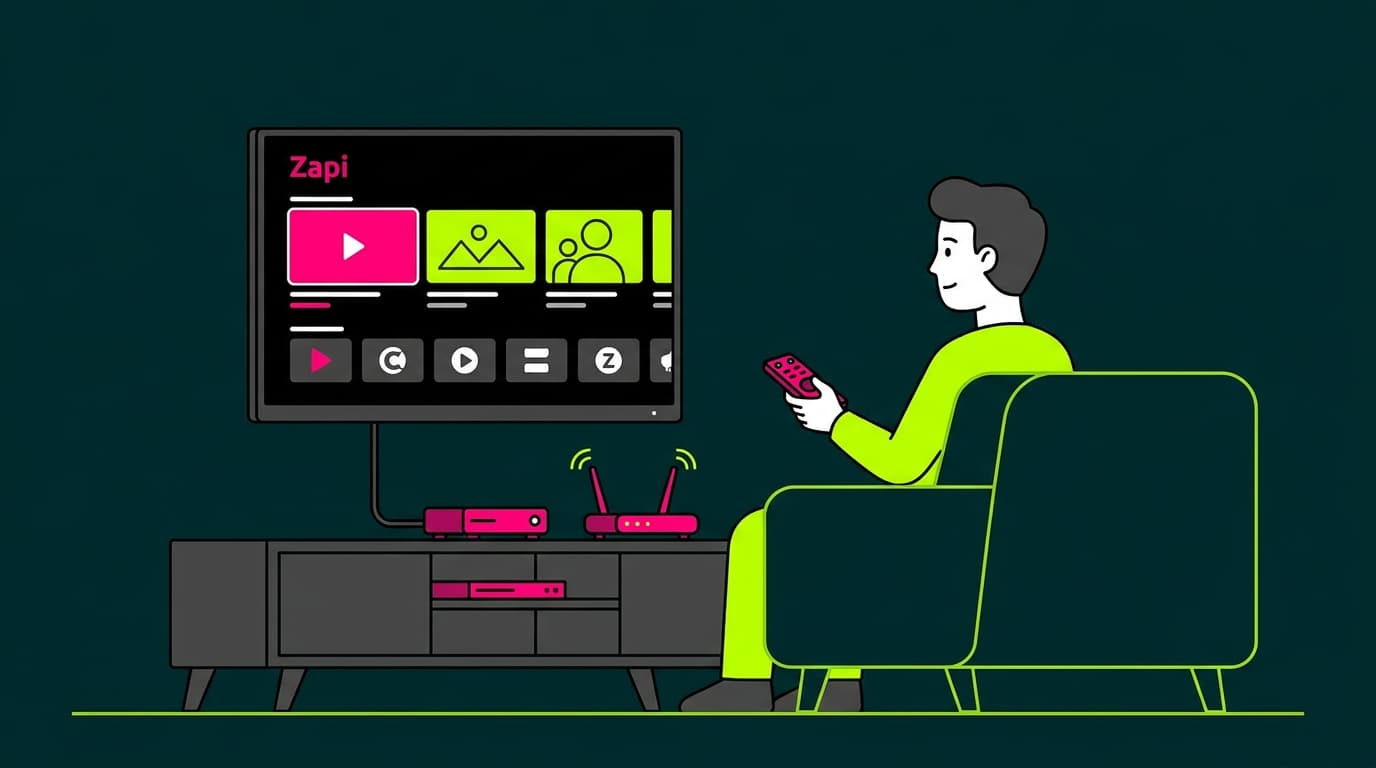
Discover how to watch Zapi on your TV and on other devices, and enjoy the best multimedia content on the platform.
Are you looking for a way to enjoy your favourite content on the big screen? Zapi TV is the solution you’ve been waiting for. In this article, we explain how to watch Zapi on your television or other devices, and share a few useful tips to help you get the most out of this streaming platform.
What is Zapi TV?
Zapi TV is an innovative streaming platform that gives you access to a wide variety of multimedia content, including movies, series, documentaries, and live TV channels. What makes Zapi unique is its focus on a personalised user experience and its integration with multiple devices.
Unlike other streaming platforms, Zapi TV adapts to your viewing preferences and suggests content based on your habits. Its intuitive interface also makes it easy to find exactly what you want to watch, whenever you want.
How can I watch Zapi on my television?
There are several ways to watch Zapi on your TV. Let’s go through the most common options.
Download the Zapi app on your TV
If you have a Smart TV, the process is very straightforward:
Open your TV’s app store (for example, Google Play Store for Android TV or the App Store for Apple TV).
Search for “Zapi TV”.
Select the app and tap Install or Download.
Once installed, open the app and follow the instructions to log in or create a new account.
Set up Zapi with Chromecast
If you use a Chromecast, you can cast Zapi from your smartphone or tablet to your TV:
Make sure your Chromecast and your mobile device are connected to the same Wi-Fi network.
Open the Zapi app on your mobile device.
Tap the Cast icon (usually in the top-right corner).
Select your Chromecast from the list.
Choose the content you want to watch—and that’s it. It will play on your TV.
I don’t have a Smart TV. How can I watch Zapi?
If your TV isn’t smart, no problem. You can still watch Zapi using external devices such as:
Streaming sticks (Amazon Fire TV Stick, Roku, etc.)
Game consoles (PlayStation, Xbox)
Media players (Apple TV, Nvidia Shield)
These devices connect to your TV via HDMI and allow you to install apps like Zapi TV.
How to set up the Zapi app
Once you’ve installed the Zapi app on your preferred device, follow these steps:
Open the Zapi TV app.
Select Create account if you’re a new user, or Log in if you already have an account.
If you’re creating an account, enter your details and choose a subscription plan.
Once inside, personalise your profile by selecting your favourite genres and preferred content types.
Browse the different categories and add content to your Favourites list for quick access later.
You can create multiple profiles under the same account, which is perfect for families or shared accounts.
Want to know more?
How to watch Zapi on other devices
Zapi isn’t limited to your TV. You can enjoy your favourite content on multiple devices:
Computer
Open your preferred web browser.
Go to the official Zapi TV website.
Log in with your account.
Done! You can start watching content directly from your browser.
Tablet
Download the Zapi app from the App Store (iOS) or Google Play Store (Android).
Install and open the app.
Log in with your account.
Enjoy Zapi on your tablet—perfect for watching while travelling or relaxing on the sofa.
Mobile phone
The process is very similar to tablets:
Download the Zapi app from your smartphone’s app store.
Install and open it.
Log in.
Start watching your favourite series and movies anywhere.
Helpful tip: If you watch content on the go, outside your home Wi-Fi network, make sure your mobile plan includes enough data so you don’t run out halfway through an episode—or halfway through the month.
OlinTV: the best way to watch Zapi TV
Now that you know how to watch Zapi on your TV, it’s time to discover OlinTV, the best platform to enjoy Zapi TV. OlinTV offers extra features that take your streaming experience to the next level:
Up to 2 simultaneous screens (expandable to 4 for just €1 more per month)
Access to recordings from the last 7 days, available for 30 days
Up to 5 activated devices
Over 100 entertainment channels
Option to download content and watch offline
Access from any device: computer, mobile, tablet, or Smart TV
Automatic video quality adjustment based on your connection speed
The new OlinTV Entertainment Pack
To make your experience even more complete, Olin, a Costa del Sol telecom provider specialised in high-performance broadband, has launched the new Pack Ocio.
For just €5 per month, you get access to:
LALIGA HYPERMOTION
Eurosport 1 and 2 for top sporting events
Selekt, with the latest movie and series releases
Discovery Channel to explore the world
Mezzo to relax with the best music
And much more…
Zapi TV is an excellent choice for entertainment lovers looking for flexibility and a wide range of content. Whether on your TV, computer, tablet, or mobile, Zapi offers a viewing experience that fits your lifestyle.
Want to make sure you have the best connection to watch Zapi without interruptions? Check out Olin’s broadband deals and enjoy optimal internet speeds for streaming your favourite series and movies.




Very Satisfied
The service is excellent, and we always pay the same amount. We’ve been customers for three years. The staff at the store are very professional and serve us in three different languages!