


Olin > Blog > WiFi 7 vs WiFi 6: key differences
WiFi 7 vs WiFi 6: key differences
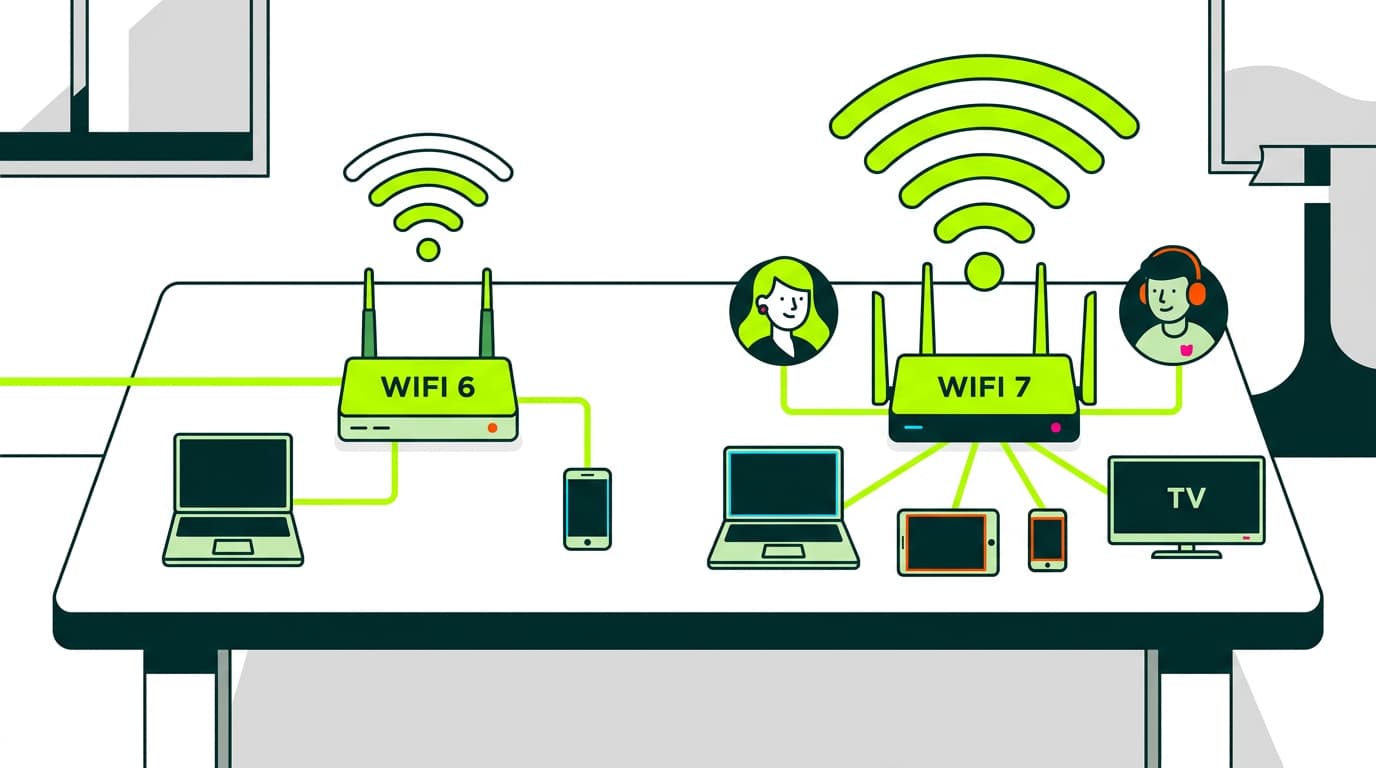
We compare WiFi 6 and WiFi 7: performance, speed, range, latency, energy use and price. See the real differences and which one suits you best.
The race to improve wireless networks hasn’t slowed down. In just a few years, we’ve moved from unstable connections to systems capable of handling real gigabytes per second. WiFi 6 began to roll out between 2019 and 2020, right when many households upgraded their routers to support more devices and remote working. WiFi 7 officially arrived in 2024, based on the IEEE 802.11be draft published by the IEEE, the body responsible for developing these standards.
Today, both technologies coexist. One is mature and proven; the other pushes performance to levels that were hard to imagine in home networks. To understand which one fits your home or business, it’s worth comparing their real differences.
Key differences between WiFi 7 and WiFi 6
The improvements in WiFi 7 go beyond “more speed”. Several core elements of the standard have changed. Understanding them makes it easier to decide whether upgrading your router is worthwhile or if WiFi 6 is still enough for everyday use.
Performance
Overall performance depends on how each standard manages the available spectrum. WiFi 6 uses channels of up to 160 MHz and 1024-QAM modulation, as defined in the IEEE 802.11ax specification.
WiFi 7 doubles the channel width to 320 MHz and increases modulation to 4096-QAM, as outlined in research by Qualcomm.
You’ll notice this difference when multiple users are connected at the same time. Downloads, video calls, 4K streaming and gaming can run simultaneously without congestion, provided both the router and devices support the standard.
Speed
Theoretical figures define the upper limits. WiFi 6 reaches up to 9.6 Gbps, while WiFi 7 can go as high as 46 Gbps, according to technical data from Intel.
In practice, if your broadband connection is 600 Mb or 1 Gb, WiFi 6 already delivers more than enough performance. If you have a 10 Gb connection or work with network storage systems, WiFi 7 starts to make more sense.
Latency
WiFi 6 already reduced latency significantly — the time it takes for data to travel from your device to a server and back — thanks to OFDMA, explained in detail by Cisco.
WiFi 7 introduces Multi-Link Operation (MLO), allowing devices to use multiple bands at once, a feature documented by Broadcom.
In online gaming or video calls, this results in a more stable connection, with fewer micro-interruptions and latency spikes.
Range
Range mainly depends on frequency physics. Both WiFi 6 and WiFi 7 use 2.4 GHz, 5 GHz and, where available, 6 GHz. This last band offers higher capacity but struggles more with walls and floors.
To improve coverage, a WiFi extender, amplifier or a mesh network is often more effective than switching standards.
Security
Both WiFi 6 and WiFi 7 use WPA3, the current wireless security standard. Protection levels are essentially the same, as long as your router is up to date.
Energy consumption
WiFi 6 introduced Target Wake Time (TWT), improving energy efficiency for IoT devices, as described by Intel.
WiFi 7 builds on this, making it even more efficient in environments with many connected devices.
Compatibility
WiFi 6 works with most current devices. WiFi 7 requires new hardware in both routers and end devices. Multi-Link Operation is only available when both ends support WiFi 7, as also explained by Broadcom.
Price
WiFi 6 routers are now affordable. WiFi 7 is still more expensive due to its more complex components and early-stage adoption, as noted by manufacturers like TP-Link.
Want to know more?
WiFi 7 vs WiFi 6: technical summary
To make the differences clearer, this table summarises the key parameters that define how each standard performs. These are not marketing figures, but limits and capabilities defined in official specifications.
|
Característica |
Wifi 6 (802.11ax) |
Wifi 7 (802.11be) |
|
Year |
2019 |
2024 |
|
Maximum speed |
9,6 Gbps |
46 Gbps |
|
Channel width |
Up to 160 MHz |
Up to 320 MHz |
|
Modulation |
1024-QAM |
4096-QAM |
|
Latency |
Low |
Very low (MLO) |
|
Energy use |
Efficient |
More efficient |
|
Security |
WPA3 |
WPA3 |
|
Bands |
2.4, 5, 6 GHz |
2.4, 5, 6 GHz |
|
Compatibility |
Wide |
Limited |
|
Price |
Low |
High |
If you want to explore all specifications in detail, you can check the IEEE 802.11be standard.
WiFi 7 vs WiFi 6: real-world use
In a two-storey home, WiFi 6 performs well if the router is properly placed and supported by additional access points. The 6 GHz band delivers higher speeds but weakens through thick walls.
WiFi 7 stands out thanks to Multi-Link Operation, which combines bands automatically to avoid dropouts, as explained by Aruba HPE.
In buildings with many nearby networks, WiFi 7 handles congestion better thanks to wider channels and more efficient modulation.
WiFi 7 or WiFi 6: which one should you choose?
For most households, WiFi 6 is the sensible choice if you want stability at a reasonable price. WiFi 7 becomes relevant if your internal network handles heavy traffic, if you regularly work with large files, or if you have a 2 Gb broadband connection.
If you want to explore available options, you can check our broadband plans.




Very Satisfied
The service is excellent, and we always pay the same amount. We’ve been customers for three years. The staff at the store are very professional and serve us in three different languages!