


Olin > Blog > Best DNS in 2026: fastest and most secure
Best DNS in 2026: fastest and most secure
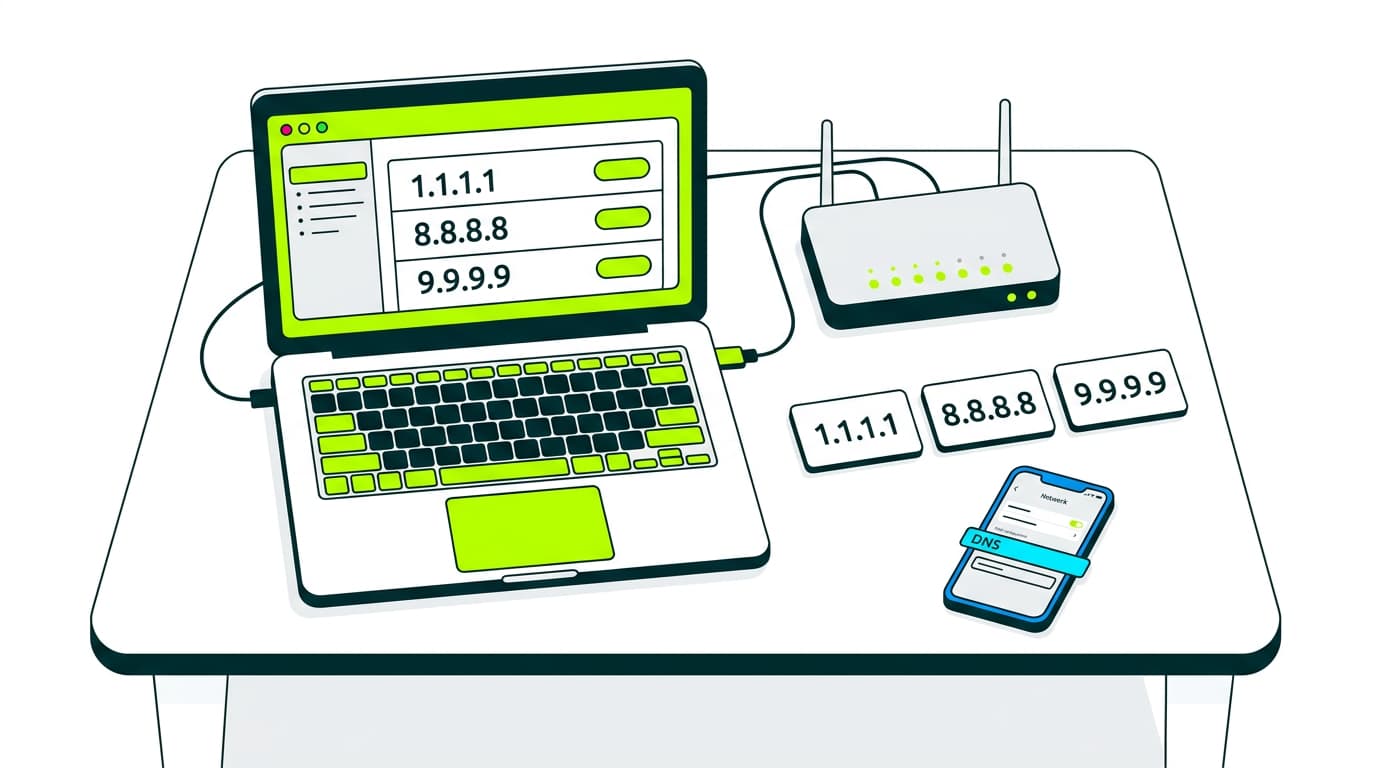
Improve your internet speed and security. Discover the best DNS servers in 2025 – faster browsing, better privacy, and more reliable performance.
If your internet connection feels slow or some websites don’t load properly, the issue isn’t always your WiFi or provider. Sometimes, simply switching your DNS server can make a real difference. Choosing the best DNS for your location can improve speed, security, and even your browsing privacy.
What are DNS servers and what do they do?
Think of DNS as the phonebook of the internet. When you type a web address like “olin.es”, a DNS server translates that name into an IP address that computers understand. Without DNS, you’d need to memorise long strings of numbers just to visit a website.
The problem is that not all DNS servers are equally fast or secure. Some take longer to respond, others may lack proper protection, and a few even collect your data without you realising it.
How do DNS servers work?
When you open a website, your device asks a DNS server which IP address matches that domain. If the server is fast, you’ll access the page instantly. If it’s slow, you’ll notice longer loading times.
Most people use the DNS provided by their internet provider by default, but you can easily change it on your router or device. That’s where finding the fastest DNS or the most secure option comes in..
The best DNS servers
Let’s get straight to it. These are some of the best DNS servers you can use in 2025, whether you’re looking for speed, security, or reliability.
Google Public DNS
Easy to remember (8.8.8.8 and 8.8.4.4), stable, and backed by massive infrastructure. Not the most private option, but very fast and reliable.
Cloudflare DNS
Address: 1.1.1.1. Strong focus on privacy, with a promise not to log your activity. It’s also one of the fastest DNS services available.
OpenDNS
Owned by Cisco, it includes content filtering and extra security features. A good choice for families or small businesses. Addresses: 208.67.222.222 and 208.67.220.220.
NextDNS
Highly customisable. You can block ads, trackers, and malicious sites. Requires an account, but offers excellent control.
Quad9
Focused on security. Automatically blocks harmful websites. Free and performs especially well in Europe. Address: 9.9.9.9.
Verisign
Strong on stability and privacy, with no ads. Not the fastest, but well known for reliability.
CyberGhost DNS
Linked to the popular VPN service. Enhances privacy, although it may not be as fast as other options.
FreeDNS
A long-standing option among advanced users. Good performance with some level of customisation.
Private DNS: are they worth it?
If privacy matters to you or you want extra security features, private DNS services like NextDNS or those included with VPNs can be a solid option. Some require registration or a paid plan, but they give you more control and protection.
For example, if you’re using a shared WiFi network or living in shared accommodation, a DNS that blocks trackers or suspicious sites can add an extra layer of safety.
What if you still have connection issues?
Switching DNS can help, but it won’t fix everything. If the signal doesn’t reach every corner of your home, you may need a mesh network system.
Another effective way to improve coverage is using a repeater or signal booster.
If you’re unsure what type of connection you have, it’s worth checking here.




Very Satisfied
The service is excellent, and we always pay the same amount. We’ve been customers for three years. The staff at the store are very professional and serve us in three different languages!