


Olin > Blog > Android TV: what it is, what it’s for and how to install it
Android TV: what it is, what it’s for and how to install it
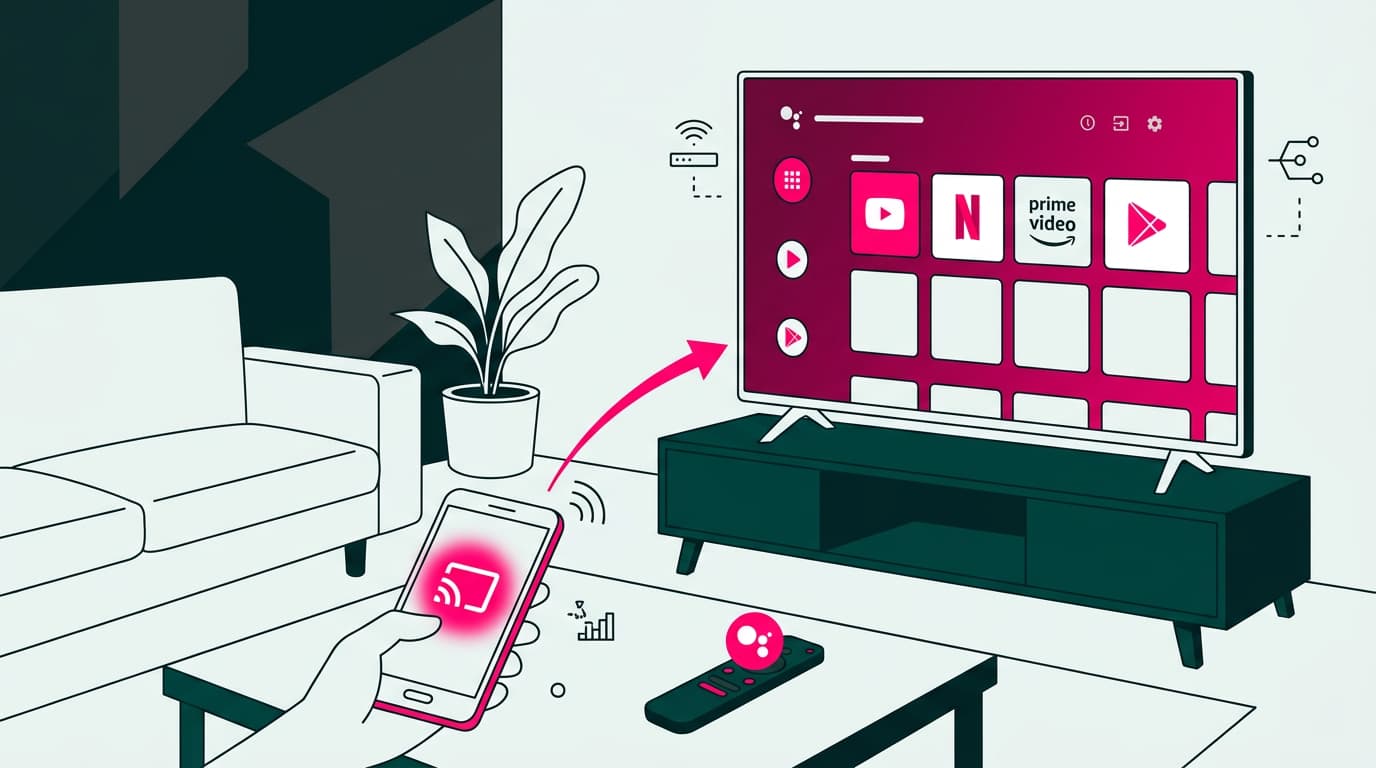
Android TV is Google’s operating system for televisions. Discover what it offers and how to set it up step by step.
Android TV has become one of the most widely used operating systems for smart TVs. Developed by Google, its aim is simple: to deliver a smooth, intuitive and complete entertainment experience.
In this guide, we explain exactly what Android TV is, what it’s used for and how you can install and set it up at home. Because getting started with a Smart TV powered by Android TV is easier than it sounds.
What is Android TV?
Android TV is a version of the Android operating system designed specifically for televisions. Google introduced it in 2014 as an evolution of its earlier Google TV platform, bringing the full Android ecosystem into the living room.
You’ll find it built into many TVs from brands like Sony, Philips and TCL. You can also use it on a non-smart TV with devices such as Chromecast with Google TV or an Android TV box.
With Android TV, you can:
- Access thousands of apps via Google Play Store
- Stream films and series
- Use Google Assistant with voice control
- Play games
- Sync your Android devices
All through a visual, easy-to-use interface designed for the big screen.
What is Android TV used for?
If you’re wondering what Android TV is for, the answer is simple: it turns your television into a complete entertainment hub.
You can:
- Watch films and series on Netflix, HBO Max, Disney+, Prime Video or Filmin
- Listen to music on Spotify, Tidal or YouTube Music
- Access live channels and catch-up TV with apps like Atresplayer or RTVE Play
- Install games and play using a controller or your mobile
- Control your TV with Google Assistant using your voice
- Connect devices via Bluetooth or Wi-Fi, such as speakers, headphones or smart home systems
How to enjoy Android TV
There are two main ways to use Android TV:
- With a Smart TV that already includes it: Many newer models from Sony, Philips or Xiaomi come with Android TV built in. You just need to connect it to the internet—ideally with a reliable high-speed broadband connection.
- With a Chromecast with Google TV: This compact device plugs into your TV’s HDMI port and turns it into a Smart TV. It’s a great option if your television still works well but lacks smart features. All you need is a stable Wi-Fi connection. If your signal isn’t strong enough, these tips can help improve it.
Both options are compatible with OlinTV. Simply download the Zapi app and start watching.
How to set up Android TV on your television
Setting up Android TV is straightforward:
- Connect your TV or Chromecast to power and the internet
- Turn it on and pair the remote if needed
- Select your language and sign in with your Google account
- Accept the terms and choose whether to enable Google Assistant
- Install your preferred apps from Google Play Store
- Adjust picture, sound or resolution settings if needed
That’s it. You’re ready to start watching.
Most popular Android TV apps
The most downloaded apps focus on entertainment. Some essentials include:
- YouTube for free video content
- Netflix, Disney+, Prime Video, HBO Max for films and series
- Zapi for accessing more than 100 OlinTV channels
- Spotify and YouTube Music for audio
- Kodi or Plex for personal media libraries
- Twitch for live streaming
What else can this TV operating system do?
One of Android TV’s strongest points is its integration with Google services. You can use voice commands to open apps or search content, cast content from your phone using Google Cast, view smart home cameras if compatible, and manage tasks and reminders.
You can also connect keyboards or mice via USB or Bluetooth, which makes browsing and typing much easier.
If you run into connection issues, you can check this guide to sort it out.
Other TV operating systems
Although Android TV is one of the most complete options, there are others available:
- webOS (LG): simple and fast interface
- Tizen (Samsung): highly optimised performance
- Roku TV: popular in the US with its own ecosystem
- Fire TV (Amazon): similar to Android but with Amazon services
Each has its strengths, but if you already use Google or Android devices, Android TV is usually the most natural fit.




Very Satisfied
The service is excellent, and we always pay the same amount. We’ve been customers for three years. The staff at the store are very professional and serve us in three different languages!