


Olin > Blog > What is tethering and how to share mobile data
What is tethering and how to share mobile data
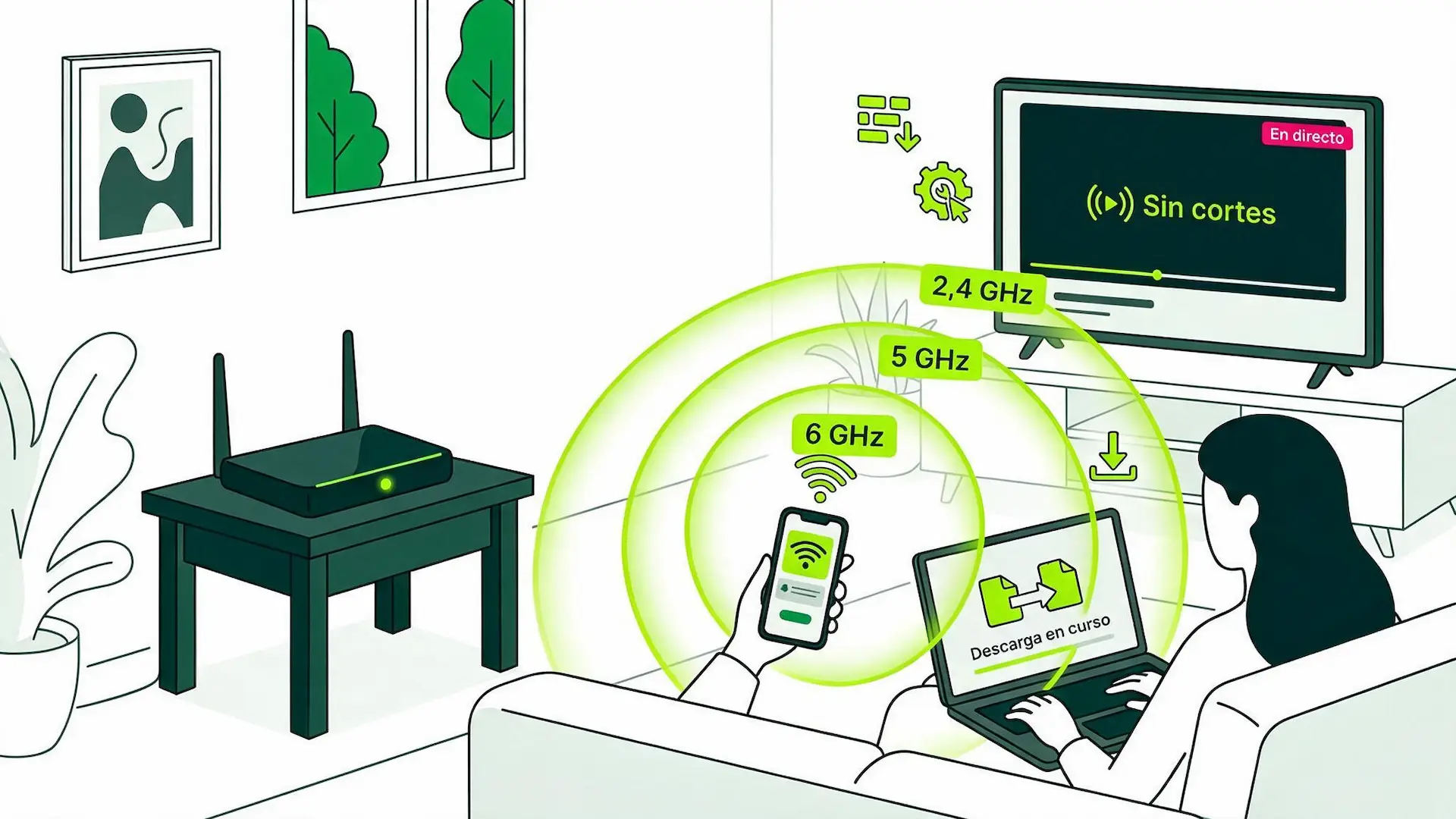
You're out and about, you need to connect your laptop to send an urgent email or watch a movie on your tablet, and the public Wi-Fi isn't working. Don't panic: your mobile phone can get you out of trouble in seconds.
You’ve probably heard someone say “I’ll give you my data” or “share your hotspot.” Basically, they’re all talking about the same thing. This feature lets you turn your phone into a portable router and provide internet access to other devices wherever you are.
Definition of tethering and when to use it
Tethering simply involves using your mobile phone as a router. The phone receives your mobile data connection and shares it via Wi-Fi or cable so that a computer, tablet, or another mobile phone can browse the internet using your data .
This connection can be made via Wi-Fi (the most convenient and common option), Bluetooth, or a USB cable. The network your phone creates works exactly like the Wi-Fi in any café or home, protected by its own password.
Most common use cases
Tethering can be a lifesaver in very specific everyday situations. For example, when you’re working remotely on a train or in a café without a secure connection. Also, if you’re traveling and want to connect your kids’ tablets so they can watch cartoons during the journey.
It’s incredibly useful in second homes or during weekend getaways where you don’t have a landline. With just a couple of taps on the screen, you have instant internet access without depending on anyone. Plus, with plans like Unlimited Mobile , you can get the most out of your data allowance and browse wherever you are without worrying about data usage or searching for unsafe public Wi-Fi networks.
Step-by-step guide to sharing internet depending on your device
If you’re wondering how to quickly share your internet connection, the process is incredibly easy on both Android and iPhone. You just need a couple of quick adjustments.
Setting up tethering on Android phones
On most Android devices, the steps are very similar:
- Go to Settings and look for the Networks and Internet or Connections section .
- Tap on Wi-Fi Zone / Share connection .
- Configure your network name and set a secure password.
- Activate the Wi-Fi Zone switch .
Enable tethering on an iPhone
On iOS the process is even more straightforward:
- Open Settings on your iPhone.
- Select the Personal Hotspot option .
- Define a password in Wi-Fi Password .
- Check the box to allow others to connect .
How to pair and use tethering with a laptop
Once you’ve activated the option on your smartphone, take your laptop and open the list of available Wi-Fi networks. You’ll see the name you gave your phone. Select it, enter the password you set on your phone, and you’re all set. You’re now browsing.
Pros and cons of sharing your mobile data
Like any technological solution, turning your smartphone into a hotspot has many advantages and some details you should keep in mind. Understanding the balance will help you use this feature wisely and avoid surprises.
Main advantages: accessibility and practicality
The biggest advantage is immediacy. You don’t need to buy extra equipment or search for public networks that are often slow or unreliable. You have your own internet in your pocket, wherever your mobile phone has coverage. Furthermore, the answer to the question of whether you can share data remotely is clear: as long as your devices are within a few meters of your portable Wi-Fi hotspot, the connection will be flawless.
Disadvantages: battery usage and data consumption
It won’t all be perfect. Tethering puts extra strain on your phone. You’ll notice the battery drains much faster than usual and the device may get slightly warm. Furthermore, data usage skyrockets, especially if you connect a laptop, as websites load full versions and updates may occur in the background.
Recommendations for smart tethering use
To ensure a seamless experience and avoid ending up with your phone off or out of data halfway through the month, it’s a good idea to adopt a couple of simple habits. These tips will help you keep your data usage under control and your connection free from unwanted users.
How to reduce data usage when sharing a network
To avoid surprises on your bill or running out of data mid-month, activate low data usage mode on your laptop. Disable automatic system updates while connected to your mobile device and avoid downloading very large files or streaming 4K video unless you have an unlimited data plan.
Keys to protecting your portable Wi-Fi hotspot
Never leave your shared network open without a password. Always use WPA2 or WPA3 encryption and choose a password that isn’t easy to guess. This will prevent anyone within range of your signal from using up your data without your permission.
Some questions about tethering
To ensure a seamless experience and avoid ending up with your phone off or out of data halfway through the month, it’s a good idea to adopt a couple of simple habits. These tips will help you keep your data usage under control and your connection free from unwanted users.
Is it possible to tether without a data plan?
No. To share data remotely or create a Wi-Fi hotspot, your phone needs an active cellular connection. If you’ve run out of data on your plan or don’t have mobile network coverage, your phone won’t be able to transmit data to other devices.
If you frequently use shared internet for working away from home or on long trips, another option for sharing internet is via portable internet (a MiFi device with its own SIM), ideal if you don’t want to drain your main phone’s battery.
Also, if you’re thinking of switching providers or looking for more flexible plans so you don’t get left behind, remember to check how mobile number portability works to keep your existing number without complications.
Does sharing your internet connection slow down your browsing speed?
Yes, speeds do tend to drop slightly. Your mobile data usage now has to be divided between your phone and connected devices. Additionally, wireless transmission causes a small loss of speed. Even so, with good 5G or 4G coverage, the experience for working or browsing remains fast and smooth.
And if what you’re looking for for your home or business is maximum speed and stability without worrying about data, the ideal solution is to combine your smartphone with our mobile plans or check out our fiber and mobile packages for unlimited browsing.

Very Satisfied
The service is excellent, and we always pay the same amount. We’ve been customers for three years. The staff at the store are very professional and serve us in three different languages!