A Smart TV is a television connected to the internet that gives access to much more content. Discover how it works, its benefits and how to choose the right one for you.
If you’re thinking about upgrading your television or simply want to properly understand what a
Smart TV is all about, this guide is for you. We’ll explain what a Smart TV is, how it works and how to choose the one that suits you best.
What is a Smart TV?
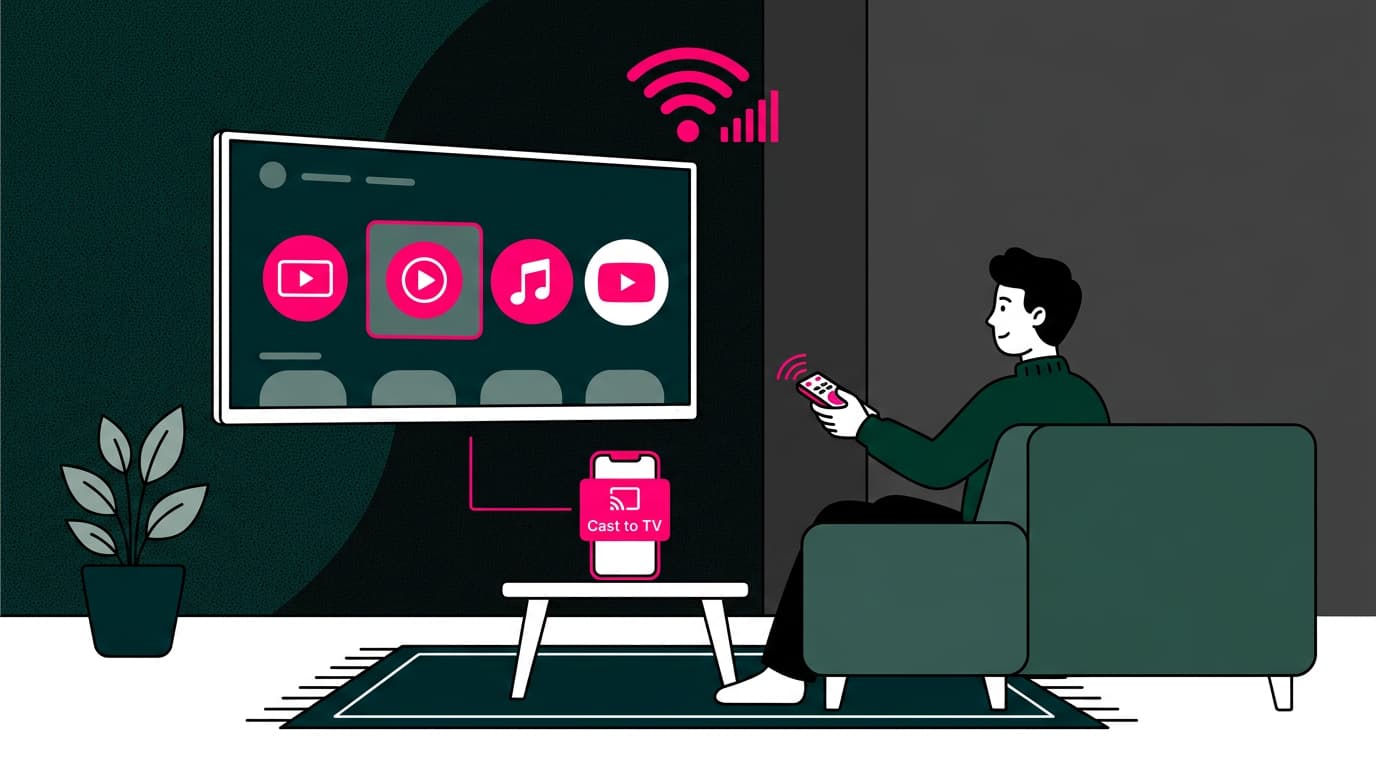
A Smart TV is a television with a built-in operating system and internet connection, allowing you to access far more content than traditional TV. This means you don’t need any extra devices (such as a Chromecast or a console) to use streaming platforms, browse the internet or install apps. Everything is integrated into the TV itself.
Nowadays, almost all mid-range and high-end televisions are Smart TVs. The way we consume content has completely changed. People want to watch series, films, sports or YouTube videos whenever they like, without relying on schedules or channels.
Key features
Physically, Smart TVs look like standard flat-screen televisions. The real difference lies in their software. Let’s take a closer look at their main features:
One of the core features of any Smart TV is its
ability to connect to the internet, either via WiFi or Ethernet cable. This connection gives you access to
platforms such as Netflix, HBO Max, YouTube or Amazon Prime Video.
If your WiFi is slow or unstable, your experience will suffer. That’s why having a reliable connection matters. If you’re unsure about your setup,
you can check here.
Thanks to its internet connection, a Smart TV gives you
access to a huge range of on-demand content. You’re no longer tied to broadcast schedules.
You can watch what you want, when you want. Many platforms also offer live sports and events.
Most Smart TVs include an app store where
you can download services like Spotify, Twitch, RTVE Play or even web browsers. Some brands also allow
integration with voice assistants such as Alexa or Google Assistant.
-
Better picture quality: display technology and resolution
While not exclusive to Smart TVs, most current models include
high-definition technologies such as 4K, HDR and panels like OLED or QLED. This improves image quality, delivering more realistic colours, brightness and contrast.
Many Smart TVs allow you to
control functions using voice commands. You can change channels, open apps or adjust the volume just by speaking. This is especially helpful for older users or those with limited mobility.
Discover our TV plan
How do Smart TVs work?
A Smart TV combines television functionality with computing and internet connectivity, giving access to a wide range of digital services directly on your screen. These devices include components similar to a computer, such as a processor, RAM and internal storage. They run on an operating system that manages apps and features.
Key components of a Smart TV:
- Processor: The processor is the brain of the TV. It runs applications and handles tasks. A more powerful processor means smoother performance and faster navigation.
- RAM: RAM allows the TV to handle multiple tasks at once, such as running apps or switching between menus without delays. More RAM improves overall responsiveness.
- Internal storage: Used to store apps, settings and sometimes downloaded content. Some models allow expansion via USB devices or memory cards.
- Operating system: This is the software that controls the TV and provides the interface. The most common systems include:
- Tizen (Samsung): intuitive and with a wide range of apps.
- webOS (LG): simple and easy to navigate.
- Android TV: access to Google Play Store and a large selection of apps and games.
- Roku TV: focused on streaming with a clean, simple interface.
Connectivity and additional features:
Smart TVs connect to the internet via WiFi or Ethernet, enabling streaming, browsing, social media and more. Many also support voice control, virtual assistants and screen sharing from mobile devices.
For everything to run smoothly,
a reliable connection is essential. If you’re using ADSL or an outdated network, apps may load slowly or stop unexpectedly. In that case,
upgrading to high-speed broadband can make a significant difference in speed and stability.
If you’re not sure what type of connection you have, you can
compare options here. And if you’re considering upgrading, it’s worth
understanding the installation process.
Discover our TV plan
What can you do with a Smart TV?
A Smart TV offers much more than traditional viewing:
- Access on-demand content
- Watch streaming platforms
- Listen to music
- Play simple games
- Browse the internet
- Mirror your phone or tablet screen
- Make video calls (on supported models)
With a good broadband connection, you can enjoy all of this without interruptions. Learn more about the benefits here.
Tips for choosing a Smart TV
Before buying a Smart TV, think about where you’ll place it. A large living room isn’t the same as a smaller bedroom.
The screen size should suit the space without overwhelming it or straining your eyes. Make sure the model supports the apps you use most. Some TVs don’t offer full compatibility or only provide limited versions.
It’s also worth
considering the operating system. Options like webOS or Android TV tend to be more intuitive and responsive, which can improve everyday use. Check connectivity features as well. A good Smart TV should include dual-band WiFi for a stable connection, along with enough HDMI ports for additional devices.
Finally,
pay attention to picture quality. Choose the right resolution (Full HD, 4K or even 8K) and panel type (LED, OLED, QLED) based on your expectations for brightness, contrast and colour.
And most importantly, remember that to get the best out of your Smart TV, you need a solid connection. If you don’t yet have broadband at home or want to upgrade your network, take a look at our
broadband and
broadband + mobile plans.
Discover our TV plan






Very Satisfied
The service is excellent, and we always pay the same amount. We’ve been customers for three years. The staff at the store are very professional and serve us in three different languages!