


Olin > Blog > Internet dangers: the most common risks and how to avoid them
Internet dangers: the most common risks and how to avoid them
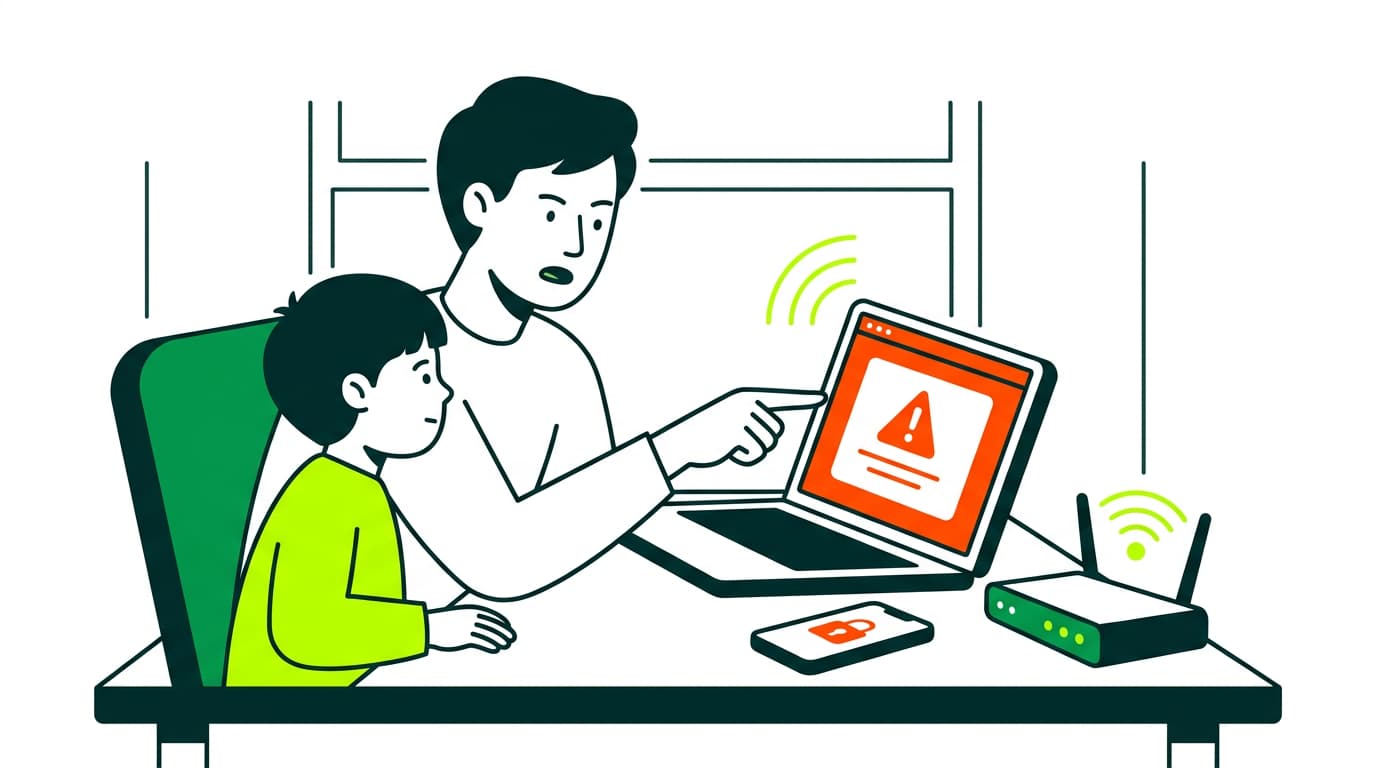
Hacking, malware, phishing, grooming… we break down the main internet risks and share practical advice to help you protect your children.
In the digital age, the internet has become an essential part of everyday life. It helps us work, learn, communicate and relax. But alongside its benefits, there are also real risks that we need to understand and manage.
Recent official data highlights the scale of the issue. According to Spain’s National Cybersecurity Institute (INCIBE), 97,238 cybersecurity incidents were handled in 2023, with more than 78,000 affecting individuals and businesses, and 437 involving minors. The most common threats included online fraud, identity impersonation and phishing, often via email or social media.
The Ministry of the Interior’s Cybercrime Report recorded 470,388 cyber offences, with scams accounting for over 90%.
These figures show a clear trend: digital threats are growing, and staying informed is more important than ever—especially at home.
Top 10 internet dangers you should know
The internet opens the door to endless opportunities, but knowing the risks is the first step to staying safe. Here are the most common dangers to watch out for.
1. Malware (malicious software)
Malware is one of the most widespread online threats. It includes programs designed to damage systems or gain access without permission, such as:
- Viruses – attach to files and activate when opened
- Worms – spread automatically across networks
- Trojans – disguise themselves as legitimate software
- Ransomware – locks files and demands payment
- Spyware – secretly collects personal data
How to protect yourself: Keep your system updated, use a trusted antivirus, and avoid downloading files from unknown sources.
2. Hacking
Hacking involves unauthorised access to systems or accounts. Common methods include:
- Brute force attacks – guessing passwords through automation
- Software vulnerabilities – exploiting system weaknesses
- Social engineering – tricking users into sharing information
How to stay safe: Use strong, unique passwords, enable two-factor authentication, and keep devices updated. Learn how to protect your wifi network.
3. Password theft
Cybercriminals use different techniques to steal login details:
- Phishing – fake emails or websites that mimic real ones
- Keyloggers – record what you type
- Dictionary attacks – try common password combinations
Best practice: Use a password manager, avoid reusing passwords, and choose long passphrases. Learn how to check the wifi passwords you have stored on your phone.
4. Identity theft
Identity theft happens when someone uses your personal data to commit fraud.
It often comes from:
- Data breaches
- Phishing
- Social engineering
How to prevent it: Be careful with personal information, check websites before sharing data, and monitor your accounts regularly.
5. Impersonation (spoofing)
This is when someone pretends to be a trusted source to deceive you:
- Fake emails
- Fraudulent websites
- Scam phone calls
Tip: Always verify the source before sharing sensitive information.
6. Fake news
False information spreads quickly online and can:
- Influence opinions
- Create confusion or panic
- Damage reputations
What to do: Check sources, compare information, and think critically before sharing.
7. Cyberbullying
Online harassment can take different forms:
- Abusive messages
- Spreading rumours
- Sharing private information without consent
Prevention: Teach responsible online behaviour, adjust privacy settings, and report abusive users.
8. Sextortion
A form of blackmail where someone threatens to share intimate content.
How to avoid it:
- Don’t share private content online
- Be cautious with strangers
- Seek help if targeted
9. Online scams
Financial scams can include:
- Offers that seem too good to be true
- Fake investment opportunities
- Pyramid schemes
Stay protected: Research before buying or investing and check company credibility.
10. Internet addiction
Often overlooked, but increasingly common:
- Excessive social media use
- Compulsive online gaming
- Constant content consumption
How to manage it: Set time limits, take regular breaks, and encourage offline activities.
Internet dangers for children and teenagers
Young people are particularly exposed to online risks. Key concerns include:
Loss of privacy
They may share personal information without understanding the consequences.
Social media dependency
Platforms are designed to keep attention for long periods.
Changes in habits
Sleep, study and eating routines can be affected.
Distorted reality
Online content can impact self-esteem and expectations.
Exposure to inappropriate content
Violent or adult material is often just a click away.
Grooming
Adults building trust with minors for harmful purposes.
What helps: Open conversations, clear rules and parental controls.
Tips to stay safe online
- Keep software and devices updated
- Use reliable antivirus and firewall protection
- Create strong, unique passwords
- Enable two-factor authentication
- Be cautious with emails and attachments
- Check websites before entering personal data
- Teach children safe online habits
- Review privacy settings on social media
- Use a secure connection and protect your WiFi
- Talk regularly with your family about online experiences
Apps to help protect your children online
Several tools can support safer internet use:
- Qustodio – full parental control across devices
- Norton Family – web filtering and screen time control
- Kaspersky Safe Kids – location tracking and social monitoring
- FamilyTime – app blocking and time limits
- Bark – detects risky content using AI
These tools work best alongside education and communication.
Stay connected safely with reliable broadband
The internet offers huge advantages, but it also requires awareness and care. By understanding the risks and applying simple safety measures, you can protect your household while enjoying everything the online world has to offer.
A stable, high-speed broadband connection also plays a role. It supports secure browsing, smoother updates and better protection tools across all your devices.




Very Satisfied
The service is excellent, and we always pay the same amount. We’ve been customers for three years. The staff at the store are very professional and serve us in three different languages!