


Olin > Blog > How to Increase Download Speed: 10 Essential Tips
How to Increase Download Speed: 10 Essential Tips
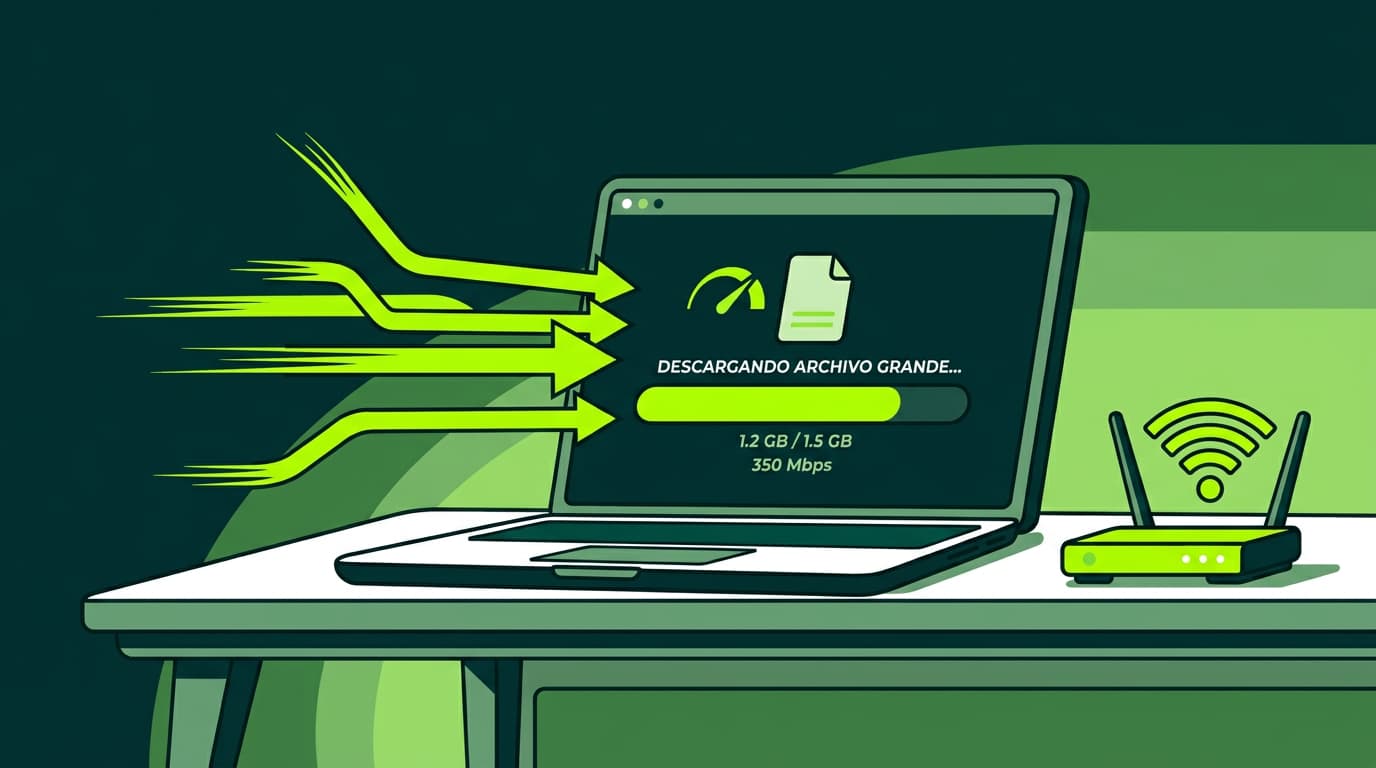
Discover how to improve your download speed with these practical, effective tips.
Are slow downloads driving you mad? You’re not alone. In a digital world where speed matters, a sluggish connection can quickly become frustrating. The good news is there are simple ways to fix it. Let’s look at how to increase your download speed and noticeably improve your online experience.
Why Is My Download Speed So Slow?
Before jumping into solutions, it helps to understand what might be causing the issue. Several factors can affect your download speed:
- Network congestion: During peak hours, heavy traffic can slow everything down.
- Distance from the server: The further away the download server is, the longer data takes to reach you.
- Hardware limitations: An outdated router or low-spec computer can hold you back.
- Interference: Other electronic devices can disrupt your WiFi signal.
- Malware: Viruses and malicious software can quietly consume bandwidth in the background.
Understanding the cause is the first step. Now let’s look at what you can do about it.
10 Tips to Increase Your Download Speed
1. Restart Your Computer
It sounds simple, but restarting your computer can make a real difference. It clears RAM, shuts down background processes and resets network drivers. Sometimes that fresh start is all you need to restore speed.
2. Close Unnecessary Applications
Every open app uses resources and potentially bandwidth. Streaming platforms, torrent clients or even multiple browser tabs may be slowing things down. Close anything you don’t need and check your speed again.
3. Clear Your Browser Cache and Cookies
Over time, browsers store large amounts of temporary data. While this is meant to improve performance, it can eventually slow things down. Clearing your cache and cookies regularly helps keep your connection running smoothly.
4. Disconnect Other Devices from Your Network
Smart TVs, tablets, consoles and phones all share your bandwidth. If you’re downloading something important, temporarily disconnect other devices to free up capacity.
5. Restart Your Router and Modem
Power cycling your router and modem can resolve hidden connection issues. Turn them off, wait a minute, and switch them back on. This simple reset often improves download speeds straight away.
Want to know more?
6. Adjust Your Router’s Position
Router placement matters, especially with WiFi. Position it centrally in your home, away from thick walls and electrical devices. A stronger, clearer Wi-Fi signal can significantly improve performance across the house.
7. Check That Your Router Is Working Properly
Routers don’t last forever. If yours is several years old, it may not support modern high-speed broadband. Upgrading to a newer model can improve coverage, stability and overall speed.
8. Use an Ethernet Cable
WiFi is convenient, but a wired Ethernet connection is faster and more stable. If possible, connect your device directly to the router. You’ll notice the difference, particularly when downloading large files or gaming online.
9. Upgrade Your Broadband Plan
Sometimes the issue isn’t your setup — it’s your plan. If you regularly download large files or stream in high definition, it may be time to upgrade.
- Switch from ADSL to high-speed broadband: Modern broadband offers faster speeds and a more stable connection than older ADSL services.
- Upgrade your current broadband package: If you already have broadband but still experience slow speeds, a higher-speed plan could make all the difference. Many providers offer options ranging from 100 Mbps to 1 Gbps or more.
10. Check Your Device for Viruses
Malware can quietly consume bandwidth and reduce performance. Run regular antivirus scans and keep your security software up to date. A clean system performs better.
These tips won’t just improve download speed in general — they can also make a noticeable difference on platforms like Steam, where speed matters for gamers.
It’s also worth remembering that connection speed affects more than downloads. Streaming, video calls and online gaming all rely on stable, real broadband. Making sure you have the right speed for your needs can transform your overall experience.
And speed isn’t everything — stability matters too. That’s why Olin offers WiFi Mesh technology, designed to improve coverage and keep your home consistently connected.
Improving your download speed doesn’t have to be complicated. With a few simple adjustments, you can make a real difference.
A fast, stable broadband connection is essential in everyday digital life. If you’ve tried these tips and still experience problems, it may be time to rethink your provider. Olin’s high-speed broadband offers are designed to deliver fast downloads and a reliable connection you can depend on.
Don’t let a slow connection hold you back. Optimise your download speed today and enjoy a smoother online experience.




Very Satisfied
The service is excellent, and we always pay the same amount. We’ve been customers for three years. The staff at the store are very professional and serve us in three different languages!