


Olin > Blog > How to check the speed of your internet connection
How to check the speed of your internet connection
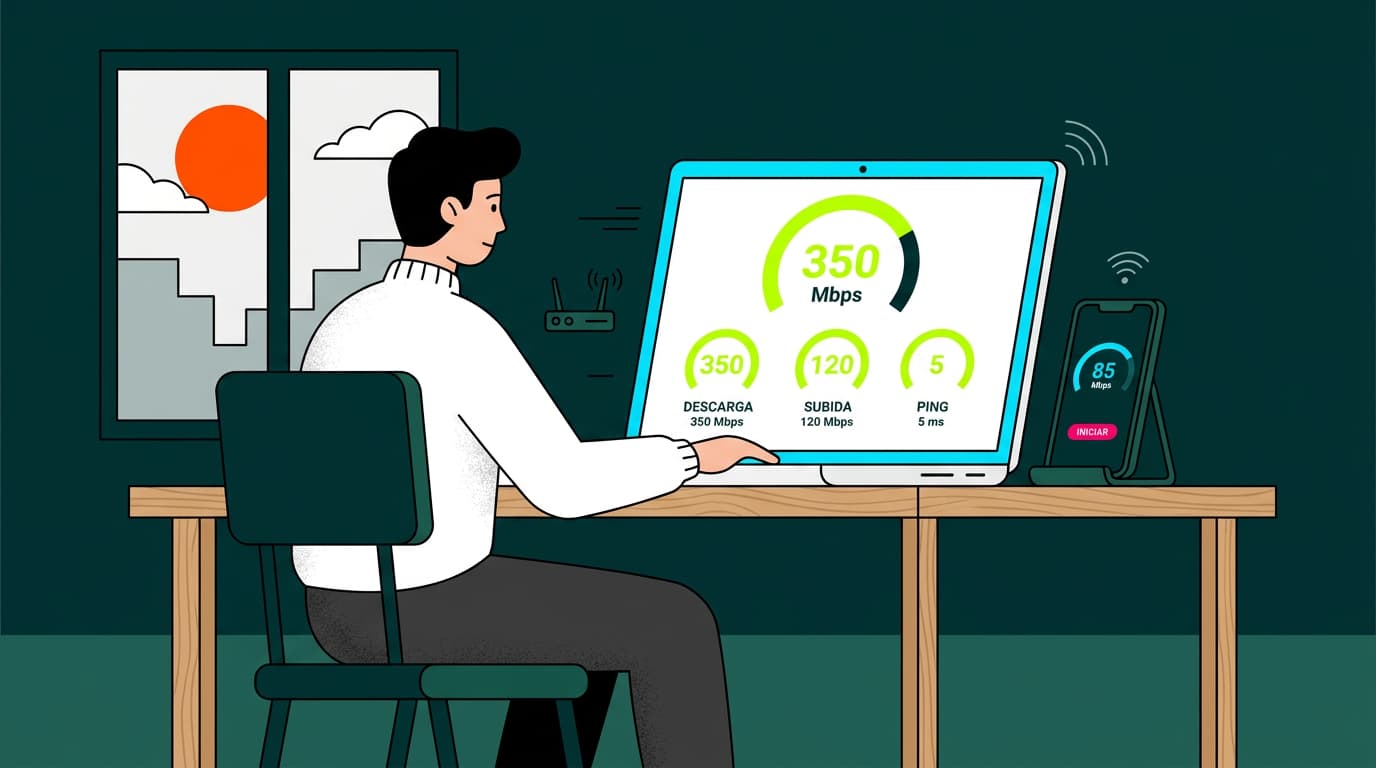
Slow internet? We’ll show you how to measure your internet connection speed on both computer and mobile. Take note — it’s very easy.
Have you ever wondered whether you’re actually getting the internet speed you’re paying for? Or maybe you’ve noticed that videos are loading more slowly than usual. In this guide, we’ll show you how to check your internet speed on both your computer and your mobile phone. It’s easier than you think, and it will help you make sure you’re getting the service you really need.
Before diving into the steps, it’s important to understand what’s considered a good internet speed today. The answer depends a lot on your specific needs, but for a modern home with multiple users and devices, the requirements are much higher than they used to be.
For basic use such as web browsing and email, 50–100 Mbps may be enough. However, for households that enjoy 4K streaming, online gaming without lag, smooth video calls for remote work, and where several family members do all this at the same time, a download speed of at least 600 Mbps is recommended.
For more demanding homes — where large files are downloaded frequently, virtual reality is used, or multiple devices stream in 4K — 1 Gbps or higher will deliver the best experience. In today’s digital world, more speed means more possibilities and far less frustration.
Run a speed test on your connection
There are many online tools that let you measure your internet speed quickly and easily. Here are some of the most popular and reliable ones:
Testvelocidad.eu
This European platform offers an accurate and easy-to-use speed test. Just visit the website and click “Start test”. In seconds, you’ll see your download speed, upload speed, and ping.
Fast
Developed by Netflix, Fast.com is a simple and quick way to measure your download speed. Its minimalist interface shows results instantly, and you can click “Show more info” for extra details.
Test-velocidad.com
This Spanish tool provides a more complete test, measuring not only speed but also line quality. It includes data on jitter, latency, and packet loss, which can be useful for diagnosing specific issues.
Nperf
Nperf offers a comprehensive speed test that also simulates web browsing and video streaming. This gives you a more realistic idea of how your connection performs in everyday situations.
Speed tests from internet providers
Internet providers also offer their own speed tests. These can be useful if you want to compare real results with what’s stated in your contract.
Olin speed test (Speedtest)
Speedtest by Ookla is one of the most widely used tools worldwide. It uses servers in multiple locations for more accurate results and is available both online and as apps for mobile and desktop. Click here to check your connection speed.
Movistar speed test
Movistar offers a speed test on its official website, optimised for its own connections. This can give more precise results if you’re a Movistar customer.
Vodafone speed test
Vodafone’s speed test measures your connection and also provides tips on how to improve it if the results are below expectations.
Orange speed test
Orange’s test is easy to use and gives detailed information about your connection, including comparisons with average speeds from other Orange users in your area.
Jazztel speed test
Jazztel offers a quick and simple speed test on its website. If you’re a Jazztel customer, it’s a useful way to check whether you’re getting the contracted speed.
How to check your internet speed on mobile
Measuring your mobile connection speed is just as important as testing it on a computer. Here are the main options:
-
Speed test apps: Tools like Speedtest and Fast have free mobile apps you can download.
-
Phone settings: Some Android devices include a built-in option to view network speed. You can usually find it under Settings > Connections > Mobile data usage > Network speed.
-
Web browser: You can also run any of the online speed tests mentioned above directly from your mobile browser.
Keep in mind that mobile internet speed can vary greatly depending on your location, network coverage, and traffic congestion. It’s a good idea to run several tests at different times and places to get a more accurate average.
If your mobile data isn’t working at all, you may need to run a few checks before testing speed.
Once you’ve measured your internet speed — both fixed and mobile — you’ll be able to tell whether you’re getting the service you’re paying for. If results are consistently lower than expected, don’t hesitate to contact your internet provider to resolve the issue.
We hope this guide has answered your question about how to check your internet speed. A good connection doesn’t just improve browsing — it’s essential for remote work, high-quality video streaming, and online gaming. Staying informed helps ensure you’re getting the service you deserve.
If, after testing, you feel your current connection doesn’t meet your needs, it may be time for a change. At Olin, we offer high-speed broadband plans designed to significantly improve your online experience. Get in touch to learn more about our services and how we can help you get the speed you need.




Very Satisfied
The service is excellent, and we always pay the same amount. We’ve been customers for three years. The staff at the store are very professional and serve us in three different languages!