


Olin > Blog > What is a TV decoder and what is it used for?
What is a TV decoder and what is it used for?
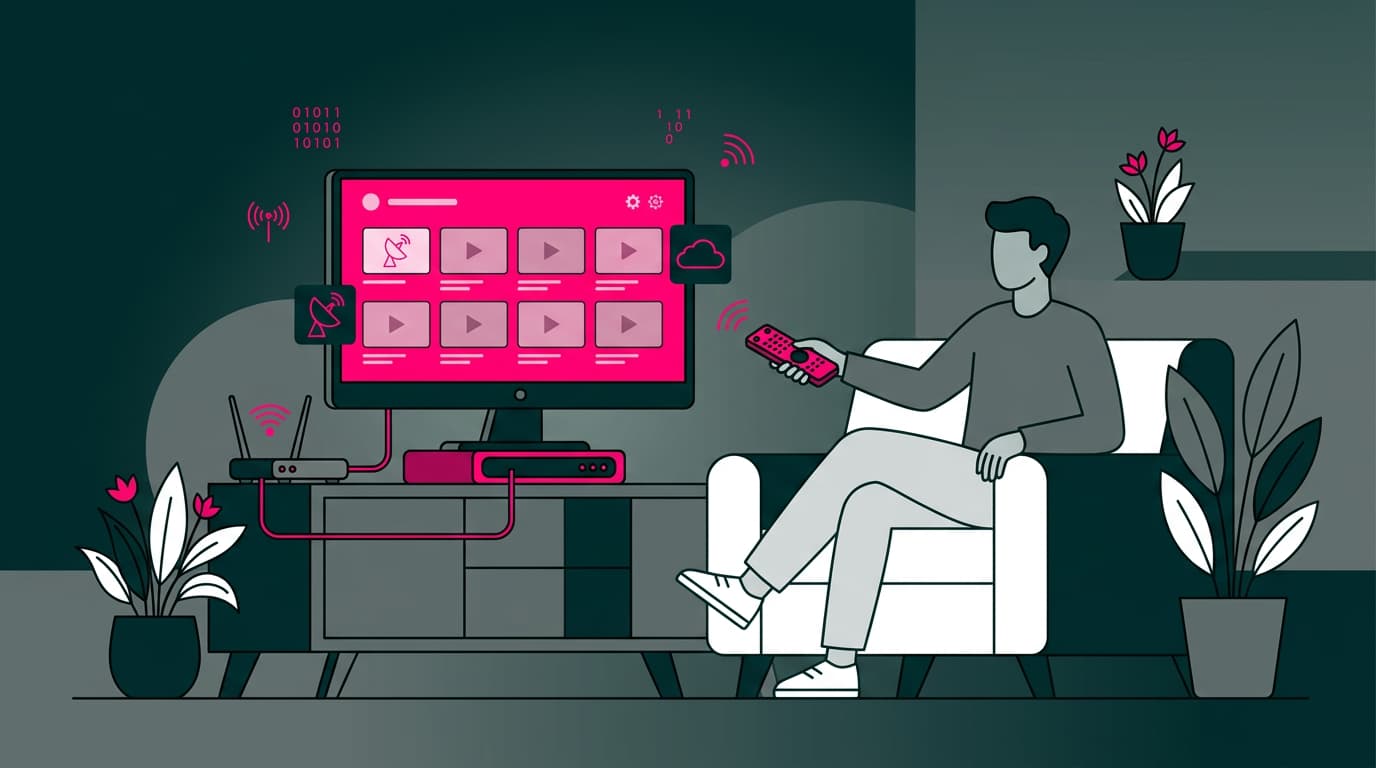
A decoder is a device that expands your TV channel lineup. Discover how it works, how to connect it, and all the options it offers.
In the digital age, the way we consume television content has changed dramatically. If you’ve ever asked yourself “What is a TV decoder?”, you’re in the right place. In this article, we take an in-depth look at this device that has transformed the way we watch TV.
What is a TV decoder?
A TV decoder is an electronic device that receives digital or analogue signals and converts them into visual content that can be displayed on your television. Essentially, it acts as a bridge between the broadcast signal and your screen.
Also known as a set-top box, this device not only expands the number of available channels, but also improves picture and sound quality. Imagine having access to hundreds of additional channels, high-definition content, and interactive features — all thanks to a small box connected to your TV.
What is it used for?
The main purpose of a TV decoder is to expand your TV’s capabilities. But what does that actually mean? Let’s look at its most important uses:
-
More channels: Access a wider range of channels, including those not available on traditional analogue TV.
-
Better quality: Sharper images and improved sound, especially with HD and 4K decoders.
-
Interactive services: Many modern decoders offer electronic programme guides, live voting, and interactive apps.
-
Content recording: Some models include a digital video recorder (DVR), allowing you to record programmes and watch them later.
-
Streaming: Advanced decoders provide access to streaming platforms, turning your TV into a full entertainment hub.
If you want to know how broadband can improve your streaming experience, take a look at our guide on the internet speed needed for streaming.
Want to know more?
Features of a TV decoder
TV decoders come with a range of features that make them essential in many homes:
-
Multiple format support: Modern decoders can process digital signals such as DVB-T, DVB-C, or IPTV.
-
Image resolution: From HD (1280×720) to 4K (3840×2160), depending on the model.
-
Connectivity: HDMI, USB, Ethernet, and often Wi-Fi for flexible setup.
-
Storage: Some models include internal hard drives or allow external storage for recording content.
-
Remote control: Usually included and often programmable to control the TV as well.
-
Electronic programme guide (EPG): Detailed information about current and upcoming programmes.
-
Parental controls: Restrict access to certain channels or age-rated content.
-
Software updates: Many decoders can be updated to add new features or improve performance.
Did you know that your broadband connection quality can significantly affect your decoder’s performance, especially when streaming? Learn how to boost your Wi-Fi speed for the best experience.
Types of TV decoders
Although OlinTV offers a complete solution, it’s useful to understand the different types of decoders available:
-
DTT (Digital Terrestrial TV) decoders: The most common type, offering free HD channels via terrestrial signals.
-
Cable decoders: Used by cable TV providers for pay-TV services.
-
Satellite decoders: Receive signals from orbiting satellites, offering a wide range of international channels.
-
IPTV decoders: Deliver TV content over a broadband internet connection.
-
Hybrid decoders: Combine multiple technologies, such as DTT and IPTV.
-
DVR decoders: Allow recording programmes to an internal hard drive.
-
4K / HDR decoders: Designed for the highest image quality on compatible TVs.
The best choice depends on your needs, available signal type, and the extra features you want.
Where can you buy a TV decoder?
Although you can buy decoders in electronics shops or online, we recommend OlinTV as the best option — not just a decoder, but a complete entertainment ecosystem.
You can purchase a TV decoder from:
-
Electronics stores: Large retailers and specialist shops.
-
TV operators: Usually included when you sign up for a pay-TV service.
-
Online shops: Platforms like Amazon or manufacturer websites.
-
Internet service providers: Many broadband providers include decoders in their packages.
-
Second-hand stores: Older models at lower prices.
Before buying, make sure the decoder is compatible with your TV and the signal available in your home. Also consider warranty, after-sales support, and user reviews.
How to connect a decoder to your TV
Connecting a decoder is usually straightforward. Follow these steps:
-
Placement: Position the decoder near the TV with adequate ventilation.
-
Antenna connection: Connect the antenna cable (terrestrial, cable, or satellite) to the decoder.
-
TV connection: Use an HDMI cable for best quality. If unavailable, use SCART or composite video.
-
Power: Plug the decoder into a power outlet.
-
Setup: Turn on the TV and decoder and select the correct HDMI input.
-
Tuning: Follow on-screen instructions to scan for channels.
-
Update: If available, update the decoder software to the latest version.
If you have internet issues after installation, check our guide on what to do when your internet isn’t working.
OlinTV: a new way to enjoy entertainment at home
At Olin, we’ve taken the decoder concept further with OlinTV. It’s not just a next-generation decoder — it’s a full streaming platform that perfectly complements our Broadband & Everything plans.
Key features of OlinTV
-
Multiple screens: Up to 2 simultaneous screens, expandable to 4 for just €1 extra per month.
-
Catch-up TV: Access recordings from the last 7 days, available for 30 days.
-
Flexibility: Activate up to 5 devices.
-
Wide content range: Movies, series, documentaries, and kids’ content.
-
Advanced technology: Voice assistant, app and game downloads, built-in Chromecast, Bluetooth 4.2, Android TV OS 10.0.
The OlinTV decoder
Powered by the Zapi platform, the OlinTV decoder enhances your TV with:
-
HDMI connection for top-quality image
-
Access to over 100 entertainment channels
-
Offline downloads
-
Access from any device: computer, mobile, tablet, or Smart TV
-
Automatic video quality adjustment based on your broadband speed
Improve your experience with full-home WiFi coverage
To get the most out of OlinTV and enjoy high-quality streaming from any room, add our WiFi Coverage+ service. This WiFi Mesh technology eliminates dead zones and provides seamless coverage across up to 384 m².
New: OlinTV Entertainment Pack
For sports and entertainment fans, our new Entertainment Pack is available for just €5/month:
-
LaLiga Hypermotion
-
Eurosport 1 & 2
-
Selekt (latest films and series)
-
Discovery Channel
-
Mezzo
Final thoughts
A TV decoder is much more than a simple accessory. It’s your gateway to a richer, higher-quality entertainment experience. Whether you want more channels, better image quality, or advanced features like recording and streaming, there’s a decoder to match your needs.
Ready to upgrade your TV experience? Discover everything OlinTV has to offer.




Very Satisfied
The service is excellent, and we always pay the same amount. We’ve been customers for three years. The staff at the store are very professional and serve us in three different languages!