


Olin > Blog > 5 tips to increase your WiFi speed
5 tips to increase your WiFi speed
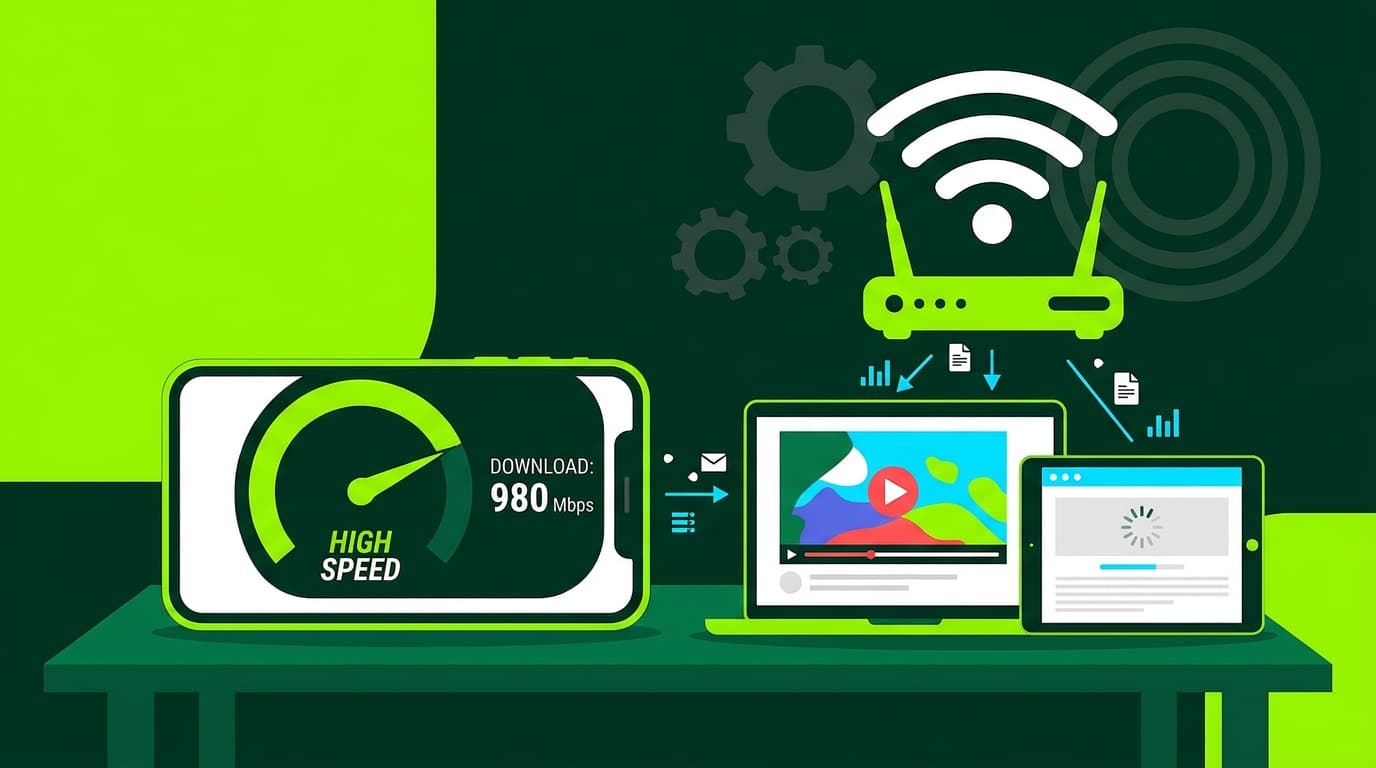
Have you noticed that your internet connection feels slow? With these simple tips, you can increase your WiFi speed and browse smoothly again.
Have you noticed that your internet connection has been slow lately? Don’t worry — it’s a common issue and it has a solution. In this article, we’ll share 5 practical tips to help you boost your WiFi speed and get back to smooth browsing. Let’s get started.
Optimise your internet connection
The first step to improving your WiFi speed is making sure your internet connection itself is working properly. Here are a few useful tips:
-
Use an Ethernet cable whenever possible: A wired connection is more stable and faster than WiFi. If your router is close to your device, connect it directly with an Ethernet cable.
-
Use a high-performance network card: Make sure your network card can fully support the speed provided by your internet provider. An outdated card can become a bottleneck.
-
Use the right WiFi band: Modern routers usually offer two bands: 2.4 GHz and 5 GHz. The 5 GHz band is faster but has shorter range. If you’re close to the router, prioritise this band to increase WiFi speed.
-
Choose the right channel: WiFi channels are the paths your data travels on. If many nearby networks use the same channel, interference can occur. Use an app to identify the least congested channels in your area.
-
Keep your network secure: An open network or a weak password makes it easy for others to connect and consume your bandwidth. Protect your WiFi with a strong password. You can learn more about how to change your WiFi password on our blog.
Want to know more?
Adjust the router position and antennas
It may seem like a small detail, but your router’s position has a big impact on signal quality:
-
Place the router in a central location, away from obstacles and at mid height. This helps the signal reach all rooms more effectively and improves overall speed.
-
Adjust the antennas properly: Most routers have 2 or 4 antennas. Position them vertically to maximise signal strength and coverage.
Manually configure your router’s DNS
DNS servers act as “translators” that convert website names into IP addresses. Using fast and reliable DNS servers can improve loading times and overall WiFi performance.
You can configure DNS either on the router or on individual devices:
-
On the router: Access the router settings and look for DNS options. Enter DNS servers from a reliable provider such as Google (8.8.8.8 and 8.8.4.4) or Cloudflare (1.1.1.1 and 1.0.0.1).
-
On your computer: Go to your network settings, open your WiFi connection properties and find the IPv4 section. Select “Use the following DNS server addresses” and enter the DNS values.
Check and reduce network congestion
How many devices are connected to your router? Each one uses part of your available bandwidth. The more devices connected, the more the speed is shared.
Review connected devices and disconnect those you’re not using. If your router supports parental controls or traffic prioritisation, you can assign higher priority to the most important devices.
Is your router outdated? Upgrade to a better one
If your router is several years old, it may no longer meet today’s demands. Newer routers offer better speed, stability and coverage. When choosing a new router, consider the following:
-
WiFi speed: Look for routers supporting modern standards like WiFi 5 (802.11ac) or WiFi 6 (802.11ax).
-
Gigabit Ethernet ports: To fully benefit from wired internet speeds.
-
Dual-band support: So you can switch between 2.4 GHz and 5 GHz as needed.
-
Antenna type: Omnidirectional antennas spread the signal evenly; directional antennas focus power in one direction.
-
Build quality: High-quality components usually mean better performance and longer lifespan.
If your current router was provided by your internet provider, check whether they offer newer models with stronger WiFi — or consider purchasing one yourself. A small investment can greatly improve your browsing experience.
We hope these tips help you increase your WiFi speed and enjoy a faster, more stable internet connection.
If you’re looking for high-performance internet with no hassle, Olin has the perfect solution: our 1 Gbps symmetric broadband with next-generation WiFi included. Get in touch with no obligation.




Very Satisfied
The service is excellent, and we always pay the same amount. We’ve been customers for three years. The staff at the store are very professional and serve us in three different languages!