


Olin > Blog > How to boost your WiFi signal
How to boost your WiFi signal
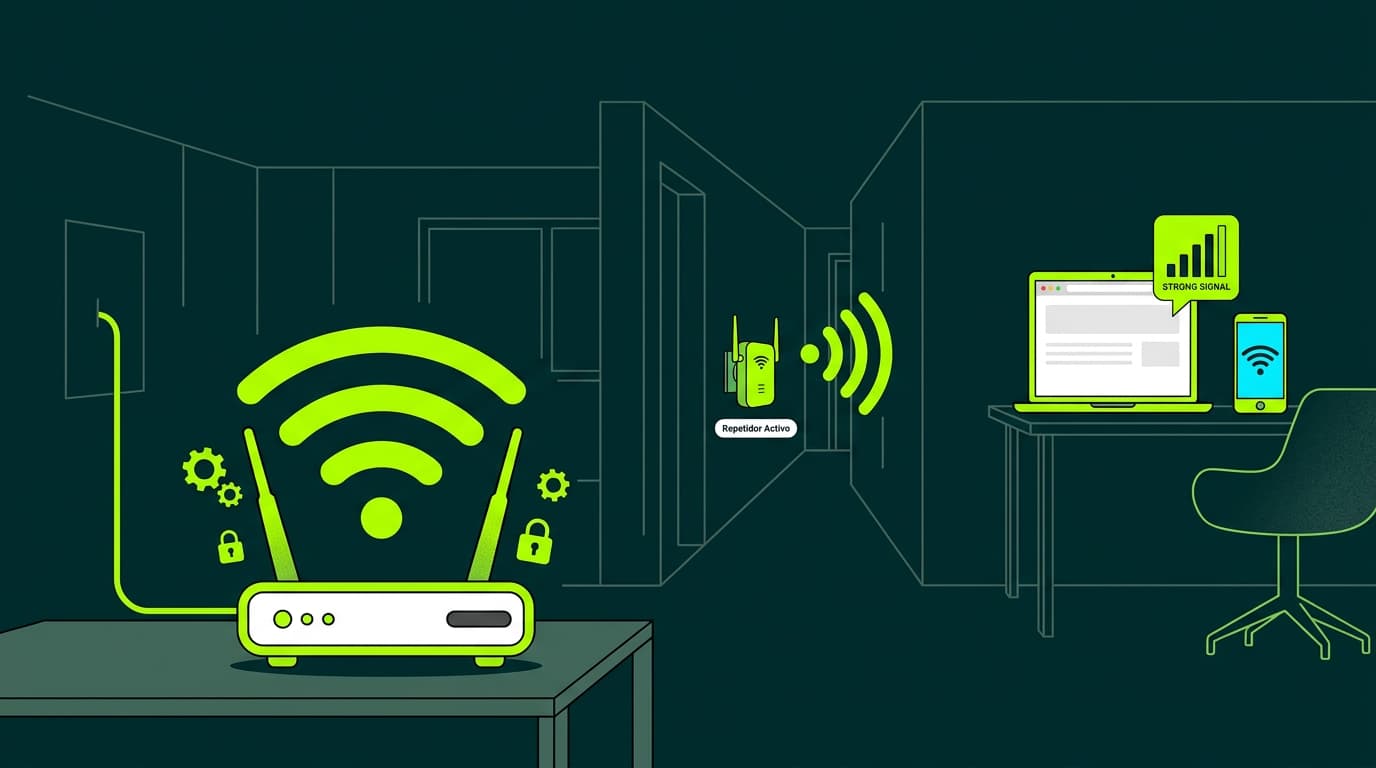
In large homes, your WiFi signal may not reach every room. We’ll show you how to boost your WiFi signal easily.
Are you tired of your WiFi signal not reaching every room in your home?
Would you like to browse the internet from any corner of the house without worrying about connection quality?
If so, you’re in the right place. Today we’ll show you some simple tips to extend your WiFi signal at home and enjoy a smooth, uninterrupted online experience.
Choose the best place to position your router
One of the most important factors for improving your WiFi signal is router placement. Ideally, it should be positioned in a central area of your home, away from walls and obstacles that can interfere with the signal. Avoid placing it inside cupboards or drawers, as this will weaken the connection. The more open and unobstructed the router is, the better the signal will reach every room.
Choose the right WiFi band
Most modern routers offer two frequency bands: 2.4 GHz and 5 GHz. The 2.4 GHz band provides greater range, making it ideal for large homes or properties with thick walls. However, it’s more prone to interference from other devices such as microwaves or cordless phones. The 5 GHz band, on the other hand, delivers higher speeds but has a shorter range. Choose the band that best suits your needs to improve your WiFi signal.
Use less congested channels
Within each frequency band, there are multiple channels through which the signal is transmitted. If you live in an area with many WiFi networks, some channels may be more congested than others, which can slow down your connection. To fix this, access your router’s settings and select the least crowded channels. There are free apps that can help you identify them easily and extend your WiFi coverage.
Check and update your router firmware
Another useful tip to improve your WiFi signal is keeping your router’s firmware up to date. Manufacturers regularly release software updates that improve performance and fix security issues. Visit the manufacturer’s website, download the latest available version, and install it following the instructions. You’ll often notice a stronger and more stable WiFi signal after this simple step.
Use a WiFi extender or repeater
If you’re still struggling to boost your WiFi signal in certain areas of your home, you may need a WiFi extender or repeater.
These devices capture the signal from your router and extend it to areas where coverage is weak. Simply place them halfway between your router and the area with poor signal, then set them up according to the manufacturer’s instructions. You’ll quickly notice a significant improvement in WiFi coverage.
WiFi Mesh technology: the best solution for large homes
If you’re looking for the most advanced and effective solution to boost WiFi throughout your entire home, WiFi Mesh technology is your best option. Our WiFi Coverage+ service with WiFi Mesh technology creates a single smart network that distributes the signal evenly across your home, covering up to 384 m² with up to four additional devices. Everything runs under one network name, with no multiple passwords. It’s ideal for homes where the WiFi signal doesn’t reach every room with enough strength.
Want to know more?
Connecting a desktop computer? Use an Ethernet cable
Finally, if you want to connect a desktop computer that won’t be moved, the best way to guarantee an optimal connection is to use an Ethernet cable from the router to the device. It may seem inconvenient, but the stability and speed you’ll get are well worth it. You’ll also avoid the need to constantly boost your WiFi signal.
At Olin, we’re experts in everything related to internet connectivity. Whether you need ultrafast broadband or a mobile plan with plenty of data, our team will help you find the solution that best fits your needs. We offer the best broadband deals and the latest technology so you can enjoy the best online experience, at home or wherever you are. Don’t hesitate to contact us if you have any questions or want to learn about our special offers.




Very Satisfied
The service is excellent, and we always pay the same amount. We’ve been customers for three years. The staff at the store are very professional and serve us in three different languages!