


Olin > Blog > Why Your Wi-Fi Keeps Disconnecting: Causes and Fixes
Why Your Wi-Fi Keeps Disconnecting: Causes and Fixes
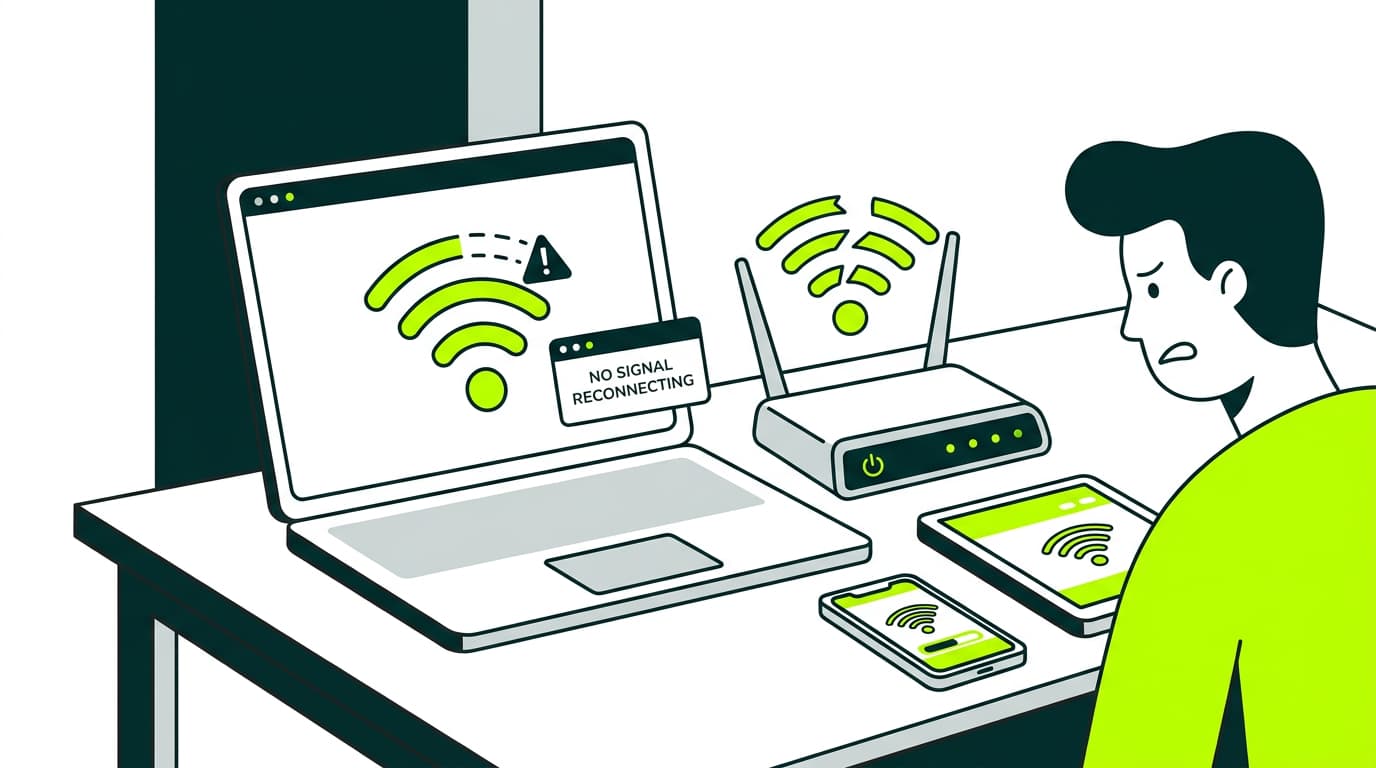
Does your Wi-Fi keep disconnecting? Here are the most common reasons your connection drops and the quickest, most effective ways to fix it.
There are few things more frustrating than watching a series, sending an email or being in the middle of a video call when your Wi-Fi suddenly disconnects. If this has happened to you, you are not the only one. It is a common issue and there can be several reasons behind it. The important thing is to spot what is going wrong and deal with it quickly. In this article, we explain why Wi-Fi disconnects by itself and how you can fix it easily.
Why does my Wi-Fi keep disconnecting?
This is a common problem and it can have several causes. Let’s go through them one by one.
Weak coverage
One of the most common reasons why Wi-Fi connects and disconnects is the distance between the router and your device. If you are too far away, or there are too many walls in between, the signal loses strength and drops out.
You are using the wrong band
If you are connected to the 5GHz band but you are far from the router, you may notice frequent dropouts. Although it is faster, this band has a shorter range. In that case, it is usually better to switch back to 2.4GHz. If you are not sure what this means, you can read our guide on how to change your Wi-Fi frequency to understand which option suits you best in each situation.
Malware on your device
Some viruses or malicious programs can affect your device’s connection, causing the Wi-Fi to keep disconnecting. This is more common on computers without an updated antivirus, or on devices with suspicious apps installed.
Router problems
Your router may be overloaded or have the wrong settings. In some cases, restarting or resetting the router can solve the issue. We have a full guide on our blog that explains how to do it properly.
Want to know more?
Interference
Other electronic devices such as microwaves, cordless phones or even LED lights can create interference that makes your Wi-Fi signal keep dropping. If you notice the problem always happens when a certain device is being used, that is probably the cause.
Unauthorised devices on your Wi-Fi network
Someone could be connected to your network without permission, putting extra strain on the router and affecting your connection. Check which devices are connected and, if needed, change your Wi-Fi password.
A wider issue with your provider
Sometimes there may be a general outage affecting your internet provider. If you cannot reconnect at all and your Wi-Fi drops on every device, the best option is to contact technical support. Before that, though, you can check your high-speed broadband installation to rule out any issues at home.
A large home or thick walls
Sometimes the reason your Wi-Fi keeps disconnecting has nothing to do with the router or your provider, but with the layout of your home. If you live in a large property, a home with several floors, or somewhere with thick walls, the signal may not reach every room with the same strength.
Solutions when your Wi-Fi keeps disconnecting
Now that we have looked at the possible causes, let’s see how to fix Wi-Fi dropouts.
Set your network to private
On some computers, especially Windows devices, networks detected as “public” can limit certain connection features. Make sure your network is set to “private” so it can work normally.
Change your Wi-Fi frequency
We have already mentioned it, but it is worth repeating: choosing properly between 2.4GHz and 5GHz can make a real difference. Here you can learn step by step how to change your Wi-Fi frequency.
Use Wi-Fi extenders
If the size of your home or the thickness of the walls is the issue, this can be solved easily with an extender such as WiFi Coverage+, which helps carry the signal into the areas where it usually gets lost.
If you want to understand how they work, take a look at this guide on Wi-Fi repeaters.
Check your connection type
Not all connections are the same. If you still use ADSL, the issue may be coming from there. Broadband is more stable and faster. You can check how to find out whether you have broadband at home and, if you are comparing options, read more about the advantages of broadband over other systems.
Have you worked out why your Wi-Fi keeps disconnecting? We hope these solutions help you reconnect without any trouble and enjoy the best connection possible.




Very Satisfied
The service is excellent, and we always pay the same amount. We’ve been customers for three years. The staff at the store are very professional and serve us in three different languages!