


Olin > Blog > HBO not working: causes and how to fix it
HBO not working: causes and how to fix it
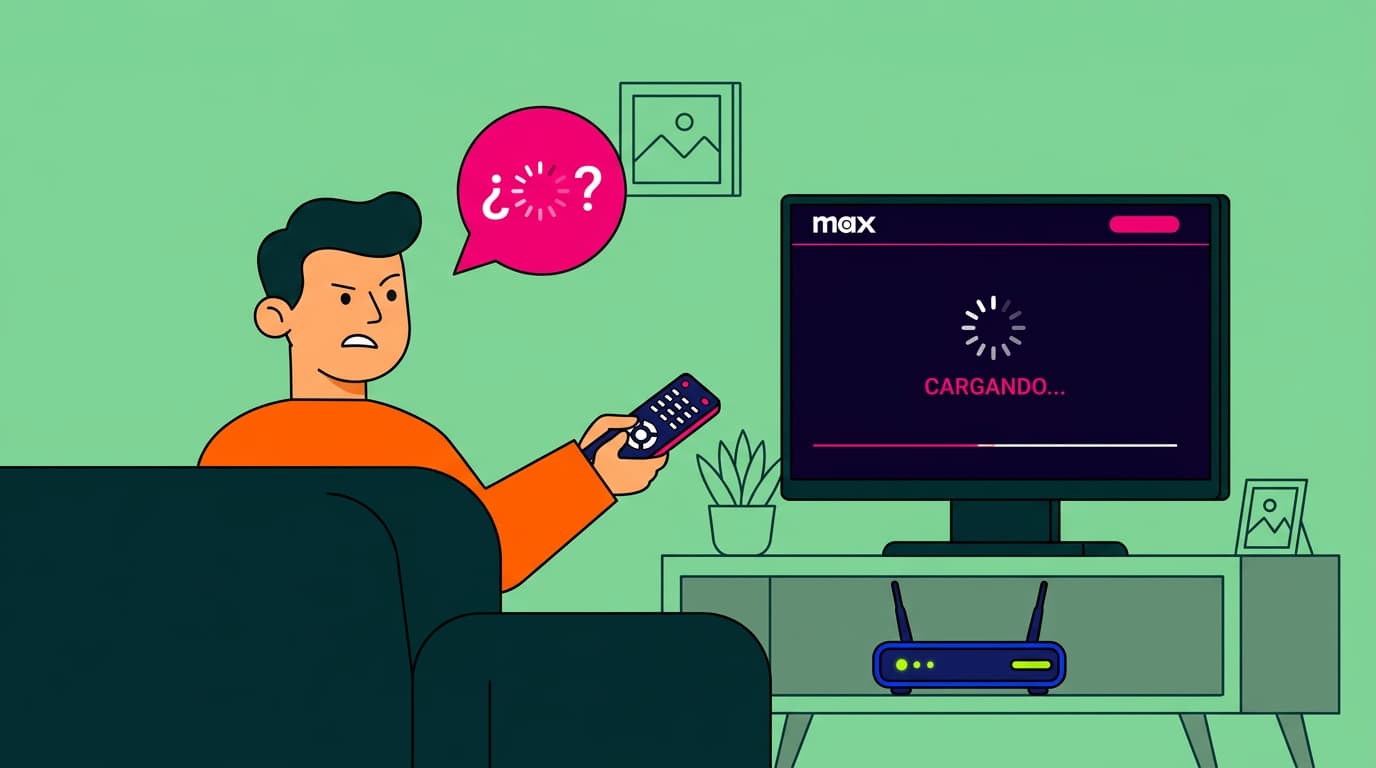
Is HBO not working? Discover the most common causes and simple fixes to get Max running again and enjoy your favourite series without interruptions.
Have you settled into the sofa, ready to watch your favourite series, only to find that HBO isn’t working? You’re not alone. It’s a common issue, and in this guide we’ll look at the most likely causes and, more importantly, how to fix them so you can get back to your content quickly.
HBO is now Max
Before diving into why HBO isn’t working, it’s worth noting that HBO has recently changed. The platform is now called Max.
This isn’t just a name change — it comes with a new app, more content and updated features. If you haven’t updated the app yet, that could be the reason why HBO isn’t working properly.
Why isn’t HBO or Max working?
There are several reasons why you might be having issues with HBO (now Max). Here are the most common ones:
Technical issues on HBO’s side
Sometimes the issue isn’t your device or connection. It can be down to Max’s servers.
During high-demand moments — like a major premiere — servers can become overloaded and cause interruptions. It’s not frequent, but it does happen.
The HBO app is out of date
Using an outdated version of the app can lead to problems. Max regularly releases updates to improve performance and fix bugs.
Problems signing in to HBO Max
In some cases, the issue is linked to your account. For example:
You’ve recently changed your password
Your login details aren’t updated across devices
There’s a temporary authentication issue
How to fix HBO issues
Now that we’ve covered the possible causes, here’s how to fix them step by step:
Check your internet connection
Before assuming HBO isn’t working due to the platform, make sure your connection is stable. A high-speed broadband connection is ideal for streaming, as it offers better stability and speed.
Try the following:
Restart your router
Check your speed using an online test
Move closer to the router or use an Ethernet cable
If your connection struggles regularly, you might find this guide useful: how to boost your Wi-Fi signal.
Restart your device
It sounds simple, but it often works. Turn your device off completely and switch it back on. This can clear temporary memory or cache issues affecting the app.
Update the HBO (Max) app
Running the latest version is essential. To update:
Go to your app store (App Store, Google Play, etc.)
Search for “HBO” or “Max”
Install any available updates
Sign out and back in
Logging out and back in can fix account-related issues. Make sure you have your login details ready before doing this.
Log out from other devices
Max limits how many devices can stream at the same time. If you’ve reached the limit, log out from devices you’re not currently using.
Fixing HBO issues by device
Depending on where you’re watching, the problem — and solution — can vary:
- On computers: Update your browser, clear cache and cookies or try a different browser
- On smartphones and tablets: Update the app, and uninstall and reinstall it if problems persist
- On smart TVs: Check for system updates, and make sure your TV supports the latest version of the app. Older models may no longer be fully compatible with Max.
Streaming quality depends heavily on your internet connection.
Max uses adaptive streaming, but for HD or 4K content you’ll need a faster, more stable connection — ideally high-speed broadband.
If you’re using mobile data, keep in mind that video streaming uses a large amount of data. Whenever possible, connect to Wi-Fi instead.
You can also check our guide on how many gigabytes you use per month to understand your consumption better.
If none of these solutions solve the issue, the best option is to contact Max customer support. They can help with more specific or account-related problems.
It can be frustrating when HBO (Max) isn’t working, but in most cases the fix is simple. With a few quick checks, you’ll usually be back to your favourite series in minutes.
And if you want a smoother streaming experience overall, having a reliable high-speed broadband connection makes all the difference. With Olin, you get stable, fast internet designed for streaming without interruptions.




Very Satisfied
The service is excellent, and we always pay the same amount. We’ve been customers for three years. The staff at the store are very professional and serve us in three different languages!