


Olin > Blog > Red LED light on the router: what it means and how to fix it
Red LED light on the router: what it means and how to fix it
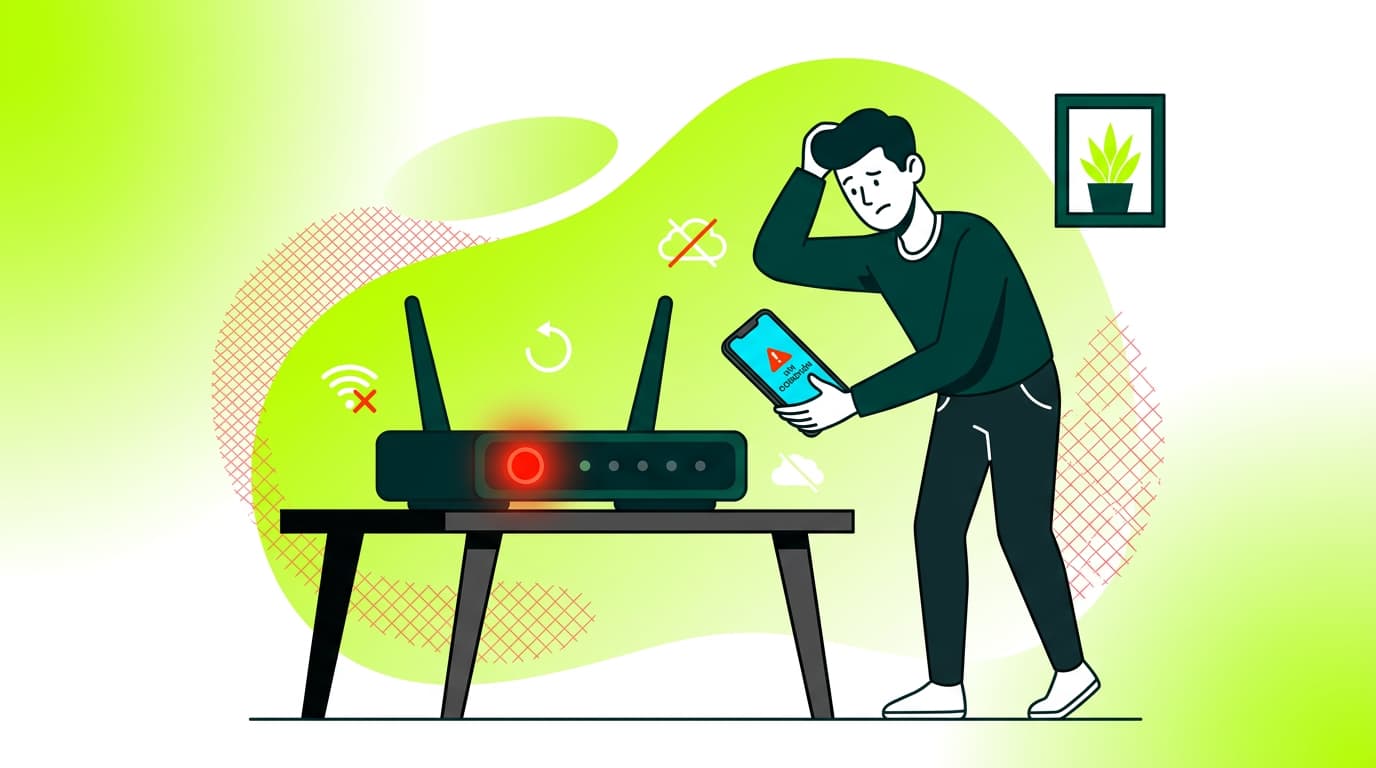
Is there a red light blinking on your router? Find out what it means, the possible causes, and how to fix it. Read carefully.
Have you noticed a flashing red light on your router and don’t know what it means? Don’t worry — you’re in the right place. In this article, we’ll explain why that annoying red light appears on your router and, most importantly, how to fix it. Keep reading to get your internet connection back and get rid of that red light once and for all.
What does a flashing red light on the router mean?
When you see a red light flashing on your router, it’s a clear sign that something isn’t working properly. It’s basically your router trying to tell you there’s a problem. No need to panic though — most of the time, it can be fixed.
A red light on the router usually indicates one of the following issues:
-
No internet connection
-
Problems with your broadband provider
-
Incorrect router configuration
-
Hardware failure in the router
It’s important to note that different router manufacturers use different light codes. For example, some routers show a solid red light when there’s no internet connection, while others use a flashing red light. That’s why it’s always a good idea to check your router’s manual to interpret the lights correctly.
Red light on the router: most common causes
Now that we know a red light means there’s a problem, let’s look at the most common causes.
1. Connection issues with your ISP
One of the most common reasons for a red light on the router is a loss of connection with your Internet Service Provider (ISP). This can be caused by:
-
Service outages in your area
-
Technical issues at the provider’s network
-
Damaged or disconnected cables between your home and the ISP network
2. Incorrect router configuration
Sometimes the issue is related to the router’s settings. This can happen after a firmware update or if someone has changed the configuration. Common problems include:
-
Incorrect DNS settings
-
Misconfigured IP address
-
Security configuration issues
3. Hardware failure
Less commonly, the red light may indicate a hardware issue, such as:
-
Router overheating
-
Damaged internal components
-
Faulty Ethernet ports
4. Problems with the internet cable
If you’re using a broadband connection, the issue may be with the cable itself. Broadband cables can be fragile, and a bent or damaged cable can cause a complete signal loss.
5. Firmware updates
A failed or interrupted firmware update can leave the router in an error state, triggering the red light.
How to fix the problem
Now let’s go through the steps you can take to fix the red light issue on your router.
1. Restart your router
The classic “turn it off and on again” trick works surprisingly well. Follow these steps:
-
Unplug the router from the power outlet
-
Wait at least 30 seconds
-
Plug the router back in
-
Wait for it to fully restart (this may take a few minutes)
This simple action often fixes temporary issues and restores the connection with your broadband provider.
2. Check your cables
Make sure all cables are properly connected:
-
Check the power cable
-
Make sure the internet cable is securely connected
-
If you use a separate modem, ensure it’s correctly connected to the router
3. Reset the router to factory settings
If you think the problem is related to the configuration, you can reset the router to its factory settings. Keep in mind this will erase all custom settings, including your WiFi name and password.
To reset the router:
-
Locate the reset button (usually a small hole labeled “Reset”)
-
Use a paperclip or similar object to press and hold it for 10–15 seconds
-
Release the button and wait for the router to restart
After this, you’ll need to set up your WiFi network again.
4. Update the router firmware
If the issue persists, updating the router’s firmware may help. Firmware updates often fix bugs and improve performance. Check the manufacturer’s website or your router’s manual for instructions.
5. Check the router temperature
Overheating can cause malfunctions. Make sure your router is in a well-ventilated area and free of dust. If it feels very hot, move it to a cooler spot or improve airflow around it.
6. Consider replacing your router
If none of the above solutions work, your router may be faulty and need replacing. Before buying a new one, check whether it’s still under warranty and contact the manufacturer if it is.
7. Contact your internet provider
If all else fails, the issue may be on your provider’s side. Contact your broadband provider’s customer support to check for outages or line problems. They can help diagnose the issue and send a technician if needed.
A red light on your router can be frustrating, but with a bit of patience and by following these steps, you’ll be able to fix the problem in most cases. Always start with the simplest solutions, like restarting the router, before moving on to more drastic measures.
If you still experience issues after trying everything, it might be time to consider switching providers. Check out Olin’s high-speed broadband deals and enjoy a fast, stable connection. Our support team is always ready to help.
We also offer WiFi Mesh, a technology that improves stability and provides full-home coverage.
A stable internet connection is essential in everyday life. Don’t let a red light on your router stop you from enjoying everything the internet has to offer. Take action today and get your connection back on track.


Very Satisfied
The service is excellent, and we always pay the same amount. We’ve been customers for three years. The staff at the store are very professional and serve us in three different languages!