


Olin > Blog > How to reset or restart your router to improve your connection
How to reset or restart your router to improve your connection
How to reset or restart your router to improve your connection
Restarting or resetting a router can significantly improve your internet connection. We know how frustrating connection issues can be, but don’t worry — we’re here to help.
When should you restart or reset your router?
There are several situations where restarting or resetting your router can help solve connection problems. Here are some of the most common ones:
My internet isn’t working
If you suddenly lose your internet connection, the first thing you should try is restarting the router. This often fixes temporary issues and restores the connection.
My internet is too slow
If your connection feels slower than usual, restarting the router can help improve speed. Routers can sometimes become overloaded and need a restart to work properly again.
My connection keeps dropping
If your connection cuts out intermittently, restarting the router can help stabilise it. This is especially useful if the problem happens at specific times of the day.
A very effective way to stabilise your connection throughout the entire home is WiFi Mesh technology. If you’re interested, feel free to contact us and we’ll explain in detail how this technology can improve your connection.
I’ve detected possible malware
If you suspect your network has been infected with malware, it’s advisable to reset the router to its factory settings. This removes any malicious configurations that attackers may have set up.
I haven’t turned off my router in a long time
Even if you’re not experiencing obvious issues, it’s a good idea to restart your router from time to time. This can help prevent future problems and keep it running smoothly.
When should you restart your router?
Restarting the router is the quickest and simplest solution for most connection issues. It basically means turning the device off and on again, which clears the cache and resets active connections.
You should restart your router when:
-
Your connection is slow or unstable.
-
You can’t connect to the internet.
-
You need to update the router’s firmware.
How to restart your router
Restarting a router is very easy. Just follow these steps:
-
Unplug the router from the power socket.
-
Wait about 30 seconds.
-
Plug the router back in.
-
Wait until the indicator lights return to normal.
That’s it. Your router should now be restarted and working properly.
When should you reset your router?
Unlike restarting, resetting a router restores it to its factory settings. This deletes all custom configurations, including your WiFi network name and password.
You should reset your router when:
-
You’ve forgotten the router password.
-
You want to remove all custom settings.
-
You suspect your network has been hacked.
How to reset your router
There are several ways to reset a router. Here are the most common ones:
Using the router’s reset button
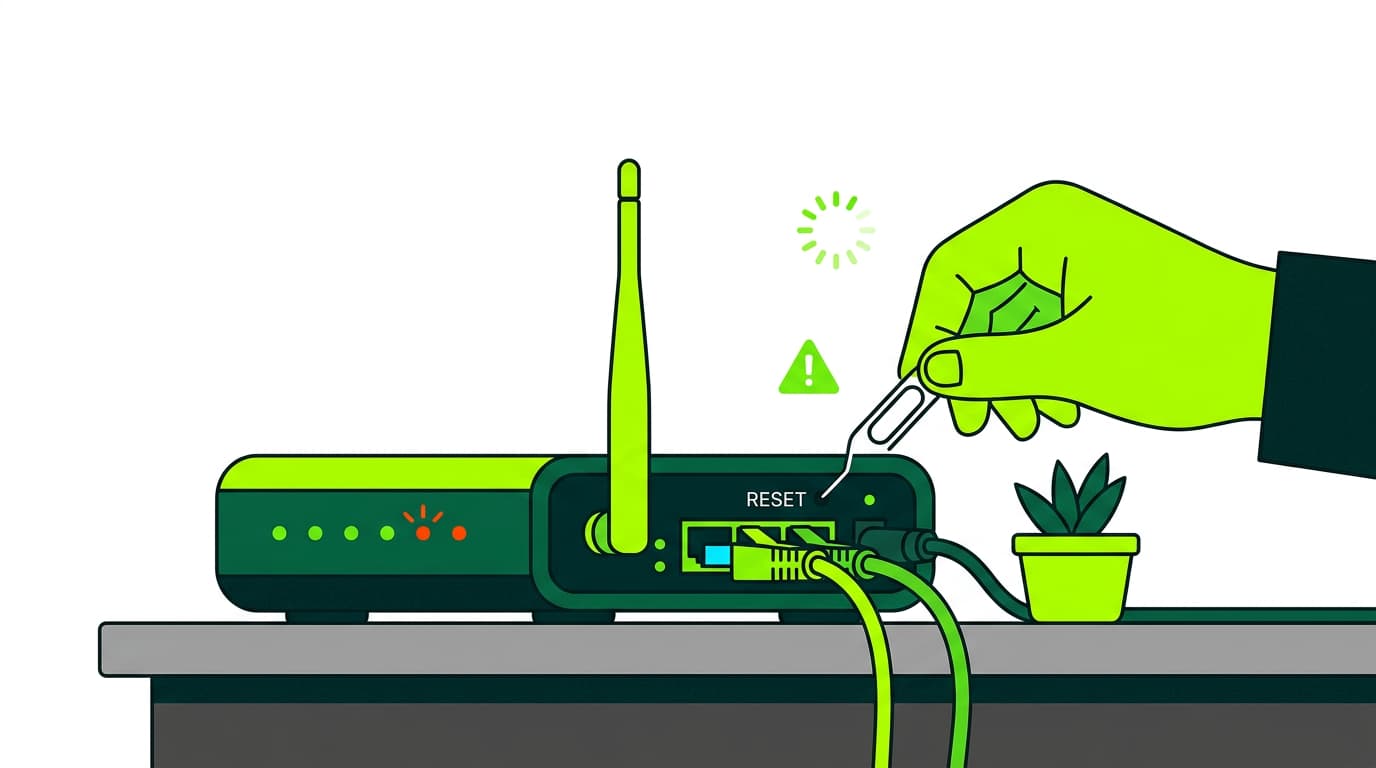
Most routers have a small “Reset” button hidden somewhere on the device. You’ll need a pointed object, like a paper clip, to press it.
Hold the button down for 10–20 seconds until the router’s lights start flashing. This indicates the reset process has started.
Through the configuration interface
You can also reset the router from its configuration panel:
-
Connect to your WiFi network.
-
Open a browser and enter the router’s IP address (usually
192.168.1.1or192.168.0.1). -
Log in using your username and password.
-
Look for the option “Restore factory settings” or similar.
-
Confirm that you want to reset the router.
Through your provider’s customer portal
If your router was supplied by your internet provider, you may also be able to reset it through your customer account.
Log in to your customer area, go to the router settings section, and follow the instructions to reset it.
We hope this guide has helped you understand when and how to restart or reset a router. Remember, at Olin we’re always available to help with any connection issues you may have. Don’t hesitate to contact us.




Very Satisfied
The service is excellent, and we always pay the same amount. We’ve been customers for three years. The staff at the store are very professional and serve us in three different languages!