


Olin > Blog > WiFi repeater or extender: what it is and how it works
WiFi repeater or extender: what it is and how it works
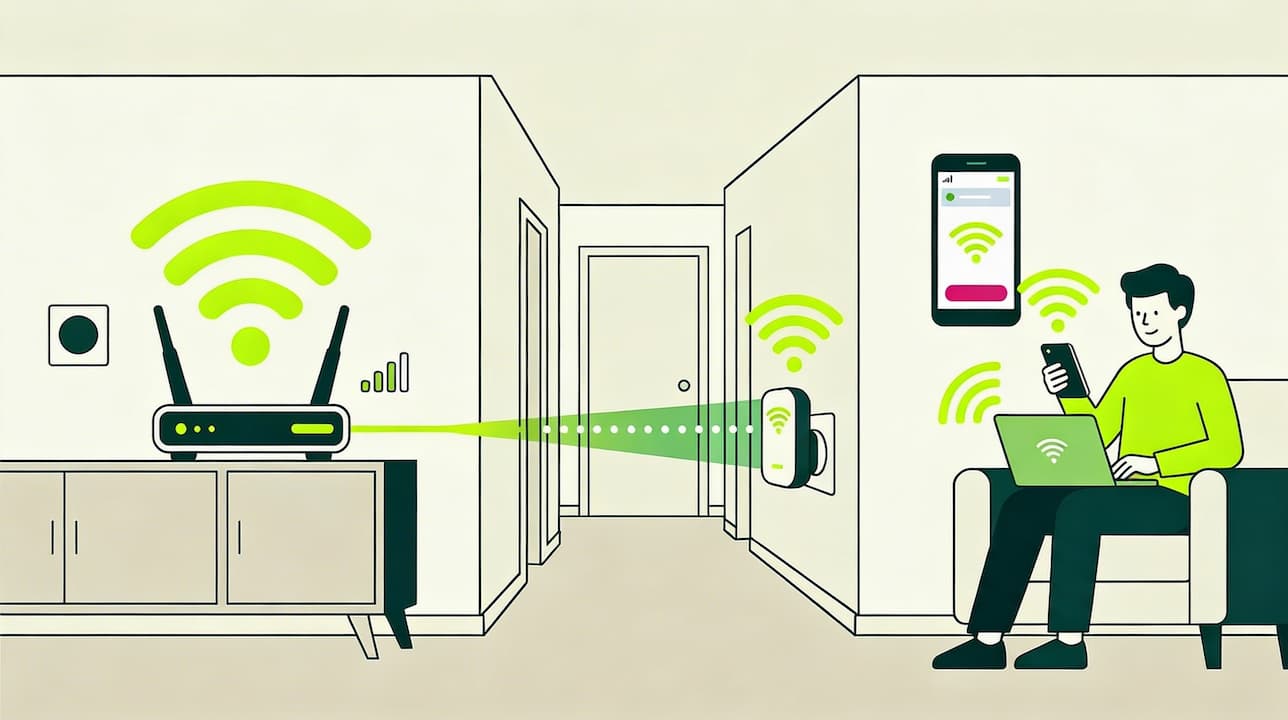
A WiFi repeater or extender is a device that boosts the strength of your WiFi signal. Discover how it works and how to install it. It’s very easy!
If you’re having coverage issues at home or in the office, a WiFi repeater might be the solution. In this article, we explain what a WiFi repeater or extender is, how it works, and how it can improve your internet connection.
What is a WiFi repeater or extender?
A WiFi repeater or extender is a device that captures the WiFi signal from your existing network and amplifies it so it can reach further, effectively extending the range of your connection.
These devices are especially useful in large homes, buildings with thick walls, or multi-storey spaces where the signal from the main router can weaken or disappear entirely in certain areas.
What is a WiFi extender used for?
The main purpose of a WiFi extender is to improve wireless coverage and connection quality—but its benefits go far beyond simply “adding more signal.” A good extender can completely transform the user experience in a home where WiFi doesn’t reach every corner.
To start with, it eliminates dreaded “dead zones”—rooms or corners where the signal barely exists or drops constantly. This often happens due to layout, materials like concrete or metal in walls, or simply distance from the router. With an extender, you can bring stable coverage to spots where a web page wouldn’t even load before.
Second, it improves speed in areas where the signal is weak. If videos used to buffer or pages loaded slowly, amplifying the signal lets devices connect more strongly and make better use of available bandwidth. The difference is especially noticeable for streaming, video calls, or online gaming.
It also extends WiFi coverage to larger areas such as gardens, terraces, patios, or even garages. This is particularly useful in detached houses where outdoor areas are used but often lack coverage.
Another key advantage is reduced congestion. By distributing devices between the main router and the extender, you avoid having everything pulling resources from a single point. The result is a smoother connection for all users and devices on the network.
Finally, it’s a very practical solution for working from home. If your office is far from the router and you experience drops or slowdowns, an extender gives you a strong, consistent signal—so video meetings, file transfers, and cloud tools work without interruptions.
If you need stable coverage in every room, you might also consider a more advanced solution. An alternative to traditional extenders is a WiFi Mesh system, which creates a unified network using multiple access points distributed throughout the home. At Olin, we offer WiFi Cobertura+, a solution based on this technology—ideal for large homes, multi-floor layouts, or complex floor plans.
How does a WiFi extender work?
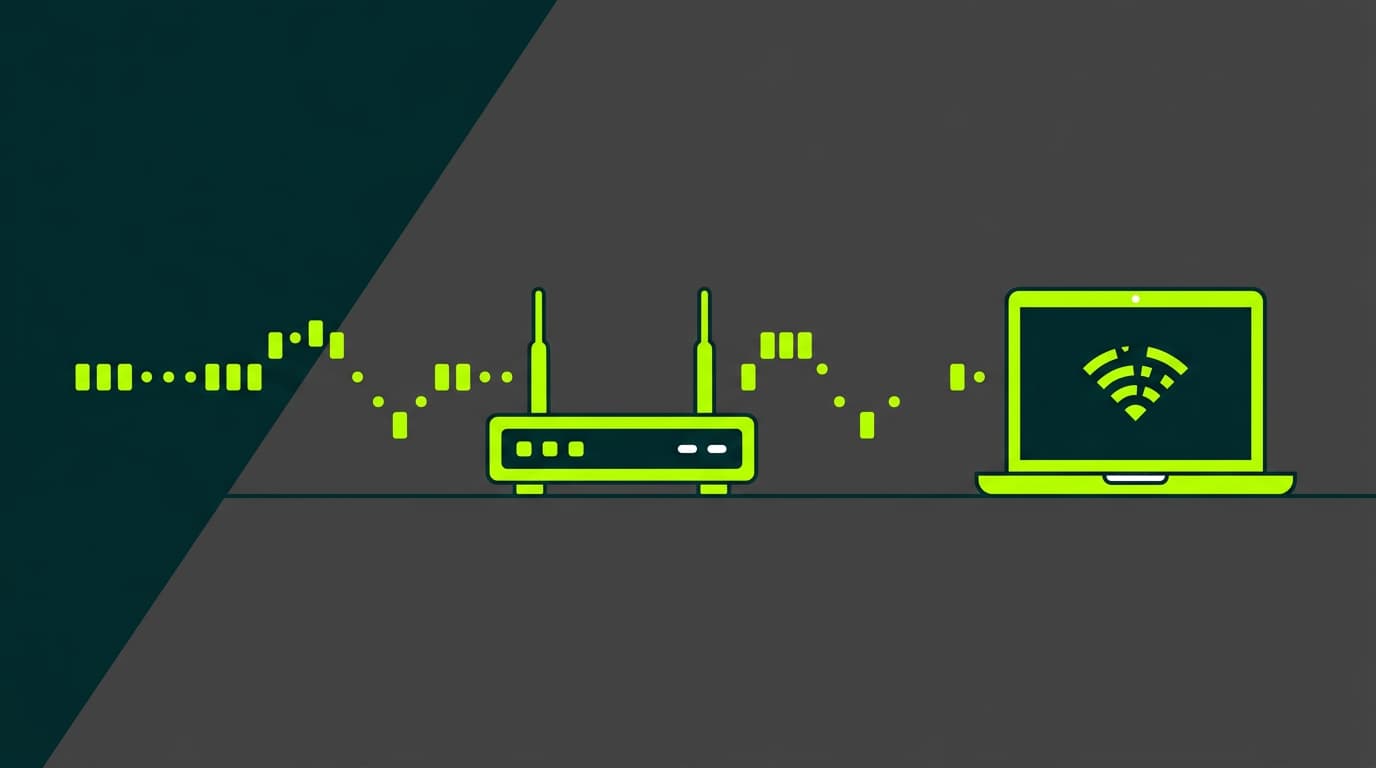
Now that we know what a WiFi repeater is and what it’s used for, let’s look at how it works. First, it helps to understand how WiFi signals travel. Your router emits radio waves that carry data. These waves weaken as they travel farther or pass through obstacles like walls or floors.
That’s where the WiFi extender comes in. Think of its operation as a clear three-step process.
First, the device receives the signal from the main router. It doesn’t create a new connection; it captures the existing one. For this to work properly, it must be placed where there’s still some coverage—even if it’s weak. No signal in means nothing to amplify.
Next comes amplification. The extender processes and strengthens the received signal, boosting its power and quality—giving it the push it needs to travel further without losing strength.
Finally, the extender retransmits the improved signal to other areas of the home. This creates a new coverage zone that complements the original one. The result is a wider network with fewer dropouts and dead zones—ideal for large homes, multiple floors, or thick walls.
It’s important to note that a WiFi extender does not create a new internet connection. It simply extends your existing one. That means the maximum speed you can get through an extender will never exceed the speed of your original connection.
How to install a WiFi extender
Once you’ve decided you need a WiFi extender, it’s time to install it. The good news is you don’t need to be a technician—most devices are designed to be set up by anyone in just a few minutes.
The first step is choosing the right location. Place it halfway between the router and the area with poor coverage. Not too close to the router (or it won’t extend much), and not too far away (or it won’t receive a good signal). Ideally, choose a spot with a decent signal and an available power outlet.
Once you’ve chosen the spot, plug the extender into the power socket. The indicator lights will turn on, showing it’s ready to be paired.
Most modern extenders include a WPS (Wi-Fi Protected Setup) button, as do many routers. If your router supports WPS, simply press the WPS button on the router and then on the extender. They’ll connect automatically and securely—no passwords needed.
If your router doesn’t have WPS, that’s fine. In that case, connect to the extender’s WiFi network from your phone or computer (the network name is usually printed on a label or in the manual), then follow the setup steps provided by the manufacturer. This is typically done through a browser by visiting a local address that guides you step by step.
After setup, test the extended network by moving to areas that previously had weak coverage and checking signal strength and speed. If the result isn’t ideal, try moving the extender to another outlet—sometimes a small change in position makes a big difference.
Always check the manual for model-specific instructions, as some extenders may have additional steps or features. Following the manufacturer’s guidance ensures everything works as intended.
How to configure a WiFi repeater at home
If your router doesn’t support WPS, open a browser on your computer or phone and connect to the repeater’s network (often named something like “REPEATER_XXXX”). Then access the address listed in the manual (for example, 192.168.0.1) to open the configuration panel. Enter your WiFi network name (SSID) and current password. The device will automatically extend your network, either using the same name or a different one with a suffix—your choice.
Naming the extended network correctly is important. If you use the same name and password as the router, your devices will switch seamlessly; if you use a different name, you can choose manually when to connect. Either option works—the key is ensuring signal strength improves by at least 30% in the problem area.
Finally, walk around with your phone to test signal strength where coverage was previously poor. Run speed tests if needed. If coverage still isn’t sufficient, move the repeater to a different outlet—small adjustments can make a big difference.
With these steps, you’ll have a wider, more consistent WiFi network that covers your entire home without dropouts.
When is it recommended to use a WiFi repeater?
WiFi extenders aren’t necessary in every situation, but they’re very helpful in the following cases:
-
Large homes: Multi-storey or wide floor plans where one router can’t cover everything.
-
Buildings with obstacles: Thick concrete or brick walls that block WiFi signals.
-
Outdoor spaces: Gardens, terraces, or garages that need coverage beyond interior walls.
-
Open offices: Large workspaces where stable connectivity is needed throughout.
-
Smart homes: Many IoT devices spread around the house that need reliable connections.
What to consider when choosing a WiFi repeater
Not all WiFi repeaters are the same. Here are key factors to consider:
-
Compatibility: Make sure it works with your current router and WiFi standards (e.g., Wi-Fi 5, Wi-Fi 6).
-
Speed: Choose a model that can handle your internet speed. High-speed broadband requires a capable extender.
-
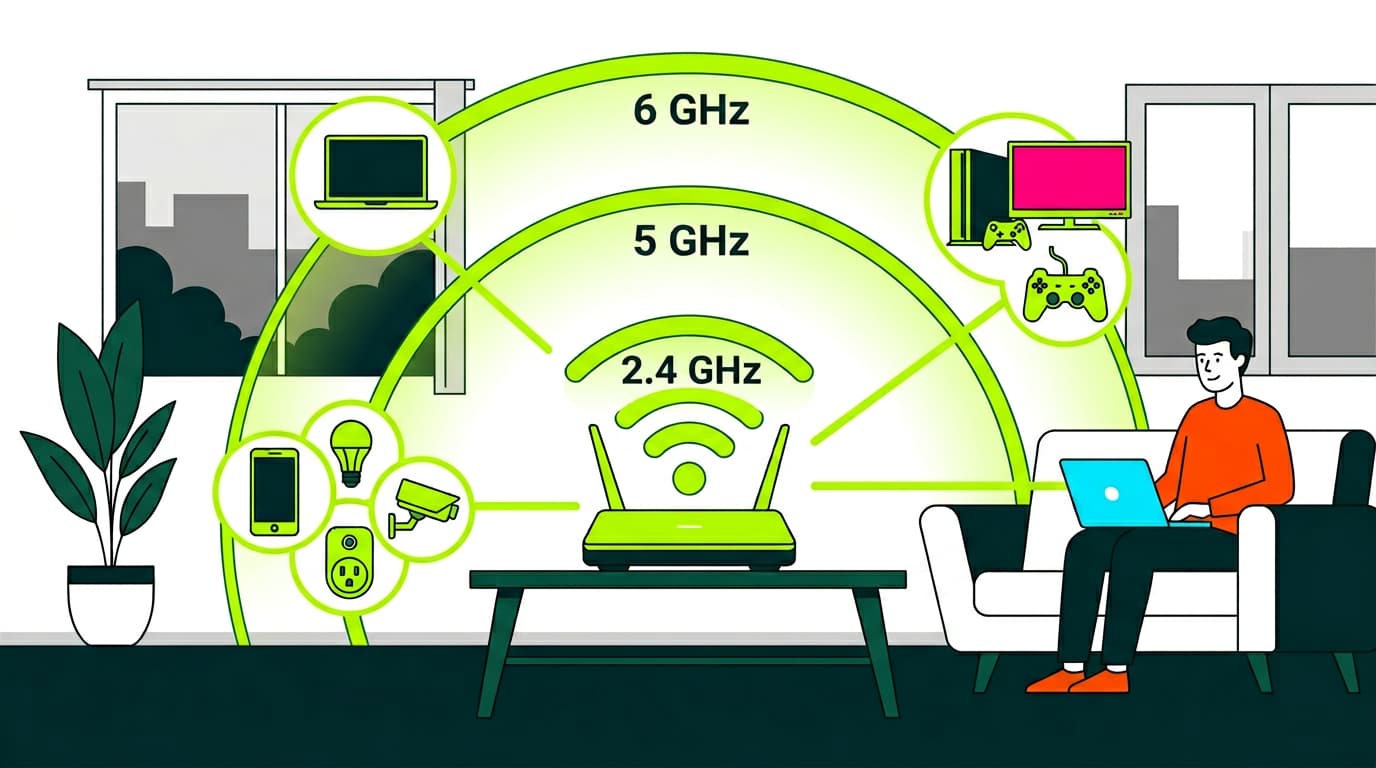
Dual-band support: Extenders that work on both 2.4 GHz and 5 GHz offer better performance and flexibility.
-
Ethernet ports: Useful for connecting devices that don’t have WiFi.
-
Ease of use: Look for simple setup, ideally with WPS support.
-
Design: Size and appearance may matter if it’s in a visible area.
-
Extra features: Some models include parental controls or energy-saving modes.
-
Price: Set a budget and look for the best value within it.
The key is assessing your specific needs and choosing the solution that best fits your situation. With this information, you’re now better prepared to decide and enjoy a stronger, more stable WiFi connection throughout your home or office.
Understanding what a WiFi repeater is, how it works, and how to install it can significantly improve your wireless coverage. These devices provide an effective and relatively affordable fix for many connectivity issues. That said, they’re not the only option—sometimes upgrading your internet plan or choosing a more advanced solution like a WiFi Mesh system may be the better choice.


Very Satisfied
The service is excellent, and we always pay the same amount. We’ve been customers for three years. The staff at the store are very professional and serve us in three different languages!