


Olin > Blog > Connected to WiFi but no internet access
Connected to WiFi but no internet access
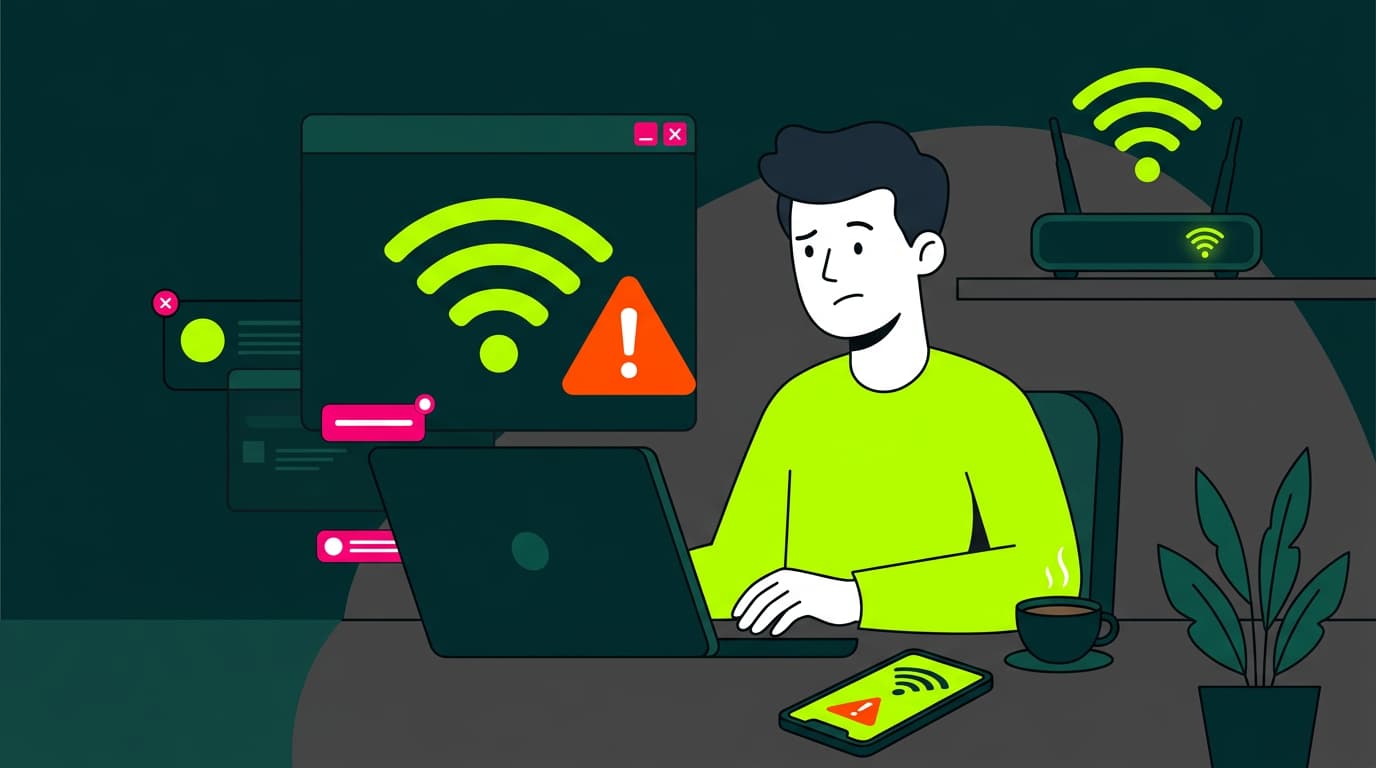
In this article, we explain what it really means to be “connected with no internet”, why it happens, and how you can fix it quickly.
Have you ever been connected to WiFi but unable to browse the internet? It’s more common than you might think — and frustrating if you’re not sure what’s causing it.
Let’s break down what’s actually happening and how to solve it.
What does “no internet connection” mean?
When your device shows “no internet connection”, it means it’s successfully connected to your local WiFi network but cannot reach the wider internet.
WiFi simply connects your device to your router. It doesn’t guarantee internet access on its own.
Think of WiFi as the link between your device and the router. If there’s an issue beyond that point — for example, between the router and your broadband provider — you may be connected to WiFi but still unable to access the internet.
Why am I connected to WiFi but have no internet?
The most common reason is a disruption somewhere between your router and your broadband provider. Imagine your WiFi as the road that connects your home to a motorway (the internet). Even if the local road is clear, a blockage on the motorway will stop you from reaching your destination.
If you’d like to understand how high-speed broadband works and why it offers greater stability, you can read our guide on what broadband is and how it works.
The most common causes of internet connection issues
Here are the main reasons this might happen:
Issues with your broadband service
Sometimes the issue isn’t inside your home. Your broadband provider may be carrying out maintenance, experiencing technical faults, or dealing with unexpected network disruptions in your area.
Router synchronisation problems
Your router needs to synchronise correctly with your provider’s servers. If that connection fails due to configuration issues or temporary errors, you may have WiFi access but no internet.
Device-level problems
Occasionally, the issue is with your device. Software conflicts, incorrect network settings or malware can prevent access to the internet even though you’re connected to WiFi.
Initial checks before troubleshooting
Before assuming the worst, try these quick checks:
Test the connection on another device
Try connecting to the internet using another device, such as your phone or tablet. If none of your devices can connect, the issue is likely with your router or broadband line.
Check your router lights
Look at the indicator lights on your router. There is usually a light showing internet status (often green). If it’s off or flashing red, there may be a broadband connection problem.
How to fix internet connectivity issues
Once you’ve identified possible causes, here are practical steps to resolve them:
Restart your device and router
Switch off your device and your router. Wait around 30 seconds before turning them back on. This simple step often resolves temporary synchronisation or network conflicts.
Try a wired connection
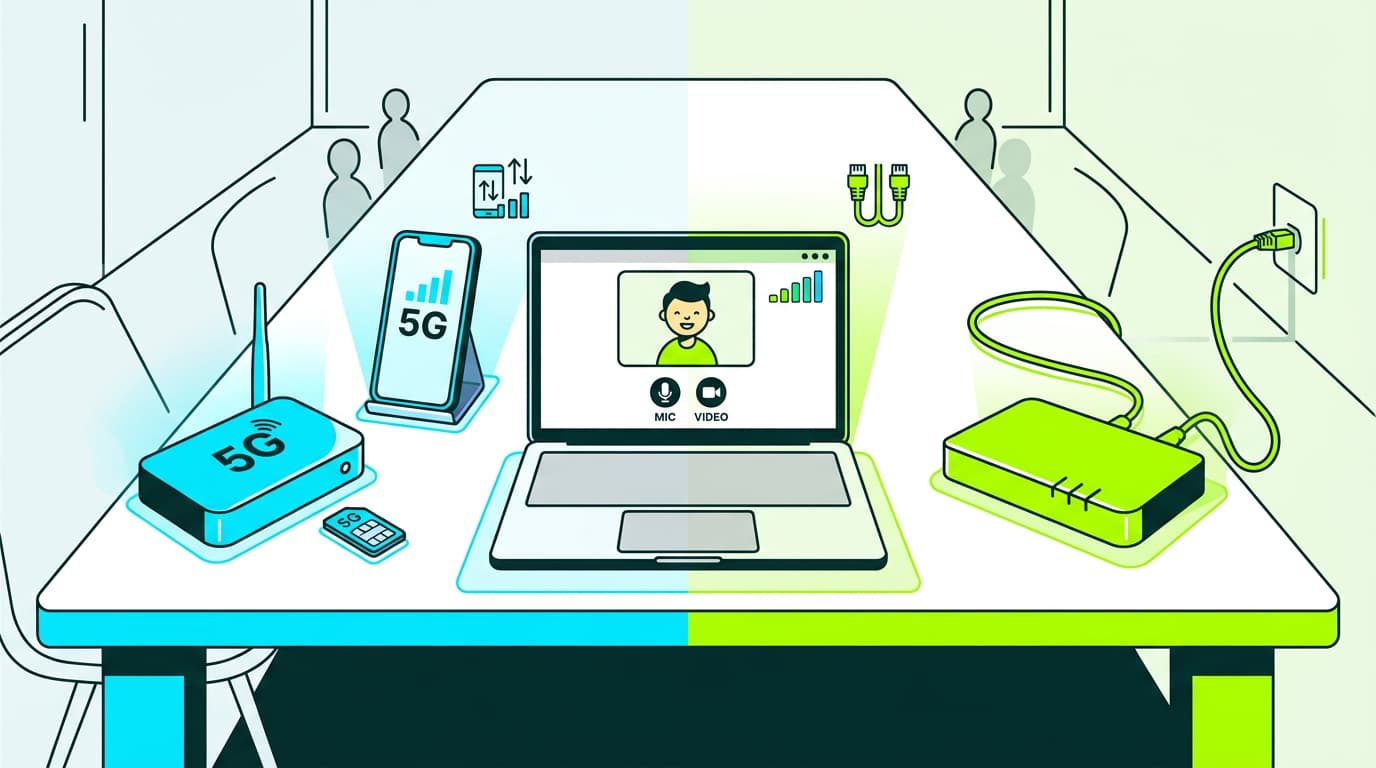
If possible, connect your computer directly to the router using an Ethernet cable. If the internet works via cable but not over WiFi, the issue may be related to your router’s wireless settings.
Forget and reconnect to the network
On your device, go to WiFi settings, select your network and choose “Forget this network”. Then reconnect by entering the password again. This can resolve stored configuration errors.
If you need to change your WiFi password for security reasons or because you’ve forgotten it, you’ll find a step-by-step guide on our blog.
Contact your provider
If none of these steps resolve the issue, it’s time to contact your broadband provider. There may be a fault in your area or a line issue that requires technical support.
The stability and speed of your connection depend heavily on the technology behind it.
Modern high-speed broadband offers greater reliability and faster speeds than older technologies such as ADSL. A more stable connection significantly reduces the likelihood of recurring connectivity issues.
Losing your internet connection can be disruptive, especially when so much of daily life depends on being online. With the right approach, most connection issues can be diagnosed and resolved quickly. A calm, methodical process usually makes all the difference.
If you’re looking for a faster and more stable broadband connection, explore Olin’s high-speed broadband services. Our solutions are designed to minimise connectivity issues and deliver a smooth, uninterrupted online experience.
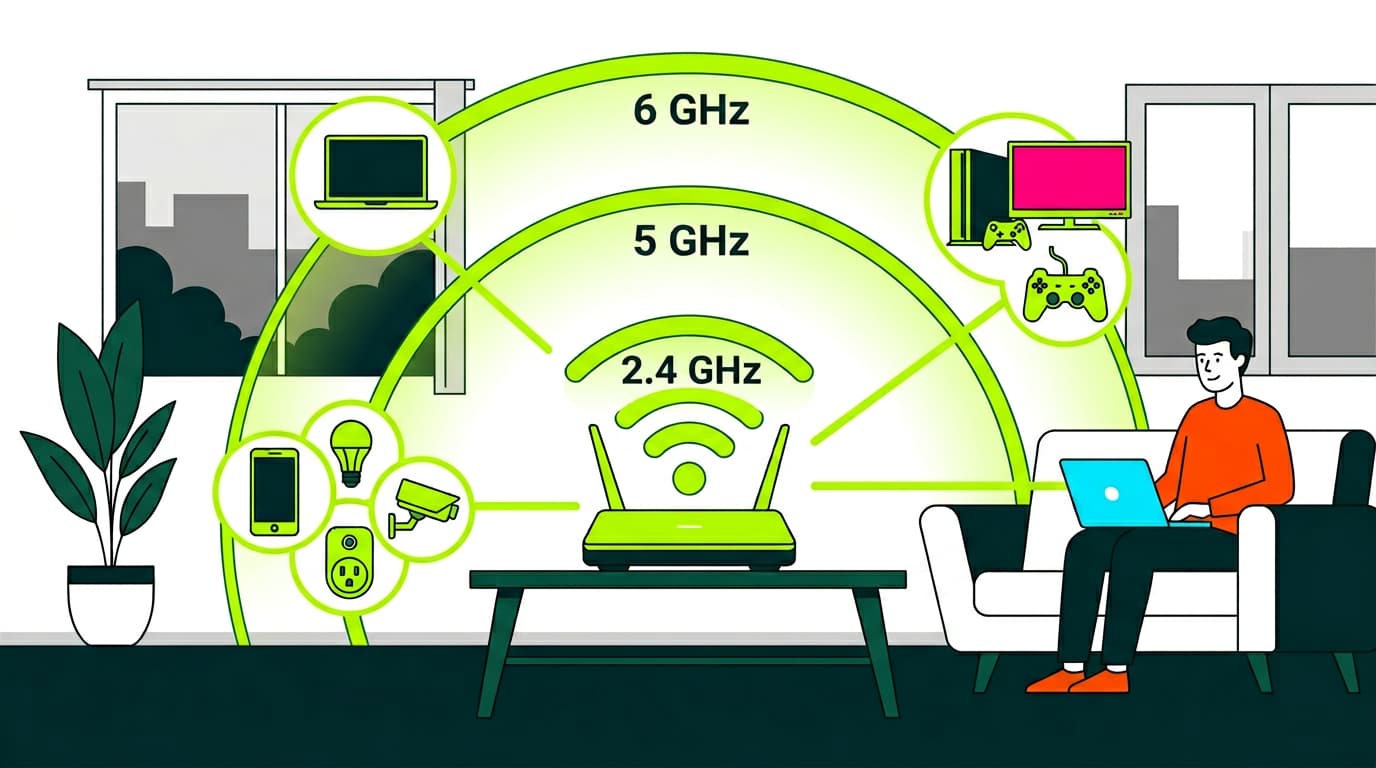
We also offer WiFi Mesh technology, helping extend your broadband coverage throughout your home for a stronger and more consistent signal in every room.

Very Satisfied
The service is excellent, and we always pay the same amount. We’ve been customers for three years. The staff at the store are very professional and serve us in three different languages!