


Olin > Blog > Jitter: what it is and how it affects your internet connection
Jitter: what it is and how it affects your internet connection
What is jitter in internet connections and why does it cause interruptions? Learn how network fluctuation affects calls, gaming and streaming, and how to reduce it.
Has your game frozen at the worst possible moment? Or does your call audio keep breaking up? To understand these issues, it’s essential to look at what jitter is and why it disrupts real-time communication.
Jitter measures the variation in the time it takes for data packets to travel from your device to their destination. Keeping this under control helps prevent interruptions, delays and frustrating glitches in everyday online activities.
What is jitter in internet connections?
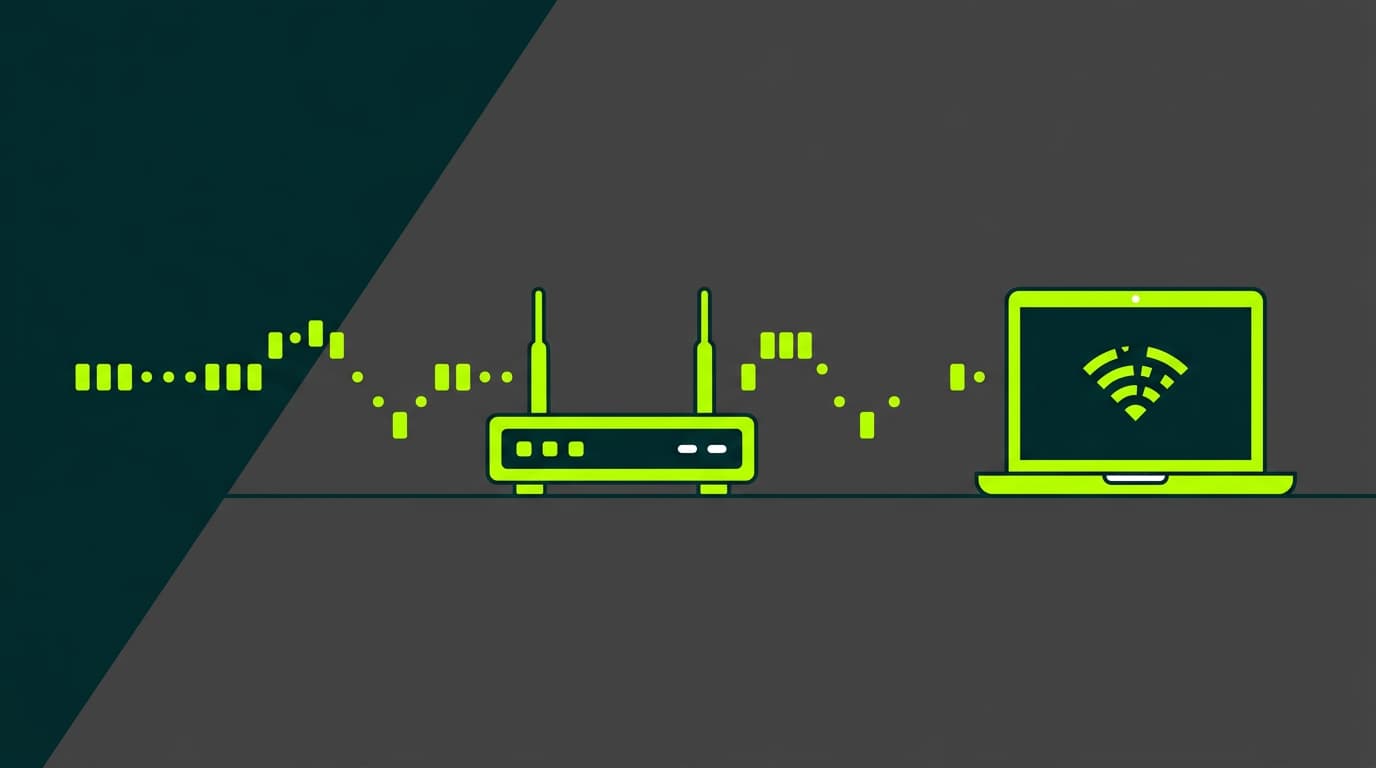
When you send or receive data, it doesn’t travel all at once. It’s split into small pieces called packets. If every packet takes the same time to arrive, your connection is stable. Understanding what jitter is in internet connections means looking at what happens when those delivery times become irregular.
One packet might take 20 milliseconds, the next 60. That inconsistency creates disorder that your device struggles to process in real time. This is often referred to as network fluctuation.
Small variations can be corrected using temporary buffering. But when the difference grows too large, real-time services start to fail because key pieces of data arrive too late to be useful.
Difference between jitter and latency
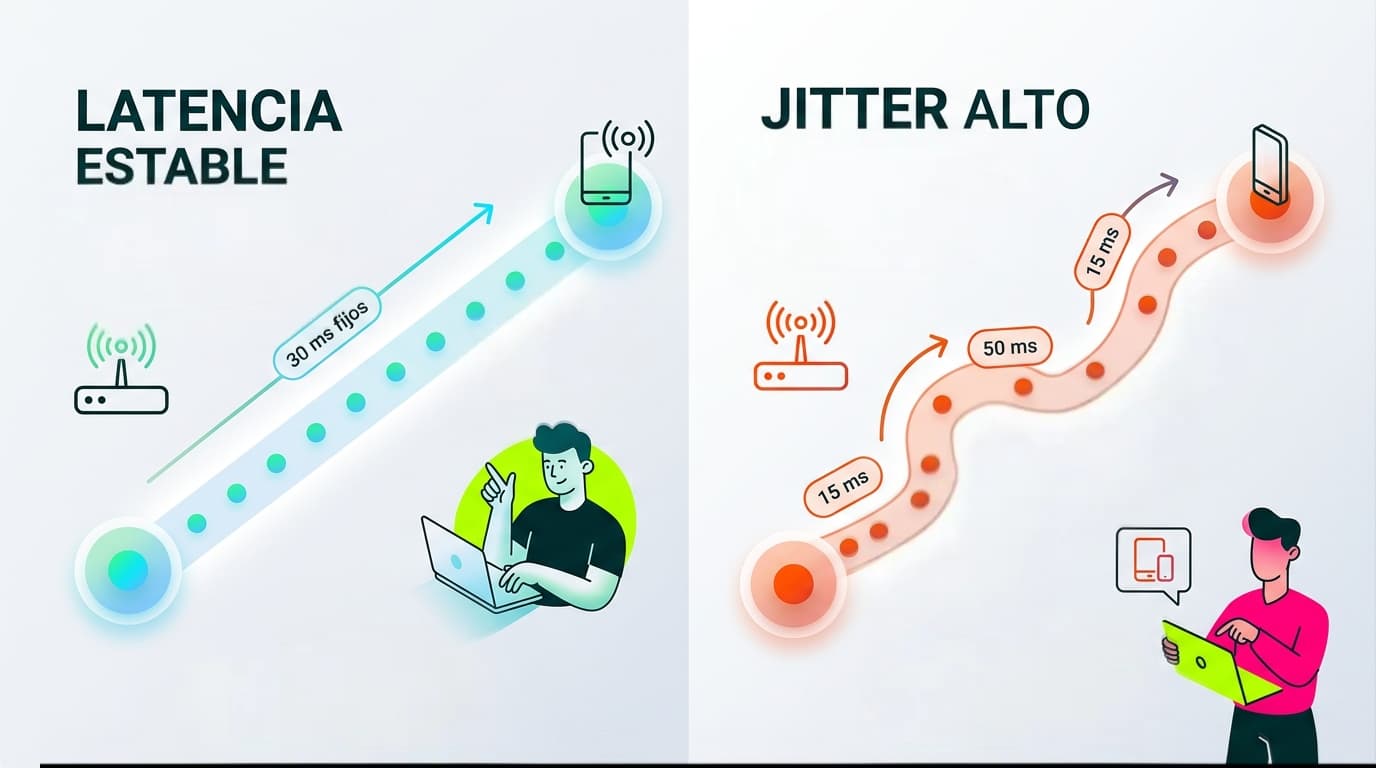
These two are often confused when checking connection performance. Latency (or ping) measures the total time it takes for data to travel to its destination and back. Jitter, on the other hand, focuses only on how much that time varies between packets.
A connection can have high latency but still be stable if it’s consistent. The real problem appears when latency constantly changes. A steady 100 ms delay is easier to handle than fluctuations between 20 and 80 ms, which break the flow of real-time communication.
Discover our broadband and mobile plans
How does jitter affect your daily experience?
High jitter directly impacts any activity that depends on real-time data. Browsing websites or downloading files usually isn’t affected, as those processes can wait for delayed packets.
The real issues appear in interactive services.
When data arrives too late, systems often discard it to keep things moving. That leads to freezes, glitches or even disconnections. Here’s how it shows up in everyday use.
Impact on gaming and online play
If you’ve ever taken cover and still been hit seconds later, you’ve experienced jitter. This effect, known as rubberbanding, happens when your actions reach the server too late. The game recalculates your position using outdated data, causing sudden jumps or delays.
In competitive gaming, timing is everything. If your inputs don’t arrive consistently, the server processes them out of sync, putting you at a clear disadvantage.
Problems in video calls and VoIP services (Skype, WhatsApp, Zoom)
Remote work and online meetings rely on a steady audio stream. Your voice is broken into packets and sent across the network. If those packets arrive out of order or too late, the system struggles to reconstruct the sound.
The result: broken audio, awkward silences or robotic distortion. While software tries to compensate, excessive jitter makes conversations difficult to follow.
Jitter in video streaming (Netflix, YouTube, Twitch)
Streaming platforms usually buffer a few seconds of content in advance, which helps absorb minor fluctuations. However, live streaming has very little tolerance for delay. Without buffer time, any disruption can lower video quality or stop playback entirely.
Discover our broadband and mobile plans
How to know if your jitter is too high
Jitter isn’t always easy to detect because its symptoms can look like general connection issues. To measure it properly, you need extended latency tests or specialised tools.
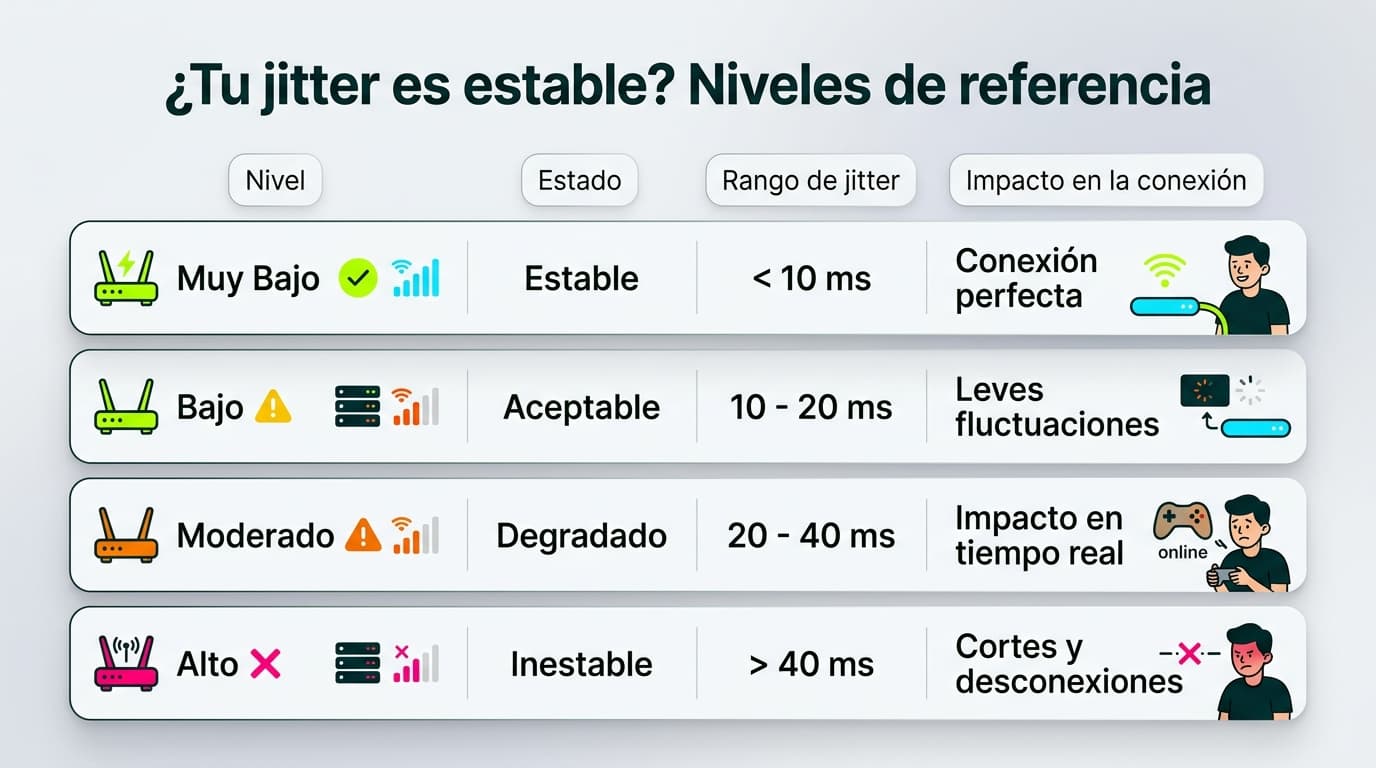
A healthy home network typically keeps jitter below 30 milliseconds. According to technical standards, values above 40 ms start to affect voice quality noticeably.
If it goes beyond 50 ms, the impact becomes obvious: games show warnings, and video calls may disable your camera to preserve audio.
Practical solutions to reduce jitter and improve your network
Many jitter issues come from your home network rather than the external line. Improving your internal setup can make a significant difference.
Old cables or damaged connectors can cause small interruptions that force data to be resent. Replacing them with newer options like Cat 6 cables helps maintain a stable signal.
If you connect multiple devices, using a network switch can also help manage traffic more efficiently.
Practical tips to improve stability
Use Ethernet instead of Wi-Fi
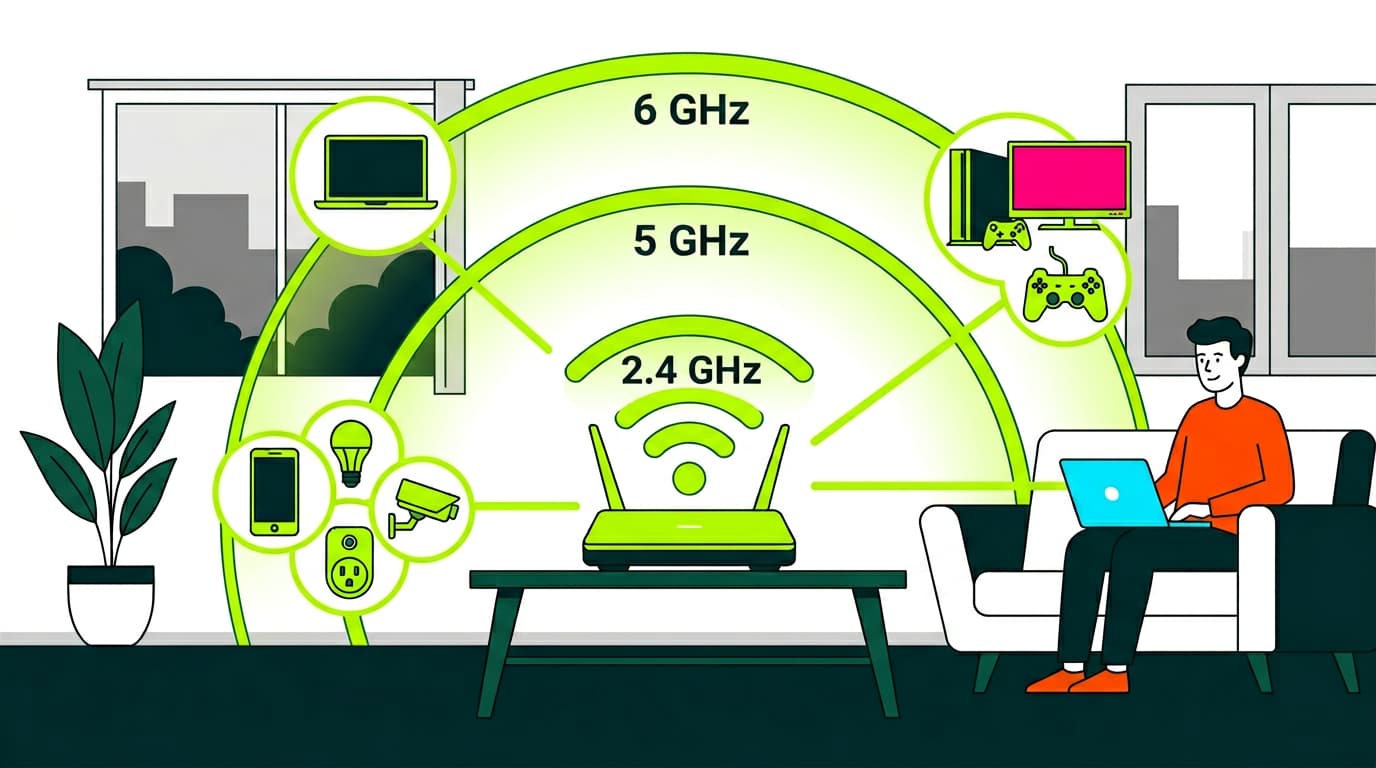
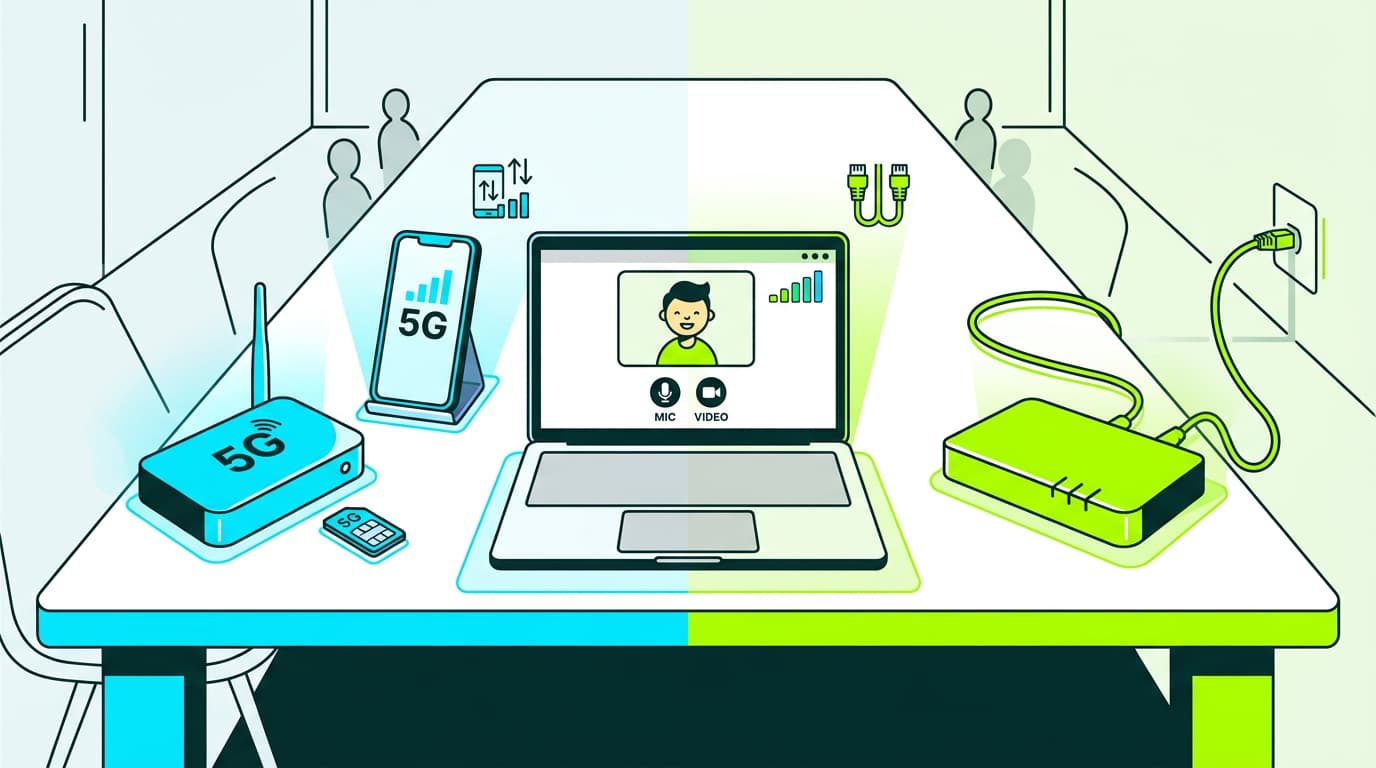
Wireless signals are affected by walls, devices and interference. A wired connection provides a more stable and consistent data flow.
Restart or update your router
Routers handle a large number of processes over time. Restarting clears temporary overload, and firmware updates improve performance.
Set up Quality of Service (QoS)
QoS lets you prioritise certain devices or activities, ensuring critical tasks like calls or work applications run smoothly.
Avoid heavy simultaneous downloads
Large downloads can saturate your connection, causing delays for other activities. Limiting them helps maintain stability.
When should you worry about jitter?
Small variations are normal. It only becomes a concern when you notice consistent issues with calls, streaming or gaming over several days.
If problems persist after optimising your setup, it may be worth contacting your provider to check the external line.
Keep your network free from fluctuations
Maintaining a stable connection depends on both your equipment and how your network is used. Modern high-speed broadband can handle large amounts of data, but your internal setup must support it.
Keeping your router in an open, ventilated space and avoiding interference helps ensure consistent performance.
Taking these steps improves your experience just as much as upgrading your broadband plan. Reliable real-time communication depends on data arriving in the right order, at the right time.
Discover our broadband and mobile plans
Understanding what jitter is gives you the tools to identify why your connection struggles at key moments. Stable timing is just as important as speed when it comes to calls, gaming and streaming.
At the end of the day, even the fastest broadband won’t deliver a smooth experience if data doesn’t arrive consistently.

Very Satisfied
The service is excellent, and we always pay the same amount. We’ve been customers for three years. The staff at the store are very professional and serve us in three different languages!