


Olin > Blog > What is a router, how does it work, and what is it used for?
What is a router, how does it work, and what is it used for?
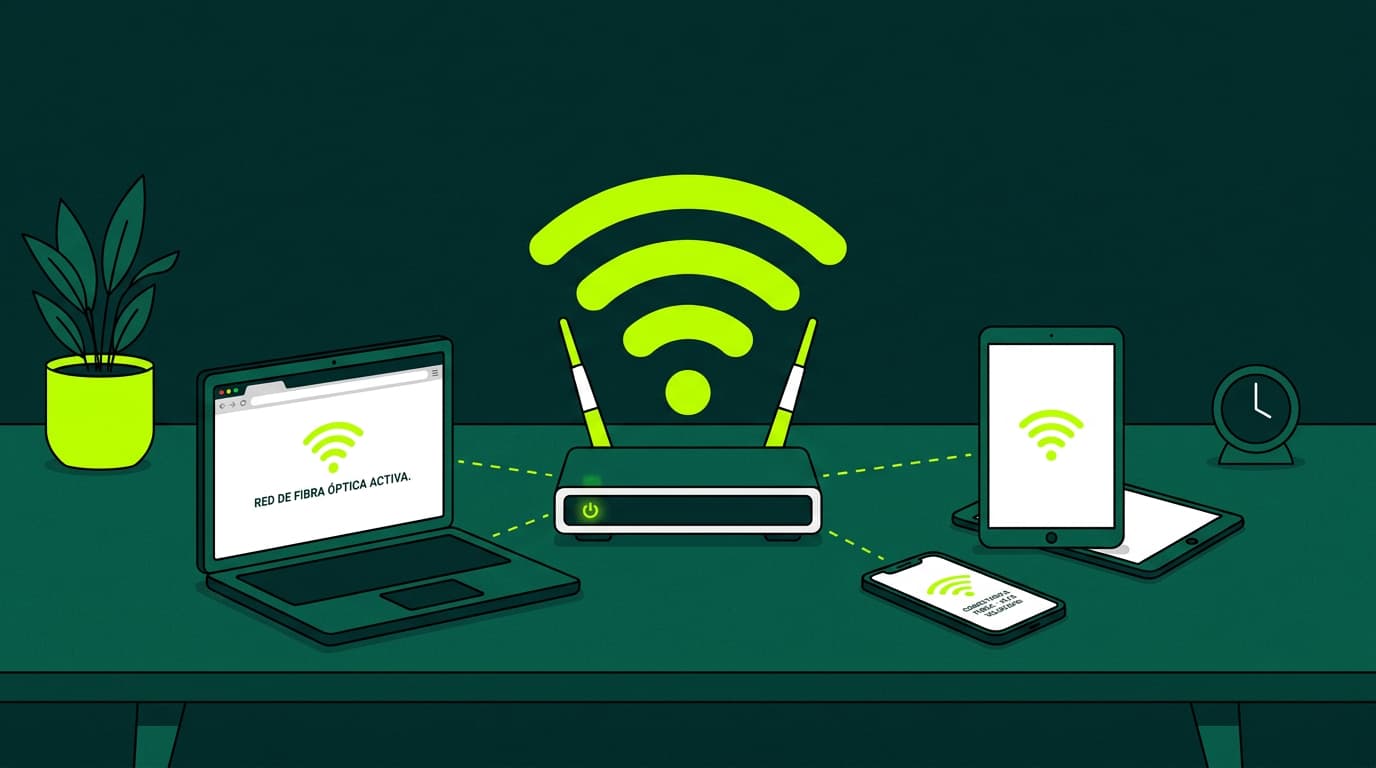
Routers connect two or more networks, manage traffic, and allow multiple devices to use the same Internet connection. Discover how they work.
Today we want to talk about something essential for your home internet connection: the router. You’ve probably heard of it, but do you really know what a router is and how it works? Let’s break it down in a simple way.
What is a router?
A router is a device that connects two or more networks and allows data to be transferred between them. In a home network, the router acts as a central hub that connects all your devices (computers, smartphones, tablets, etc.) to the Internet and to each other.
What is a router used for?
A router performs several key functions:
-
Connects your home network to the Internet.
-
Allows multiple devices to share the same Internet connection.
-
Creates a local area network (LAN) so your devices can communicate with each other.
-
Provides security for your home network through a firewall and encryption.
How does a router work?
When your Internet provider (such as Olin) sends a signal to your home, it first reaches the modem. The modem converts that signal into data your router can understand. The router then distributes this data to your connected devices, either via Ethernet cable or wirelessly through WiFi.
When you send data back to the Internet — for example, when loading a webpage — the process works in reverse. Your device sends the request to the router, which passes it to the modem, and from there it goes out to the Internet.
Difference between a modem and a router
Many people confuse modems and routers, but they serve different purposes. The modem connects your home to your Internet provider’s network and converts the incoming signal into usable data.
The router, on the other hand, takes that data and distributes it to your devices, either through Ethernet ports or via WiFi. It also allows devices within your home network to communicate with each other.
Types of routers
There are several types of routers available, each with its own features and advantages:
-
Wireless (WiFi) routers: The most common option in modern homes. They allow wireless connections, giving you freedom of movement.
-
Wired routers: These connect devices using Ethernet cables. They offer faster speeds and more stable connections than WiFi but require physical cabling.
-
Modem-router combinations: Also known as gateways, these devices combine the functions of a modem and a router into a single unit.
Key router features
When choosing a router, there are several important features to consider:
Coverage and range
For WiFi routers, this refers to how far and how wide the signal can reach. Routers with multiple antennas and technologies like beamforming usually provide better coverage.
Performance
This includes data transfer speeds, how many devices the router can handle at once, and its ability to prioritise certain types of traffic such as gaming or streaming.
Speed
Router speeds are measured in megabits per second (Mbps). A faster router can make a noticeable difference, especially if you have many connected devices or use video streaming heavily.
Functionality
Some routers include additional features such as parental controls, guest networks, and USB ports for connecting storage devices.
Security
A good router should offer strong security features, including a firewall, WPA2 encryption, and the ability to create separate guest networks.
WiFi 6 routers: the latest generation
At Olin, we aim to offer the latest technology to our customers. That’s why our routers are WiFi 6, the newest generation of wireless routers. But what are the advantages of WiFi 6?
-
Higher speed: WiFi 6 routers can reach theoretical speeds of up to 9.6 Gbps, significantly faster than the previous generation (WiFi 5).
-
Lower latency: Latency refers to how long it takes for a device to respond to a request. WiFi 6 greatly reduces latency, which is crucial for gaming and video calls.
-
Improved efficiency: WiFi 6 uses a technology called OFDMA (Orthogonal Frequency Division Multiple Access), allowing the router to communicate with multiple devices at the same time more efficiently.
-
Greater capacity: WiFi 6 routers can handle more connected devices simultaneously without performance drops.
-
Enhanced security: WiFi 6 supports WPA3, the latest security standard, offering stronger protection against cyberattacks.
With an Olin WiFi 6 router, your home network is ready for the future — faster, more efficient, and more secure. We also offer WiFi Mesh technology, which improves stability and extends coverage throughout your home, covering more than 350 m².
We hope this article has helped you better understand what a router is and how it works. If you have any questions or need help choosing the right router for your home, don’t hesitate to contact us.



Very Satisfied
The service is excellent, and we always pay the same amount. We’ve been customers for three years. The staff at the store are very professional and serve us in three different languages!