


Olin > Blog > How to update your router firmware and why it matters
How to update your router firmware and why it matters

Firmware is software built into the router. Learn how to update it, why you should do it, and get tips and tricks to keep your network secure.
Your router is the gateway to the internet in your home, and keeping it up to date is essential to ensure proper performance and security. In this complete guide, we explain everything you need to know about how to update your router’s firmware and why doing it regularly is so important. Keeping your router updated is especially crucial if you want to make the most of your broadband connection and protect your home network.
What is router firmware?
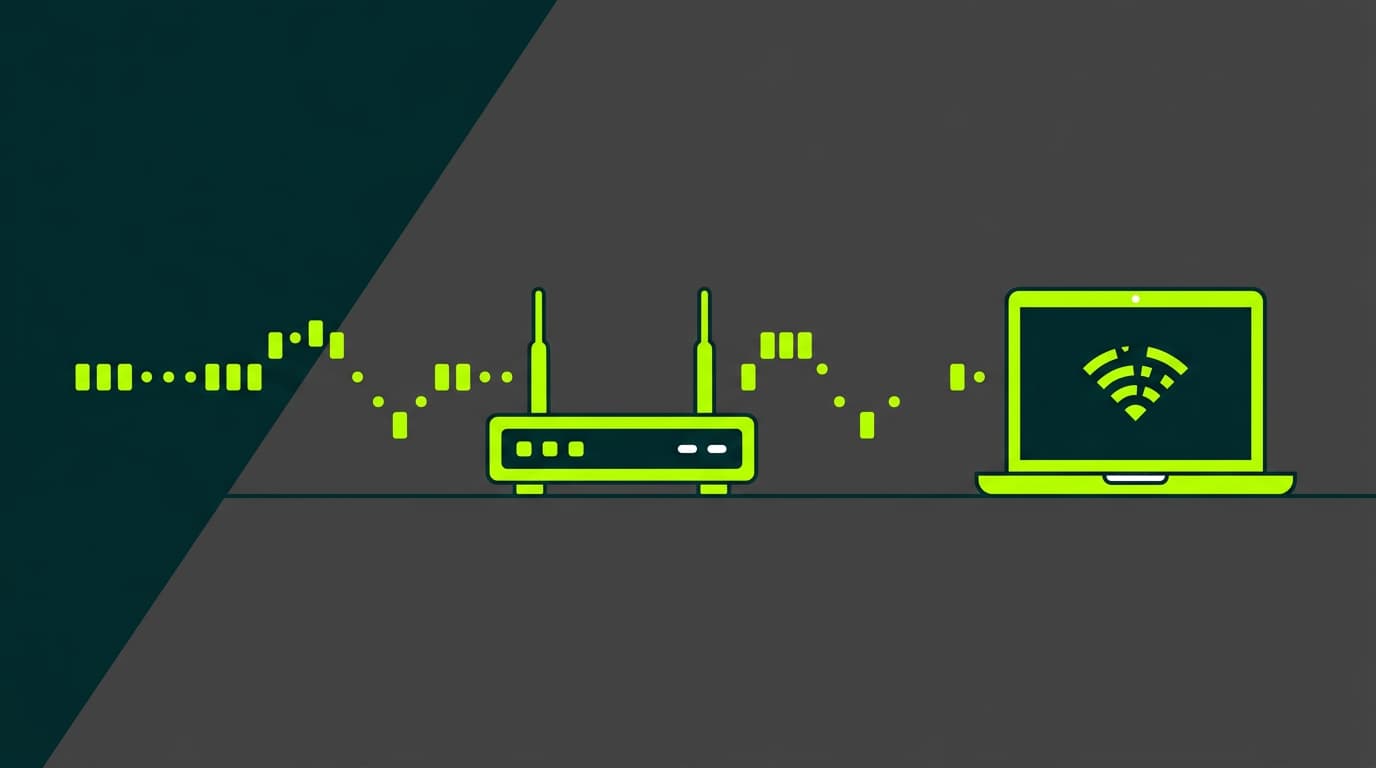
Router firmware is the specialised software embedded in the hardware that controls all its core functions. This system acts as the brain of your router, managing everything from Wi-Fi network settings to the security protocols that protect your data. Its role is particularly important when you have a high-speed broadband connection at home, as it must efficiently handle large amounts of data and high connection speeds.
The firmware determines how your router manages network traffic and handles connections for all the devices in your home. Like any operating system, it needs periodic updates to maintain optimal performance and keep your network secure. This software is specific to each router model and requires regular maintenance to work properly.
Discover all our broadband offers
Why should you update your router firmware?
Updating the firmware is critical for network security, as manufacturers constantly discover and fix vulnerabilities that could be exploited by cybercriminals.
New firmware versions also include important performance optimisations that can significantly improve the speed and stability of your connection. This is especially relevant if you’ve upgraded from older technologies to modern broadband.
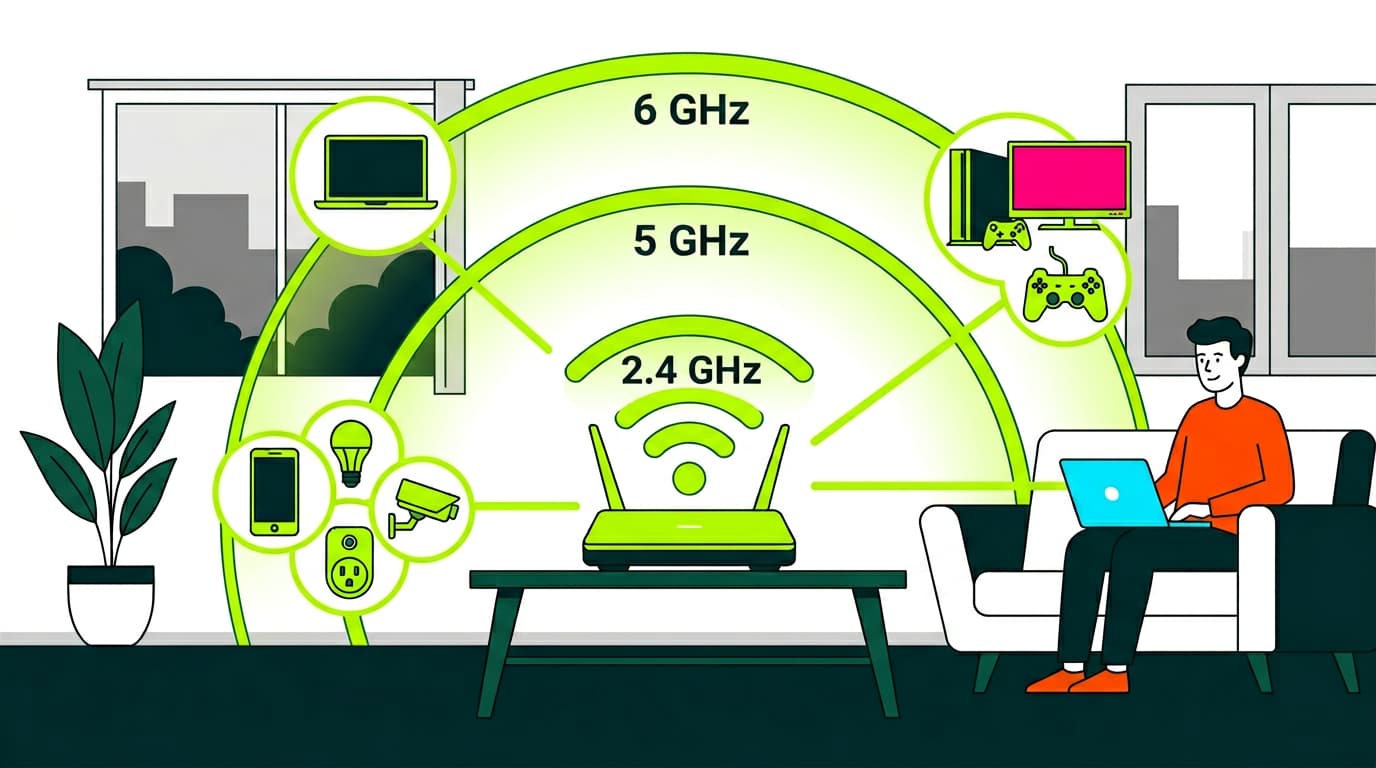
Compatibility with new devices and communication protocols also depends on these updates. Modern devices require support for the latest connection standards, and an updated firmware ensures this compatibility.
In addition, many updates introduce new features and improvements to the user interface that can enhance your overall experience.
How to know if your router is up to date
To check whether your router needs an update, access its administration interface by entering 192.168.1.1 or 192.168.0.1 in your web browser. Once inside the control panel, look for the “System” or “Update” section, where you’ll find information about the currently installed firmware version. It’s important to compare this version with the latest one available on the manufacturer’s official website.
This verification process not only helps you determine whether an update is needed, but also familiarises you with the router’s admin interface. Knowing how this tool works will be useful for general network maintenance and troubleshooting in the future. Remember to check periodically for new updates.
Discover all our broadband offers
How to update router firmware step by step
Before starting the update, make sure your internet connection is stable and reliable. If you’re unsure, you can check our guide on how to restart or reset your router. The first step is to download the new firmware from the manufacturer’s official website, making sure you select the correct version for your specific router model. As a precaution, back up your current configuration.
Once the preparation steps are complete, access the router’s administration interface and locate the firmware update section. Carefully follow the instructions to upload and apply the new version, and do not interrupt the router’s power supply or network connection during the process. The update may take several minutes to complete, during which the router will restart automatically.
Most common update issues
Compatibility errors are one of the most common problems and usually occur when an incorrect firmware version is installed. To avoid this, carefully verify compatibility before starting any update and make sure you download the firmware specifically designed for your router model.
Loss of configuration is another frequent issue, which highlights the importance of making backups. If this happens, you’ll need to reconfigure your router from scratch. While this takes some time, it’s necessary to ensure optimal performance. Failed updates may also require a full router reset.
To ensure the best possible performance from your internet connection, remember that the quality of your network infrastructure is just as important as keeping your firmware updated. If you’re considering upgrading your current connection, we invite you to explore our broadband plans designed to deliver maximum speed and stability.


Very Satisfied
The service is excellent, and we always pay the same amount. We’ve been customers for three years. The staff at the store are very professional and serve us in three different languages!