


Olin > Blog > How to protect your home WiFi network
How to protect your home WiFi network
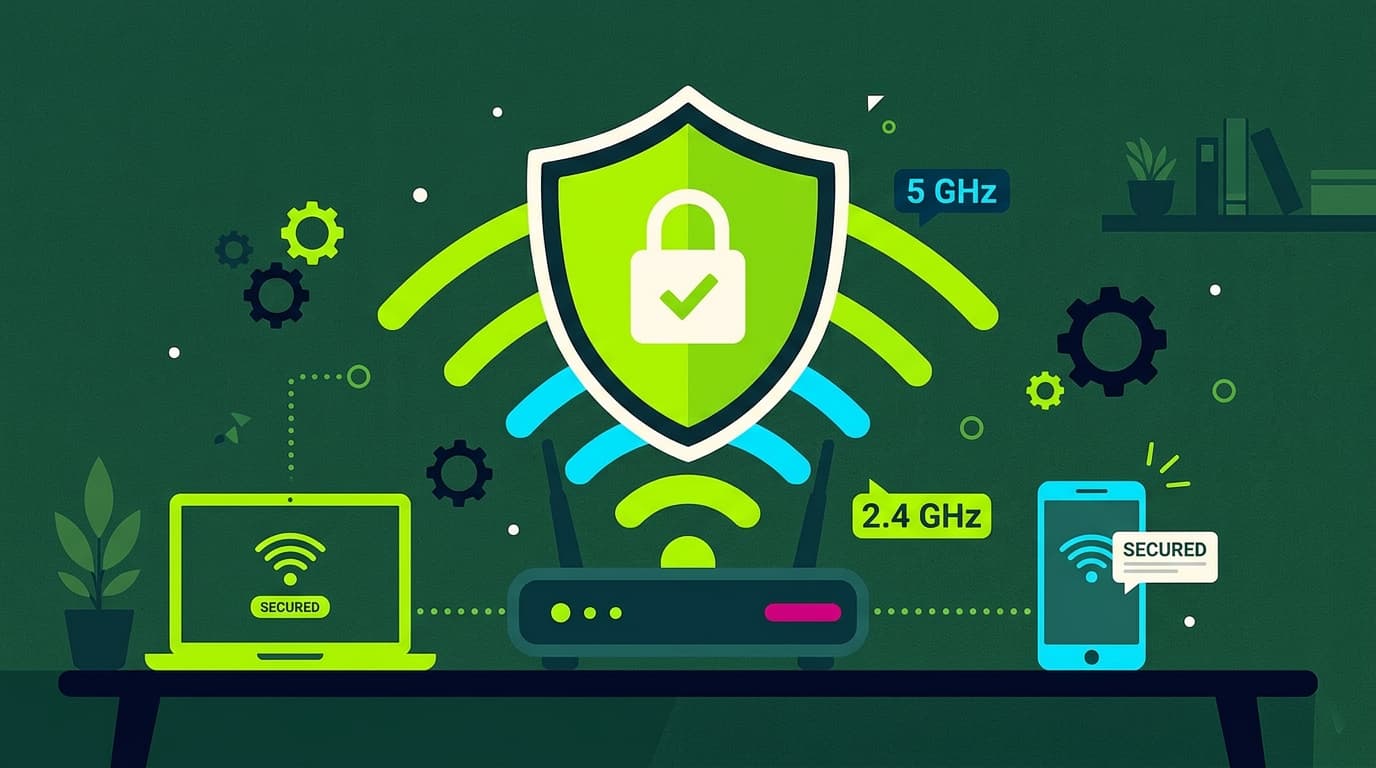
Want to protect your WiFi network? With these 8 simple tips you can secure your network and prevent others from accessing it.
Have you ever asked yourself, “How can I protect my WiFi network?” In an increasingly connected world, securing your WiFi isn’t just good practice—it’s essential. Below are 8 simple tips to help you keep your home WiFi network safe. Let’s get started.
Why should you protect your WiFi network?
WiFi security at home is essential to protect your personal information and stop other people from using your connection without permission. When a WiFi network isn’t properly secured, anyone within signal range can access it. This can lead to unpleasant situations such as personal data theft, malware attacks, or unnecessary consumption of your bandwidth.
A compromised WiFi network can also allow intruders to access connected devices in your home—computers, smartphones, and smart devices—putting your privacy and security at risk. For all these reasons, making sure your WiFi network is secure is crucial.
How can I tell if my WiFi network is secure?
To check whether your WiFi network is secure, follow these basic steps:
-
Check the encryption type: Make sure your network uses strong encryption such as WPA2 or WPA3. Avoid WEP encryption, as it’s easily vulnerable to attacks.
-
Review connected devices: Access your router settings to see a list of connected devices. If you spot unknown devices, someone may be using your network without permission.
8 tips to protect your WiFi network
Protecting your WiFi network doesn’t have to be complicated. With these 8 simple tips, you can significantly improve your network’s security and enjoy a safer, more reliable connection.
Change the default username and password
One of the first steps to improving WiFi security is changing the router’s default username and WiFi password. Default credentials are widely known and easy for hackers to exploit. Choose a strong password with a mix of uppercase and lowercase letters, numbers, and special characters.
Properly configure your wireless network
Correct configuration is key to keeping your wireless network secure. This includes enabling WPA2 or WPA3 encryption and creating a separate guest network if your router allows it. A guest network lets visitors access the internet without gaining access to your main network and connected devices.
Use a VPN (Virtual Private Network)
A VPN encrypts your internet connection, protecting your data from prying eyes. This is especially useful on public WiFi networks, but it also adds an extra layer of security to your home network.
Hide your network from view
You can make your network less visible by hiding the SSID (network name). While this won’t stop determined hackers, it adds an extra layer of security against non-technical users trying to connect without authorization.
Turn off WiFi when you’re not at home
If you’re going to be away for an extended period, turn off your WiFi router. This removes any chance of someone trying to access your network while you’re not there.
Use a firewall
Most routers include a built-in firewall. Make sure it’s enabled. A firewall helps protect your network from unauthorized access and malicious attacks.
Keep your router software up to date
Your router’s software—known as firmware—should always be up to date. Manufacturers release updates to fix security vulnerabilities and improve performance. Regularly check the manufacturer’s website and install available updates.
Enable MAC address filtering
Every device connected to your network has a unique MAC address. Enabling MAC address filtering allows only approved devices to connect to your network, giving you extra control over who can access your WiFi.
WiFi network security is essential to protect your personal information and keep your connection safe. By following these 8 tips, you can ensure your network is protected against unauthorized access and potential threats.
At Olin, we focus on providing the best connectivity solutions—from high-performance broadband to mobile and TV services. If you want to improve your connection and secure your network, don’t hesitate to get in touch with us.

Very Satisfied
The service is excellent, and we always pay the same amount. We’ve been customers for three years. The staff at the store are very professional and serve us in three different languages!