


Olin > Blog > Netflix Not Working? Possible Causes and How to Fix Them
Netflix Not Working? Possible Causes and How to Fix Them
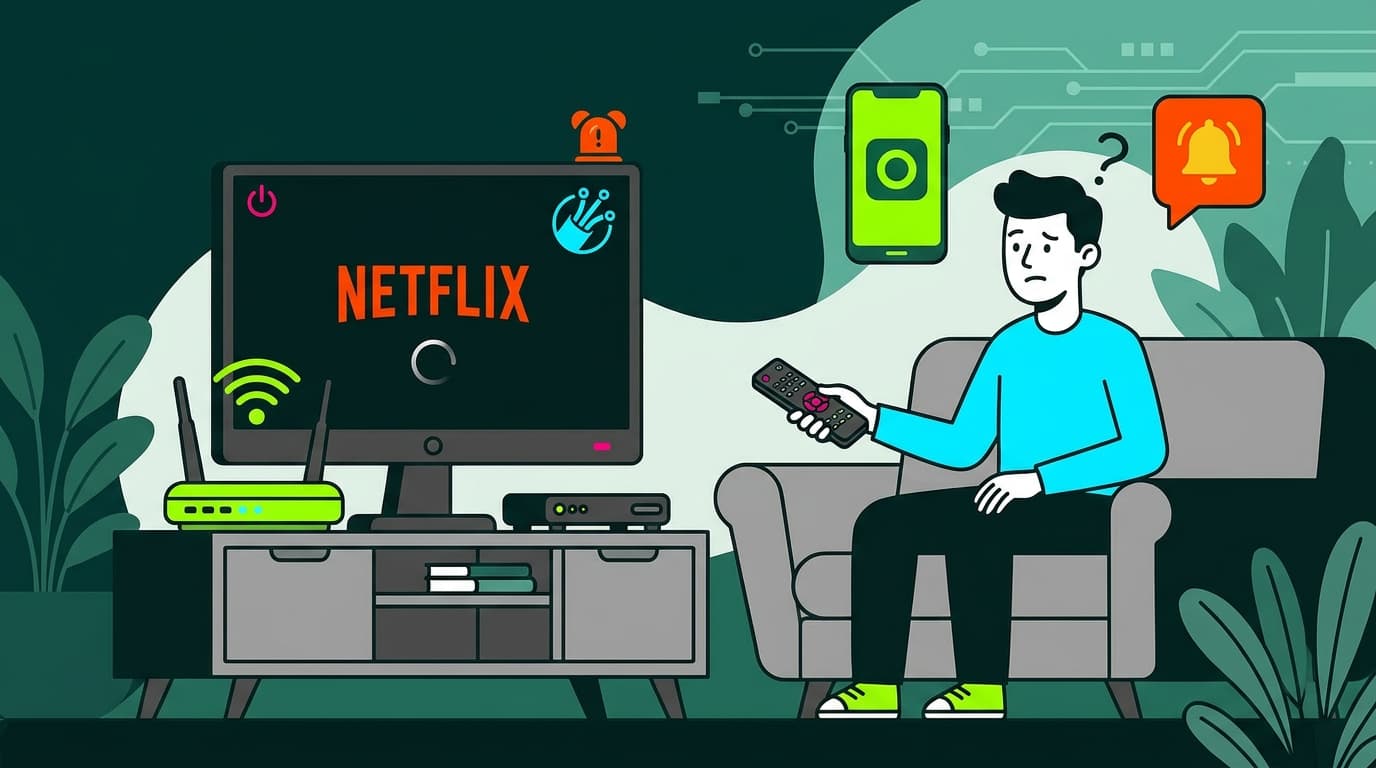
Is Netflix not working? Discover the most common causes, error codes and simple step-by-step solutions to get back to streaming quickly.
Have you settled into the sofa, ready to enjoy your favourite series, only to find that Netflix isn’t working?
Netflix is one of the most popular streaming platforms in the world, with over 269 million subscribers globally according to the latest 2024 data. In Spain alone, it reaches 16.5 million unique viewers. With such a large user base, occasional technical issues are inevitable.
Don’t worry. This is more common than you might think, and in most cases, the solution is straightforward.
In this guide, we’ll look at the most frequent reasons why Netflix may stop working and walk you through practical steps to fix the issue.
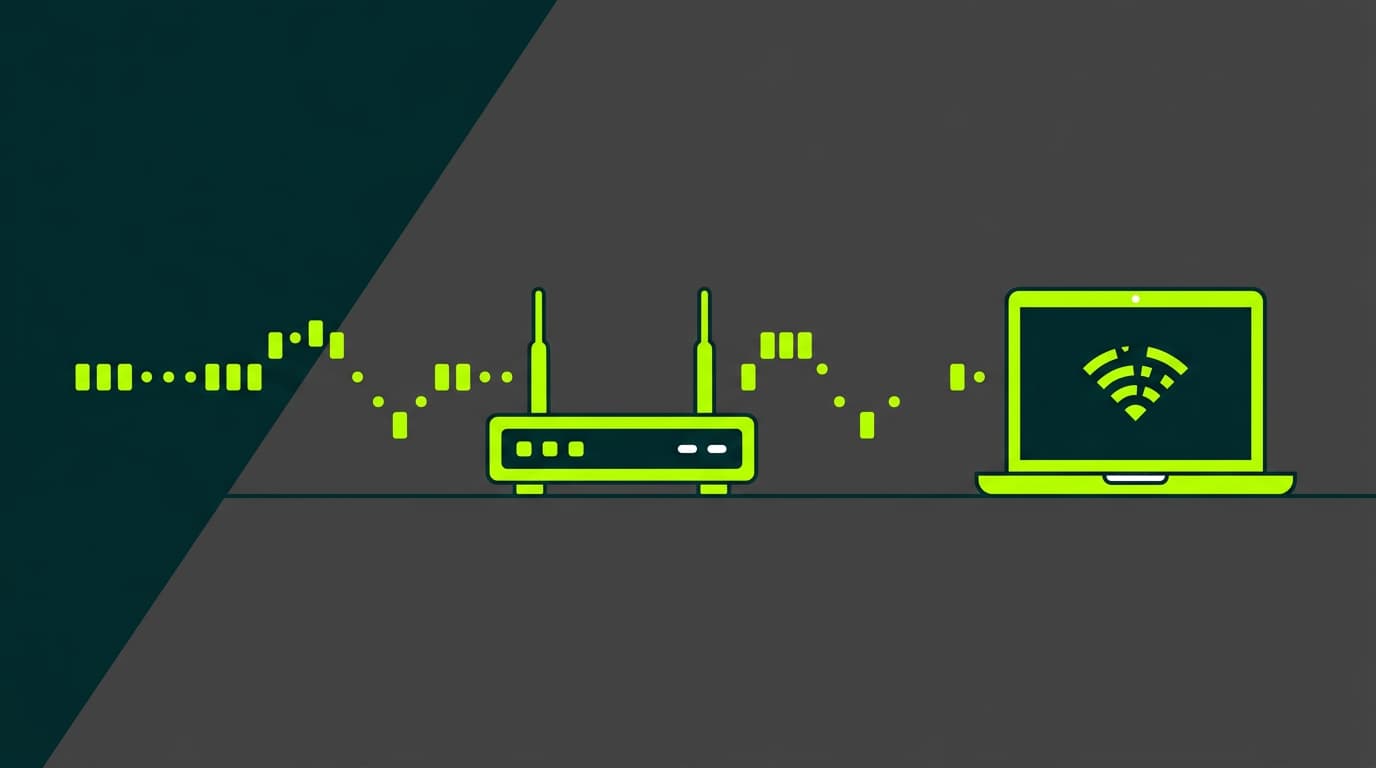
Before we go any further, it’s worth remembering that Netflix — like any streaming service — relies heavily on a stable, fast internet connection. If you’re experiencing problems, the first thing to check is your connection speed. A slow or unstable connection is often the root cause of streaming issues.
Netflix Error Codes
When Netflix stops working, it often displays a specific error code. These codes help identify the exact problem. Some of the most common include:
- Error 100: Indicates a connectivity issue.
- Error 1011: Suggests a problem with stored data on your device.
- Error 1012: Means Netflix can’t access your account.
- Error NW-2-5: Points to an internet connection issue.
- Error UI-800-3: Indicates the Netflix app needs updating.
Recognising these codes can help you diagnose and fix the issue more quickly.
If you’re seeing an error that isn’t listed here, Netflix offers a dedicated troubleshooting tool on its official support page. Simply enter the error code shown on your screen to receive detailed guidance tailored to your issue.
Why Is Netflix Not Working? Most Common Causes
If Netflix isn’t working, there may be several possible reasons. Below are the most common issues that can disrupt your streaming experience.
Internet connection problems
The most frequent reason Netflix fails to work is an issue with your internet connection. Netflix requires a minimum speed of 0.5 Mbps, although at least 5 Mbps is recommended for HD streaming. If your connection is slower or unstable, interruptions are likely.
Run an online speed test to check your connection. If the results fall below the recommended level, you may need to improve your Wi-Fi performance or upgrade your broadband speed.
Sign-in issues
Sometimes the problem lies with your login details. You may have entered your credentials incorrectly, or there could be a security issue with your account. For example, someone else may have accessed it, or your details may have been exposed in a data breach.
Content unavailable in your region
Occasionally, the title you’re trying to watch may not be available in your country due to licensing restrictions. Netflix’s catalogue varies by region and changes over time.
Too many simultaneous streams
Depending on your subscription plan, Netflix limits how many devices can stream at the same time. If that limit has been reached, you won’t be able to start a new session.
Unexpected error message
A generic “unexpected error” message can appear for various reasons, ranging from app glitches to server-side issues.
Global service outage
Although rare, Netflix can experience widespread outages that affect users globally. In these situations, the only solution is to wait until the service is restored.
Your account is being used on another device
If you’ve shared your password, someone else may be using your account at the same time, preventing you from accessing it.
Netflix Not Working: Most Common Solutions
Now that we’ve covered the likely causes, let’s look at how to fix them. Most issues can be resolved quickly by following these steps.
Check your internet connection
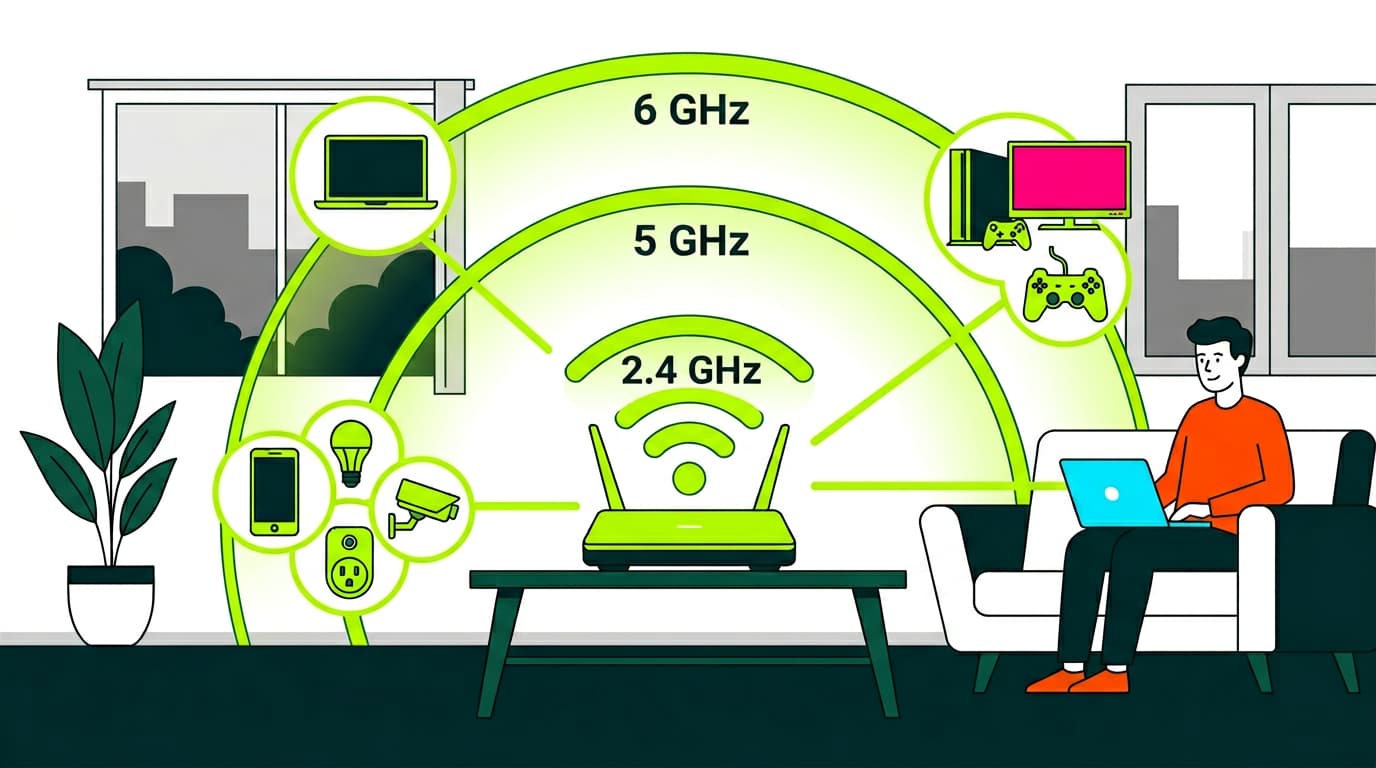
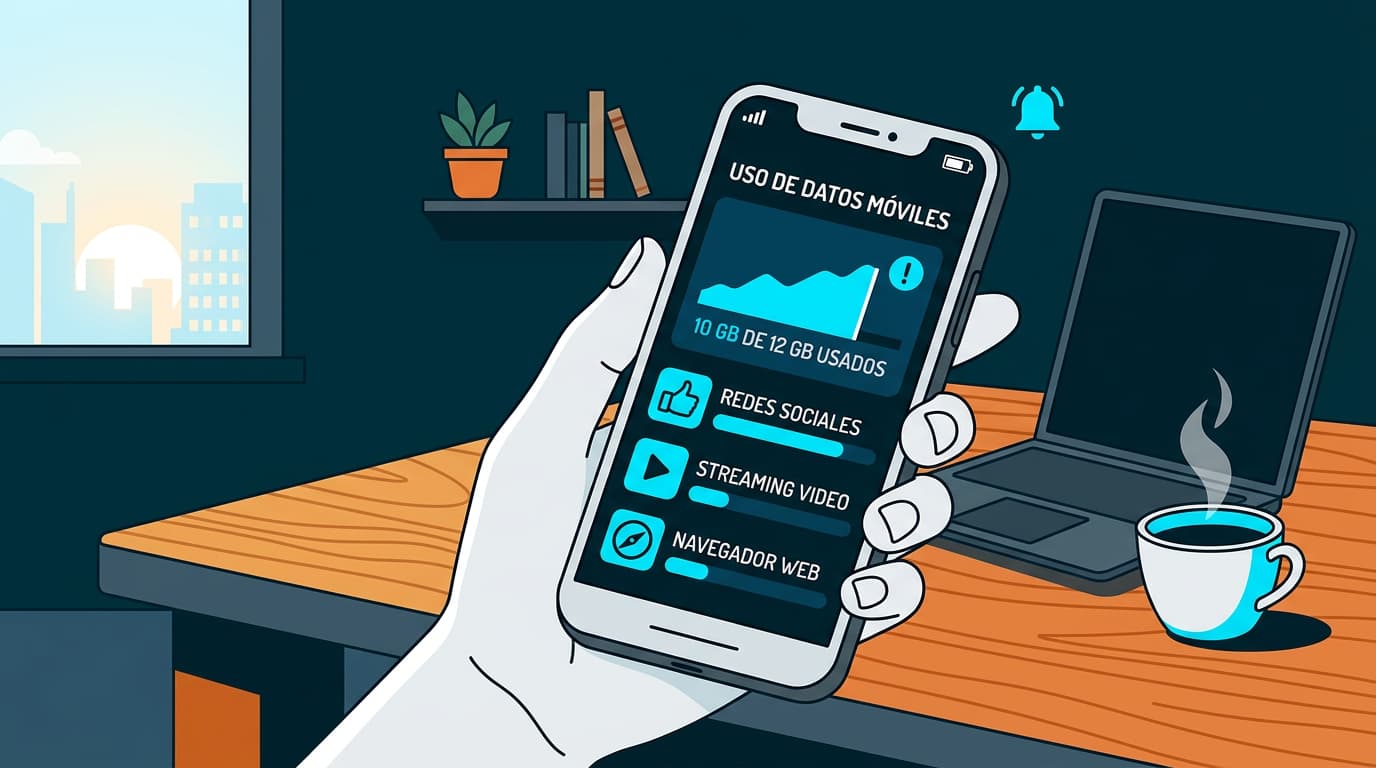
A slow or unstable connection is often the main cause. Try improving your Wi-Fi signal or switching to a wired connection if possible. If you’re using mobile data, make sure you have strong coverage and sufficient data allowance.
Update the Netflix app
Outdated apps can cause compatibility issues. Make sure you have the latest version of the Netflix app installed by checking your device’s app store.
Sign out and sign back in
Logging out and back in again can resolve authentication issues:
- Go to the Netflix homepage.
- Click “Sign out” from your profile menu.
- Fully close the browser or app.
- Reopen Netflix and sign in again.
Restart your device and router
A simple restart can fix many technical problems. Turn off your device and router, wait a few minutes, then power them back on. This often restores the connection and resolves network errors.
Clear cache and cookies
Stored data can sometimes interfere with performance:
- Go to your browser settings.
- Find the option to clear browsing data.
- Select “Cache” and “Cookies”.
- Click “Clear data”.
Check for a service outage
If none of the above works, there may be a broader service issue. You can check outage tracking websites such as Downdetector or Netflix’s official social media channels for updates.
Contact Netflix customer support
If you’ve tried everything and Netflix still isn’t working, contact Netflix customer support. They can help with account-specific or regional issues.
Most Netflix problems can be resolved with a bit of patience and a systematic approach. If the issue continues, don’t hesitate to seek further assistance.
We hope you won’t have to say “Netflix isn’t working” again just as you’re about to watch your favourite series. To enjoy uninterrupted streaming, a fast and reliable internet connection is essential.
If you’re looking to upgrade, explore Olin’s high-speed broadband plans. With speeds of up to 10 Gbps, you can stream Netflix and other platforms smoothly, without worrying about connection issues.

Very Satisfied
The service is excellent, and we always pay the same amount. We’ve been customers for three years. The staff at the store are very professional and serve us in three different languages!