


Olin > Blog > Internet security: tips to protect yourself online
Internet security: tips to protect yourself online
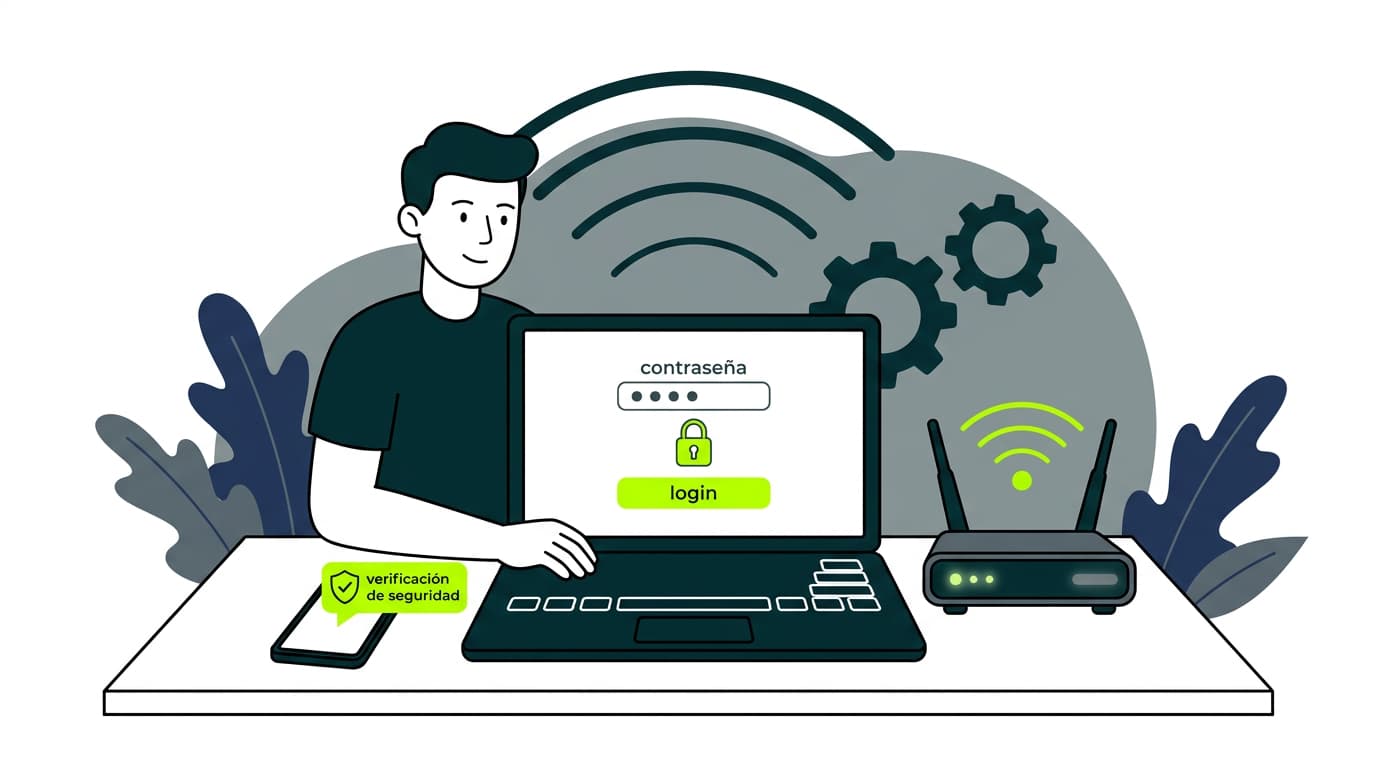
Internet security is a concept that covers the protection of activities carried out online. Learn everything about it.
Internet security has become a crucial topic in our digital age. With the rise of cyber threats, it’s essential to understand how to protect yourself while browsing the web.
In this article, we take an in-depth look at what internet security is, the main risks you face, and practical tips to keep your information — and your family — safe online.
What is internet security?
Internet security refers to all the measures and practices designed to protect your data, devices, and online activities from cyber threats.
This includes safeguarding your personal and financial information, as well as any other sensitive data you may share or store online.
Today, as high-speed broadband has transformed the speed and capacity of our connections, security has become even more important. With faster data transmission, cybercriminals have more opportunities to try to access your information if you’re not properly protected. You can learn more about how broadband works in this link.
Main internet security threats
Before looking at protection measures, it’s important to understand the main dangers that threaten our online security:
Viruses and malware
Viruses and malware are programs designed to infiltrate devices without the user’s knowledge. Their purpose can range from damaging systems to stealing personal information or using the device for other malicious activities.
There are several types:
-
Trojans: They appear as legitimate programs to trick users and gain access to their systems. Once inside, they can allow remote access or install additional malware.
-
Ransomware: Encrypts a user’s files and demands a ransom to restore them. In many cases, even if the ransom is paid, the files are never recovered.
Example: WannaCry, a ransomware attack that in 2017 affected over 200,000 systems in 150 countries, locking files and demanding payment in Bitcoin. -
Spyware: Installs itself without the user noticing and collects personal information such as login credentials, browsing history, or even keystrokes.
-
Worms: Malicious programs that replicate themselves and spread through networks or connected devices, overloading systems and spreading other malware.
-
Adware: Displays unwanted ads on the device, often as pop-ups, and may redirect web browsing or collect data about user behaviour.
Phishing
Phishing is a fraud technique in which attackers impersonate legitimate companies or institutions to trick users into revealing personal data such as passwords or banking details. It can take several forms:
-
Fake emails: Messages that appear to come from banks, payment platforms, or social networks, asking users to click a link and enter their information.
Example: In 2020, phishing campaigns impersonating Netflix were detected, telling users their subscription was suspended and asking for bank details on a fake website. -
Fraudulent websites: Pages designed to look like official ones in order to steal login credentials.
-
Text messages (smishing): Phishing attacks via SMS, containing malicious links or fake phone numbers.
-
Phone calls (vishing): Calls where scammers pretend to be technical support or bank representatives to obtain confidential information.
Malvertising
Malvertising involves inserting malicious ads on legitimate websites to infect devices or redirect users to fraudulent pages. Common forms include:
-
Drive-by downloads: Ads containing scripts that automatically download malware without user interaction.
-
Redirection to fake sites: Ads that lead users to pages designed to steal personal data or install malware.
Example: In 2016, malvertising on sites such as The New York Times and the BBC infected thousands of users with ransomware through seemingly harmless ads. -
Exploitation of vulnerabilities: Ads used to launch attacks without user interaction by exploiting security flaws in browsers or plugins like Flash or Java.
Identity theft
Identity theft occurs when attackers obtain personal information to impersonate someone and commit fraud. In 2017, Equifax suffered a data breach that exposed the personal information of 147 million people worldwide, enabling large-scale identity theft.
Common targets include:
-
Opening fake bank accounts using stolen personal data.
-
Making fraudulent online purchases with stolen credit cards.
-
Tax fraud through false tax returns to obtain illegitimate refunds.
-
Social media impersonation to deceive others or extort victims.
Internet security tips
Now that you’re aware of the main risks, it’s time to learn how to protect yourself. Here are some practical tips to improve your online security:
-
Keep your software up to date: Updates often include critical security patches. Enable automatic updates whenever possible.
-
Use strong, unique passwords: Create complex passwords and use a different one for each account. Consider using a password manager. Learn how to change your Wi-Fi password to improve the security of your home network.
-
Enable two-factor authentication (2FA): Adds an extra layer of security by requiring a second verification step beyond your password.
-
Be careful with public Wi-Fi: Avoid accessing sensitive information on public Wi-Fi networks. If necessary, use a VPN to encrypt your connection.
-
Install reliable antivirus software: A good antivirus can protect you from malware and other threats. Keep it updated.
How to protect your personal data online
In the digital era, our personal information is more exposed than ever. From social media to online banking, every interaction leaves a data trail that cybercriminals can exploit if we’re not careful. Internet security depends not only on advanced tools like antivirus software or firewalls, but also on responsible browsing and sharing habits.
Here are some key measures to protect your privacy and reduce online risks:
-
Be mindful of what you share: Think twice before posting personal information on social networks or websites.
-
Review privacy settings: Adjust privacy controls on social media and online accounts to limit who can see your information.
-
Use encryption: Whenever possible, use HTTPS websites to encrypt your data during transmission.
-
Check app permissions: Carefully review the permissions requested by apps before installing them.
-
Erase data from old devices: Perform a factory reset before selling or giving away old devices.
How to protect your family online
Internet access offers countless opportunities for learning and entertainment, but it also exposes children to risks such as cyberbullying, inappropriate content, and online scams. Ensuring your family’s online safety involves not only protection tools, but also encouraging responsible habits and open communication about digital risks.
Here are some key steps to create a safe online environment for your family:
-
Educate your children about online safety: Teach them about the dangers of sharing personal information and how to recognise online threats.
-
Use parental controls: Implement parental control tools to monitor and limit access to inappropriate content.
-
Set clear rules: Establish guidelines for internet use at home, including time limits and allowed websites.
-
Maintain open communication: Encourage children to talk to you if they encounter anything worrying online.
-
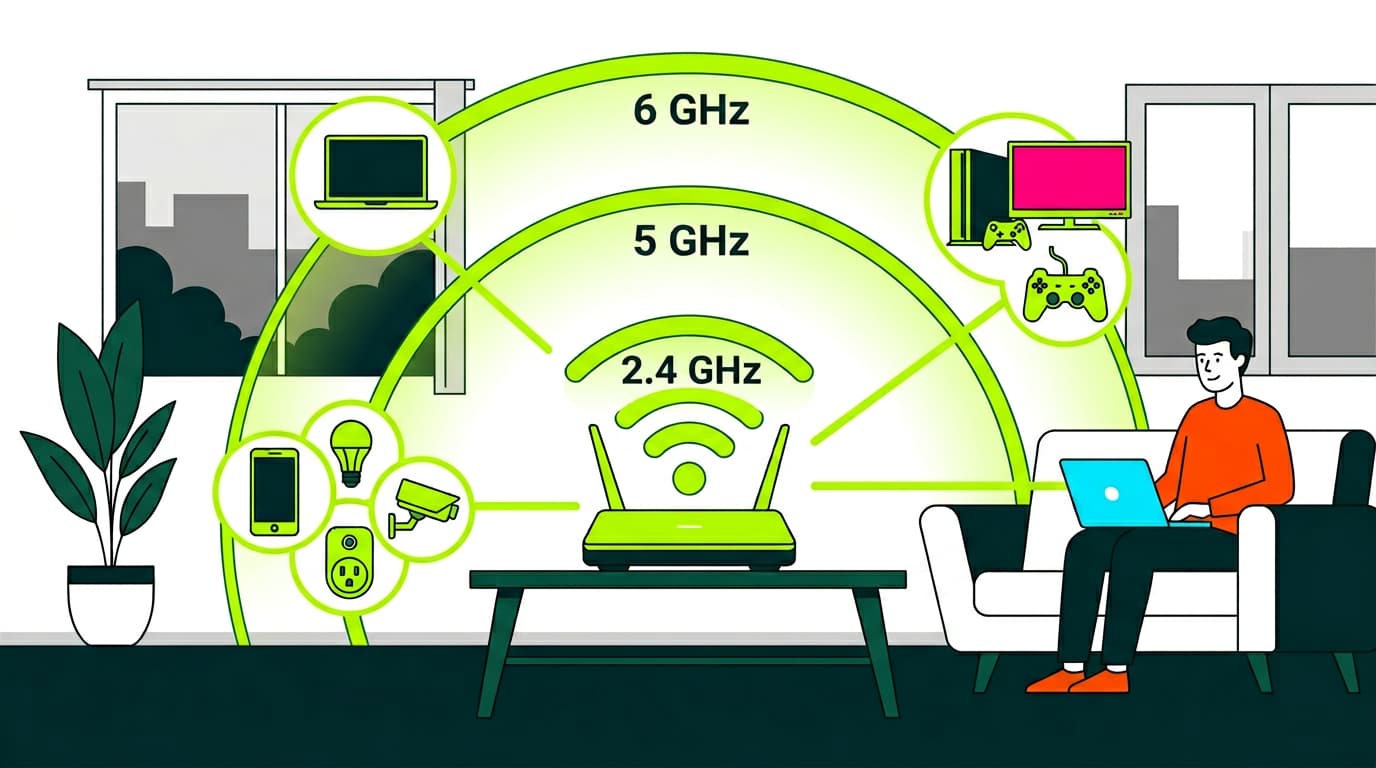
Secure your home network: Learn how to protect your Wi-Fi network to create a safe environment for everyone.
Internet security is an ongoing effort that requires constant awareness and up-to-date knowledge. By applying these measures and staying informed about the latest threats, you can browse the web with greater peace of mind. Remember: prevention is the best defence.
If you’re looking for a fast and secure internet connection, explore our broadband services. With Olin, you get not only high-speed connectivity but also the support you need to keep your online experience safe and reliable.

Very Satisfied
The service is excellent, and we always pay the same amount. We’ve been customers for three years. The staff at the store are very professional and serve us in three different languages!