


Olin > Blog > What is internet latency and how can you improve it?
What is internet latency and how can you improve it?
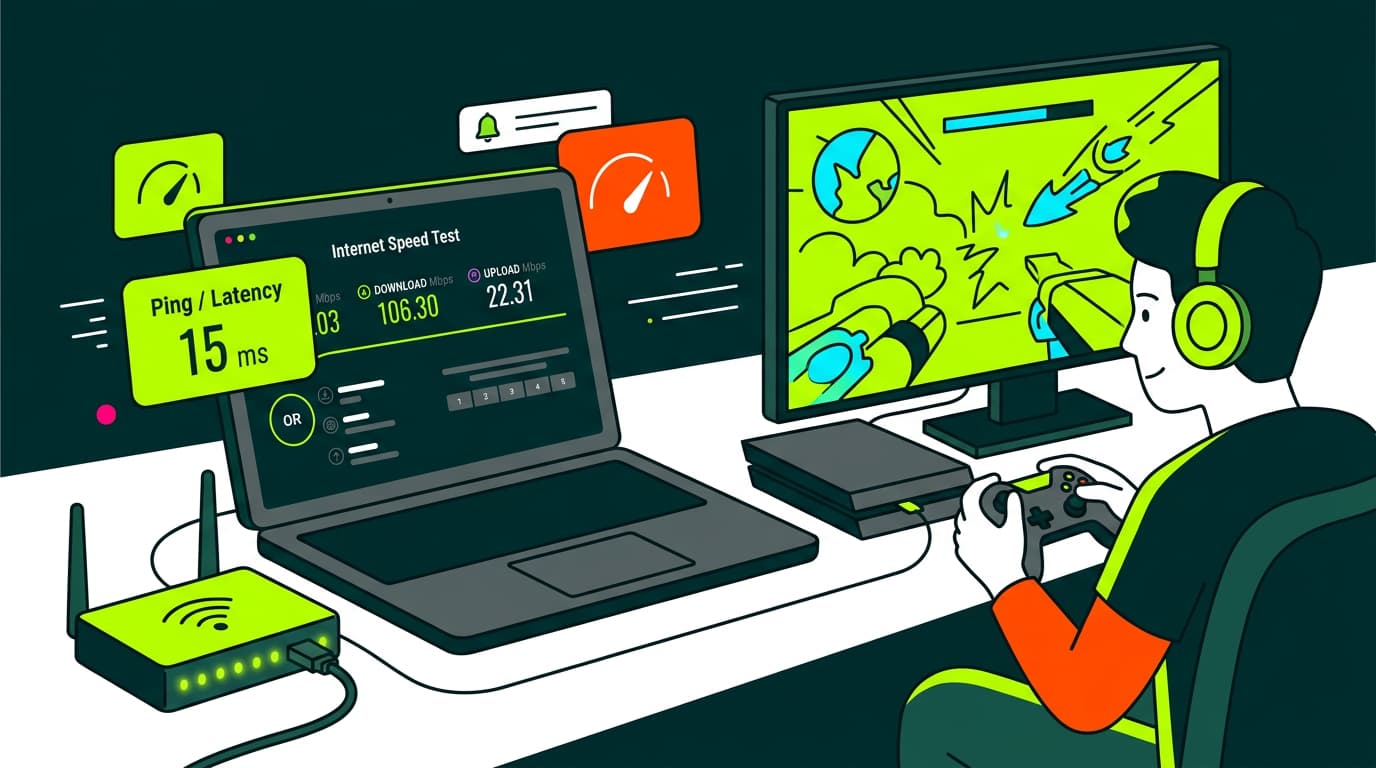
Network latency is the delay in network communication. We show you how to measure it and how to reduce it to improve your connection speed.
Internet latency is one of those terms you’ve heard a thousand times if you play online games, make video calls, or simply get frustrated because something “takes ages to load”. And although it’s often confused with internet speed, they are not the same thing.
In this article we explain what internet latency is, why it’s so important, how you can measure it yourself, and what to do if you have high ping or suffer from high latency at home. We’ll also talk about bandwidth and how it affects network performance.
What is network latency or ping?
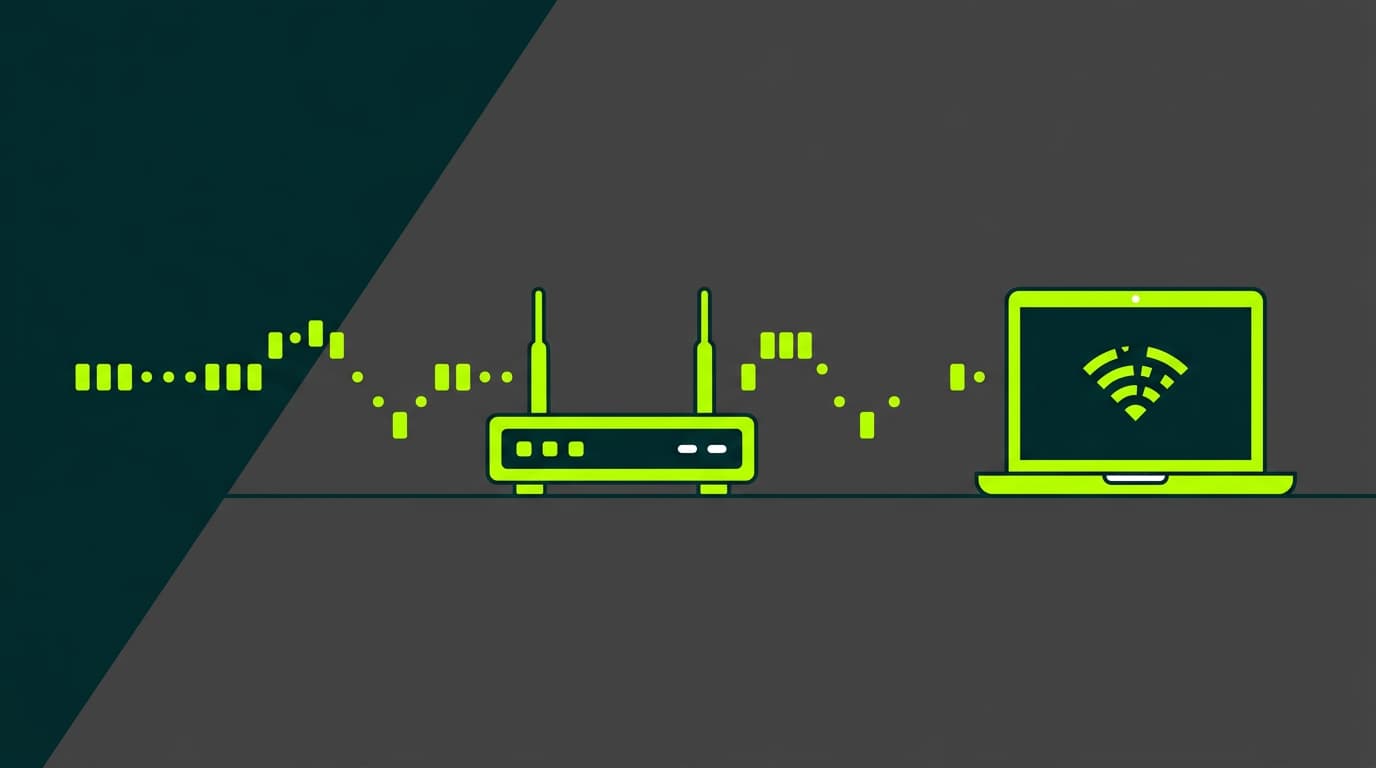
Network latency is the time it takes for a packet of information to travel from your computer, phone, or console to the server you’re connected to, and back again. It’s measured in milliseconds (ms), and the lower it is, the faster the response and the better your browsing experience.
This value is also known as ping, and you can easily see it when you run a connection test. If you’ve ever done a speed test and seen a low number next to “ping”, congratulations—that’s a good sign.
Imagine you’re playing an online video game. You press a button to shoot. If your internet latency is low, the action happens instantly. If it’s high, your character reacts a second later. That’s the difference between winning… or throwing the controller out the window.
Why is latency important?
Internet speed tells you how much data you can move per second (megabits), but internet latency tells you how long it takes for that data to start moving.
That’s why a connection with good speed but high ping can feel slow or unresponsive—especially for tasks like:
-
Video calls on Zoom, Meet, or Teams
-
Online gaming (Fortnite, Call of Duty, FIFA…)
-
Live streaming
-
Remote desktop use or server access
-
Loading pages with lots of dynamic elements
If you regularly suffer from high latency, you’ll probably notice drops, delays, or that things just don’t feel smooth—even if you’re paying for a fast plan. That’s why understanding how to improve latency really matters.
Factors that affect internet latency
Several elements can cause high ping or a poor connection experience. Some are technical, others depend on your setup at home. These are the most common ones:
-
Type of connection: ADSL has higher latency than modern broadband. If you want to understand the differences between these connection types, we recommend reading: Broadband or ADSL: which connection is better?
-
Distance to the server: The farther away it is, the longer it takes for data to travel back and forth.
-
Network congestion: Too many devices connected at the same time can overload your router and increase latency.
-
Router quality: An old or poorly configured router can be the culprit.
-
Wi-Fi interference: Walls, appliances, or neighbouring networks can degrade the signal.
If you’re interested in how modern broadband works at a technical level, check out this guide: What is broadband and how does it work?
How to measure network latency
Running an internet latency test is very easy. You just need to use a tool like:
-
Or even your router’s configuration panel
The result will show a ping value in milliseconds (ms). As a general reference:
-
Less than 20 ms: excellent
-
Between 20 and 50 ms: very good
-
Between 50 and 100 ms: acceptable
-
More than 100 ms: poor latency
You can also run a test from the command line by typing: ping www.google.es
You’ll see how long each packet takes. If the numbers spike or there’s packet loss, you’re dealing with high latency.
What is a good latency?
It depends on how you use the internet. Here’s a quick guide:
-
Online gaming: under 50 ms
-
Stable video calls: under 100 ms
-
General use (browsing, YouTube, social media): up to 150 ms is acceptable
-
Live streaming or broadcasting: the lower, the better—ideally under 50 ms
If you’re above these values, even with a 600 Mb plan, you won’t get a great experience. Speed matters, but internet latency is just as critical.
How to reduce high latency
If you’re dealing with high latency or high ping, don’t panic. Here are practical solutions you can apply today:
-
Connect via Ethernet cable
Avoid Wi-Fi if you want the lowest possible latency. A direct cable connection removes interference. -
Restart the router
Sometimes a simple reboot clears stuck processes or connections. Here’s how to do it properly: How to restart or reset your router. -
Avoid saturating the network
If you’re on a video call while someone else is watching Netflix in 4K or downloading a game, your ping will increase. -
Update your router’s firmware
Older models often improve significantly after an update. See: How to update router firmware. -
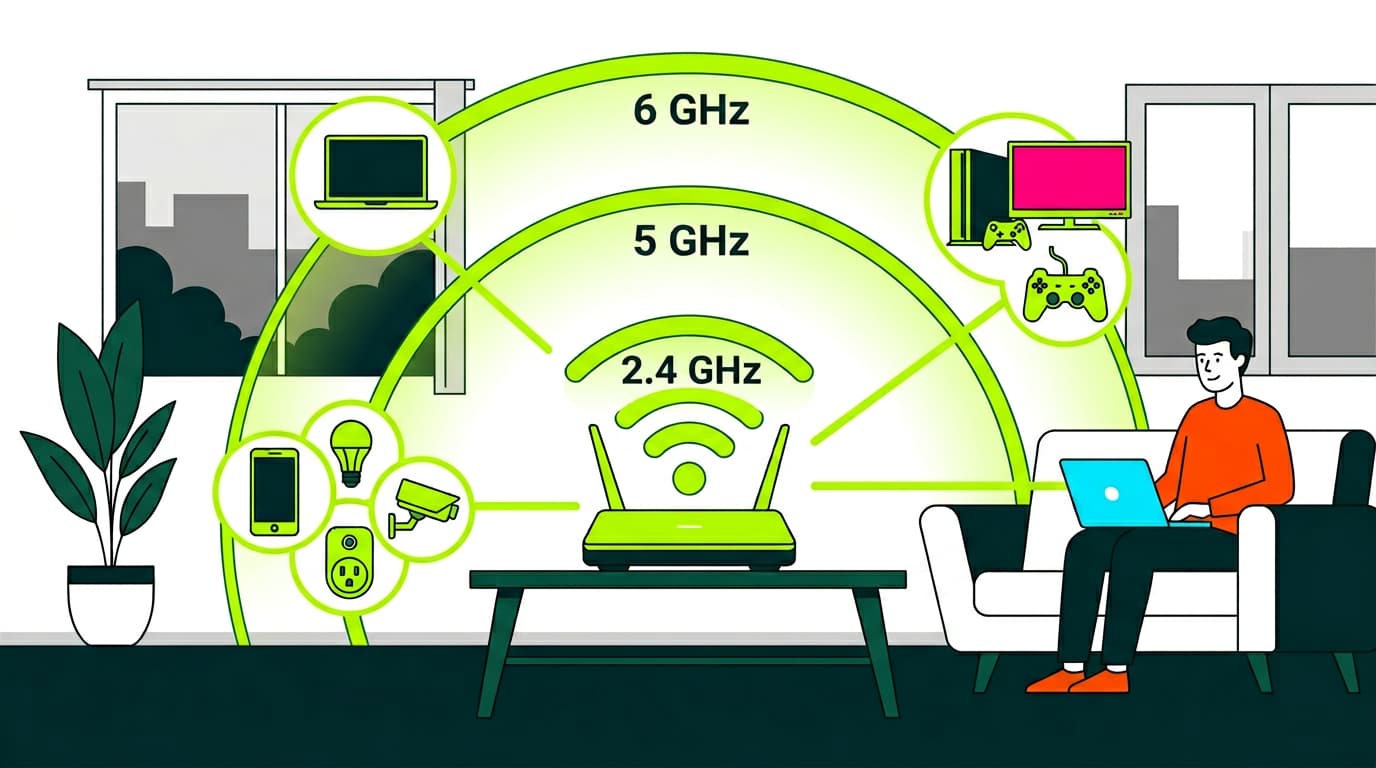
Change the Wi-Fi channel or use 5 GHz
This can reduce interference. Here’s how: How to change Wi-Fi frequency. -
Move closer to the router or use boosters
In large homes or those with thick walls, you may need a mesh system or extender: What is a Wi-Fi extender? -
Contact your provider
If everything at home looks fine and ping is still high, the issue may be external. Don’t hesitate to contact your operator.
Other factors that affect network performance: bandwidth
Besides latency, bandwidth also plays a big role in your experience. Bandwidth is the total capacity of your connection to carry data—like the width of a road.
If your bandwidth is high but latency is also high, things will feel slow to start but then run smoothly.
If both are low, the experience will be frustrating. You can learn more here: What is bandwidth and how is it measured?
Finally, make sure your home setup is solid. If you’re still using ADSL or have doubts about your connection, you may be interested in How to check if broadband is available at your home to improve your setup.
Internet latency is one of the most important factors in enjoying a good connection. Even if you have 1 Gb broadband, a high ping will ruin gaming, video calls, or any real-time activity. That’s why it’s essential to understand your latency, measure it, and know how to reduce it.
At Olin, we offer high-quality broadband with professional installations, up-to-date routers, and personalised advice so your connection performs exactly as you need it to. Shall we talk?


Very Satisfied
The service is excellent, and we always pay the same amount. We’ve been customers for three years. The staff at the store are very professional and serve us in three different languages!