


Olin > Blog > How to Tell If Someone Is Stealing Your WiFi and How to Stop It
How to Tell If Someone Is Stealing Your WiFi and How to Stop It
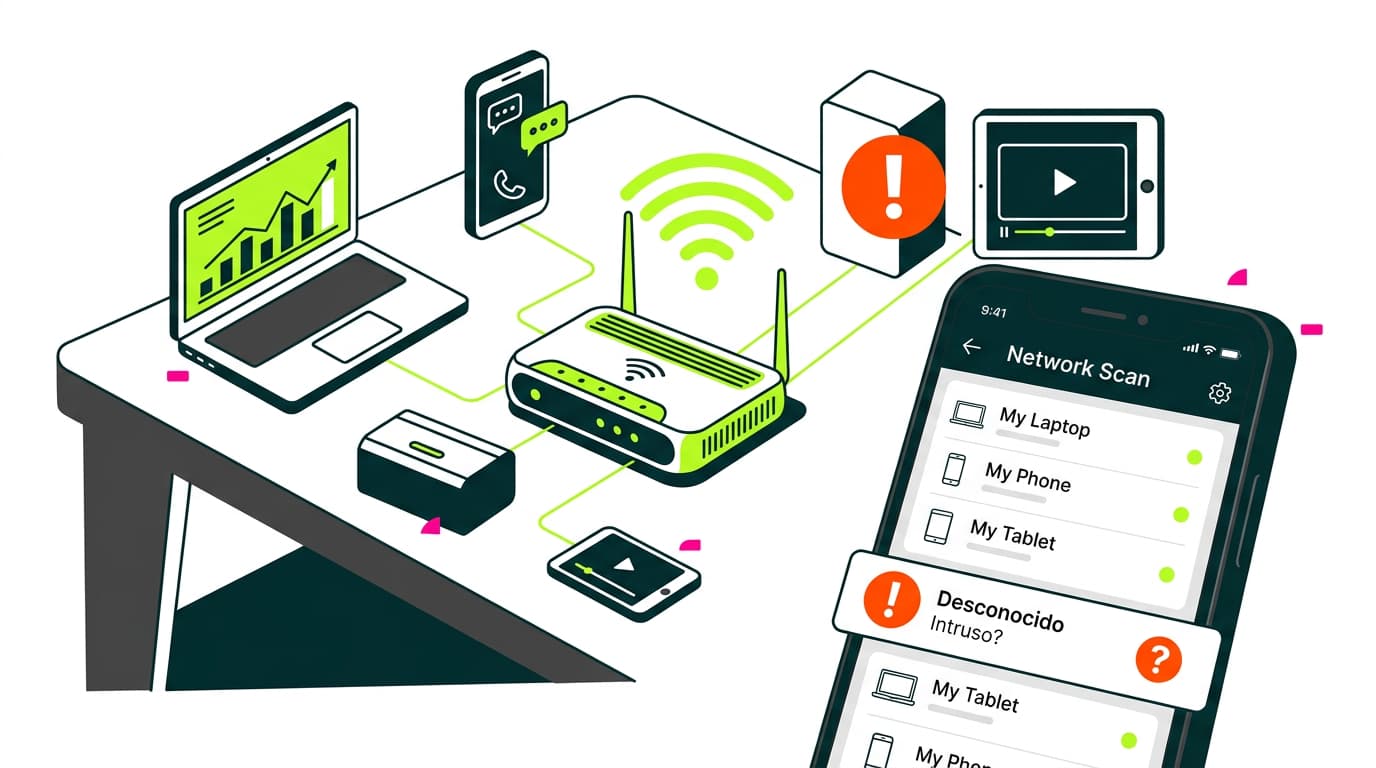
Find out how to tell if someone is stealing your WiFi, how to block unwanted devices and how to stop others from connecting to your network.
If your internet suddenly feels slower than usual or you’re experiencing unexpected dropouts, you might have asked yourself: How do I know if someone is stealing my WiFi?
This question is far more common than you think, and today we’ll help you identify whether it’s happening, how to block it and, most importantly, how to prevent it. With the growth of fibre broadband and the increasing number of connected devices at home, securing your WiFi network is no longer optional — it’s essential.
How to detect if someone is stealing your WiFi
There are some clear signs that someone may be using your connection without permission. If your broadband slows down without an obvious reason — especially at times when there shouldn’t be much activity — it’s possible a neighbour or stranger is taking advantage of your network.
Other clues include frequent interruptions, sudden disconnections or even your own devices struggling to connect properly. If you’re wondering how to know if someone is stealing your WiFi, the answer lies in checking which devices are connected to your network.
How to see who is connected to your WiFi
There are simple tools that show you every device connected to your WiFi. Apps like Fing (available on Android and iOS) let you see exactly what’s using your connection and whether any devices look unfamiliar.
You can also log in to your router’s control panel via the IP address 192.168.1.1 or 192.168.0.1 (depending on the model), using the router’s username and password. In the “Connected Devices” or “DHCP” section, you’ll see the complete list of active connections.
Want to know more?
How to disconnect unwanted devices from your WiFi
After confirming that there are intruders on your network, the first step is to disconnect them. You can do this from the router settings panel. Look for “MAC filtering” or “MAC blocking”. Every device has a unique MAC address; blocking it prevents that device from reconnecting, even if it knows the password.
Another way to remove those devices is to change your WiFi password. When you do this, every device will be kicked off the network and must enter the new password to reconnect. Only share it with your trusted devices and users.
How can I block someone who is stealing my WiFi?
Besides MAC filtering, many modern routers offer features like whitelists (allowing only approved devices) or client isolation, so devices can’t interact with each other.
If your router is old, it might be time to replace it. Some models even allow you to schedule when WiFi turns on and off or create independent guest networks. Reconfiguring your router from scratch can also help protect your network.
How to stop others from connecting to your WiFi
Prevention is your best defence. If you want to stop others from stealing your WiFi, there are several essential steps.
Change the network name and password
Start by changing your network name (SSID) and the default password. Many people keep the factory settings, making it easier for intruders to guess or brute-force their way in.
Avoid obvious names like “Ana’s House” or “WiFi 2B”. Choose neutral names that don’t identify you. The password should include letters, numbers and symbols. The longer and more complex, the better.
Also ensure your network uses WPA2 or WPA3 encryption. Avoid open networks or WEP encryption, which is extremely easy to crack.
If you’re having coverage issues at home and need better signal without compromising security, you can look into how to extend WiFi coverage with repeaters or mesh routers. And if you want to understand what connection you actually have, make sure you know whether you really have fibre broadband at home.
The bottom line
Knowing whether someone is stealing your WiFi — and preventing it — is completely within reach. All you need is a bit of attention to your connection, a quick check of who’s on your network and some basic security measures. With a properly configured router, a strong password and the right controls, your network stays yours and yours alone.
And if what you want is stability, speed and a network you can rely on, take a look at our fibre broadband plans. At Olin we operate our own network, with real human support and zero complications, so you can enjoy your broadband without surprises or interruptions.




Very Satisfied
The service is excellent, and we always pay the same amount. We’ve been customers for three years. The staff at the store are very professional and serve us in three different languages!