


Olin > Blog > Moving Your Internet to a New Home: Everything You Need to Know
Moving Your Internet to a New Home: Everything You Need to Know
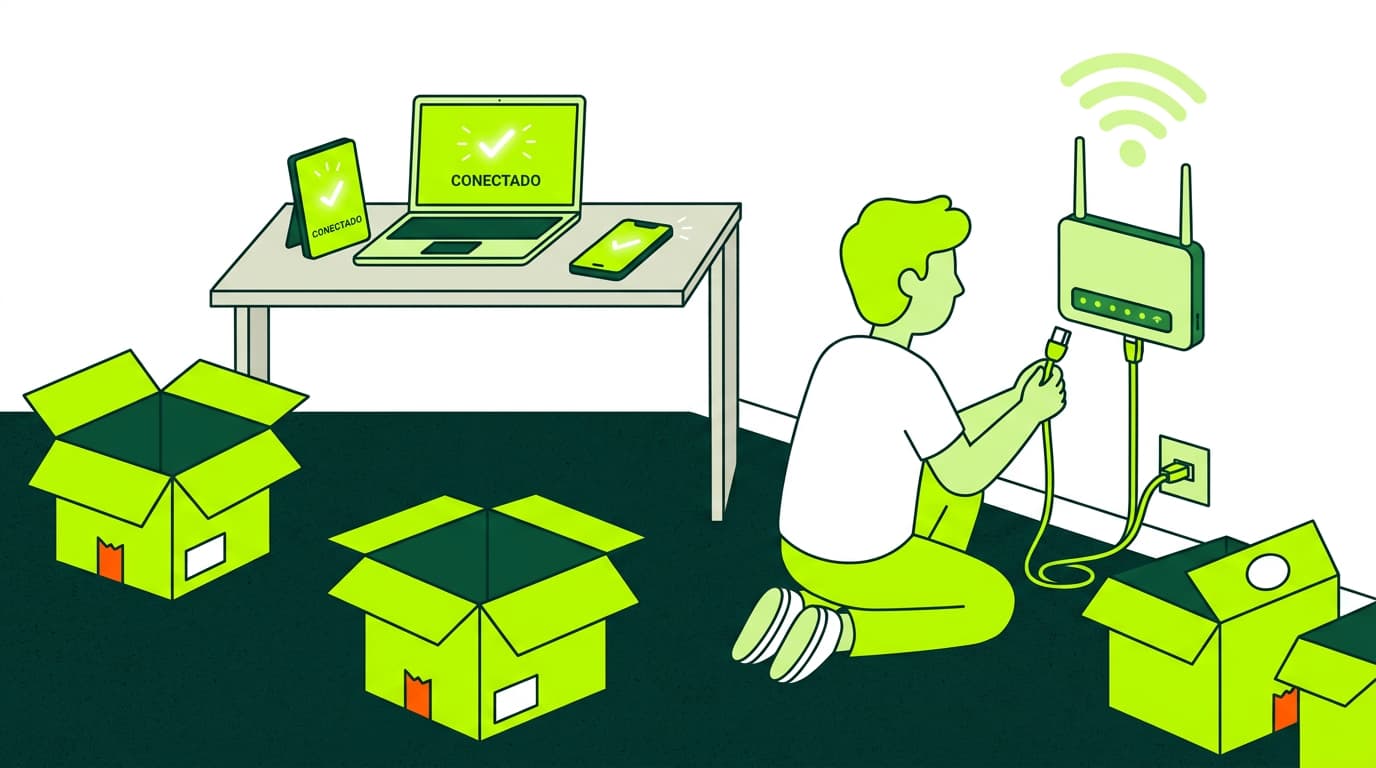
Do you want to move your fiber broadband to a new home? Here’s everything you need to know to make the process fast and hassle-free.
Are you about to move and worried about how to transfer your Internet connection? Don’t stress. In this guide, we’ll walk you through everything you need to know about moving your Internet service to a new address. Whether you have fiber broadband, ADSL, or another type of connection, we’ll explain the process step by step so it’s as simple and fast as possible.
What to Consider Before Moving Your Internet Connection
Before starting the process, keep these key points in mind:
Service availability at your new address:
Check whether your current provider offers coverage where you’re moving. You can verify if fiber is available at your new home before requesting the transfer.
Connection type:
Is your new home covered by fiber or ADSL? In some cases, the type of technology available changes from one address to another.
Your current contract:
Review whether you have any commitment period or possible penalties for requesting a relocation.
Equipment needs:
Find out if you’ll need new equipment, such as a fiber-compatible router.
Your moving date:
Schedule the transfer in advance to avoid days without Internet.
Number portability:
If switching providers, check whether you can keep your existing landline number.
Connection speed:
Consider whether you need higher or lower speed in your new home.
Existing installation:
Check the condition of the wiring in the new property — additional work may be required.
Does Moving Your Internet Cost Money? How Much?
The cost of transferring your Internet service depends on several factors:
Your provider: Each company has its own fees and policies.
Type of connection: Moving from ADSL to fiber may involve additional charges.
Installation work: New wiring or adjustments can increase the cost.
Equipment: You may need a new router depending on the technology available.
In general, relocation costs range from €0 to €150, and some providers offer the service for free. The only way to know for sure is to ask your provider directly.
How Long Does It Take to Move My Internet Connection?
Timelines vary depending on your situation:
Within the same coverage area: 1–5 business days
To a new coverage area: 5–15 business days
New fiber installation: Up to 30 days or more, depending on infrastructure
Factors that influence waiting times:
Technician availability
Complexity of the installation
Administrative processes
Service demand in your area
To avoid being left without Internet, we recommend scheduling the broadband installation at least two weeks before your move.
Discover our fiber broadband offers
Steps to Move Your Internet to a New Home
Contact your provider: Call customer service or use the online platform to request the relocation.
Provide your new address: Include full details — postal code, floor number, etc.
Check coverage: Your provider will confirm service availability at your new address.
Choose your plan: Decide whether to keep your current plan or upgrade.
Schedule the installation: Set a date and time for the technicians to visit your new home.
Prepare your home: Ensure access to connection points and that someone is present during installation.
Installation: Technicians will set up any necessary wiring and configure your router.
Test the connection: Check everything before the technicians leave.
Update your devices: Connect all your devices to the new network.
Possible Issues When Moving Your Internet Service
1. Coverage Problems
Common reasons:
Limited infrastructure in the new neighbourhood
Physical obstacles (tall buildings, hilly terrain, house layout)
Network saturation in densely populated areas
Solutions:
Request a technical check
Use Wi-Fi repeaters to extend coverage
Opt for wired connections where possible
Try placing your router in a better location
2. Losing Your Landline Number
To avoid losing your number:
Ask about number portability
Start the portability request early
Check that your new technology supports it (e.g., VoIP)
Don’t cancel your current service until portability is confirmed
If you can’t keep your number, consider enabling call forwarding temporarily.
3. Issues During the Change
Common incidents include:
Installation delays: Stay in contact with customer service and request status updates.
Configuration problems: Don’t let technicians leave until everything is working.
Incorrect billing: Monitor your invoices and report any errors immediately.
Slower-than-contracted speed: Run speed tests and notify your provider if needed.
Equipment incompatibility: Ask your provider beforehand; you may need newer devices.
Final Thoughts
Moving your Internet service may seem complicated, but with the right information and proper planning, the process can be much smoother than you expect.
If you’re looking for reliable, high-speed Internet for your new home, we invite you to check out our fiber broadband offers.
At Olin, we strive to make your transition as easy as possible, offering top-tier technology and exceptional customer support.
👉 Discover our fiber broadband offers




Very Satisfied
The service is excellent, and we always pay the same amount. We’ve been customers for three years. The staff at the store are very professional and serve us in three different languages!